massCode
Free open source snippet and notes workspaceLocal first, offline, yours to sync
Highlights
What you can do with it
- Save component code and request wrappers by project and search them fast
- Chain login, query, and order requests into a testable workflow
- Record architecture decisions in notes linked to code and requests
- Let an external AI agent pull snippets and write results back
How to use it
- 1 Download the desktop client for macOS or Windows and create a local workspace
- 2 Create folders, snippets, tags, Markdown notes, and tasks
- 3 Build API request collections with variables, authorisation, and tests
- 4 Use the command palette to search or run commands by keyboard
- 5 Add your own cloud or local model keys if you want the AI assistant
- 6 Place the workspace folder in a cloud drive, sync tool, or repository
Who it is for
Pros
- Free and open source, with no subscription
- Works offline and keeps data in local open formats
- You control syncing rather than being locked to one vendor
Limitations
- It is a desktop app, so it is not a shared team server out of the box
- The AI assistant needs your own model keys or a local model
- Local first means you are responsible for your own backups
What massCode is
massCode is a free, open source, local first desktop workspace for developers. It has been under continuous development since 2019 and works offline. Rather than juggling a snippet manager, a notes app, an API client, and a diagram tool, you keep code snippets, Markdown notes, tasks, saved API requests, diagrams, structured data comparison, converters, and a math notebook in a single application. The workspace is stored as local files in open formats, and you decide how to sync it, whether that is a cloud drive, peer to peer sync, or version control. It is free of charge.
What you can do with it
- Save and search snippets by folder, tag, and programming language
- Write Markdown notes with a link graph and track tasks with due dates
- Store API requests and run them in sequence, passing values and checking tests
- Draw diagrams and use converters, generators, and the math notebook
- Connect the built in AI assistant to your own cloud or local model keys
- Let external agents read snippets and notes through Model Context Protocol
Who it is for
- Independent developers and full stack engineers working across projects
- Back end developers and testers who debug API flows every day
- Technical writers and knowledge workers who keep notes near the code
- Privacy minded users who want local files and open formats
- Developers already using AI coding tools who want a private context store
What to watch out for
massCode is a desktop application, not a hosted team service, so sharing with a team means agreeing on your own sync method. The AI assistant is not free compute; you bring your own cloud keys or run a local model, which has its own setup cost. Because storage is local first, backups are your responsibility, so put the workspace somewhere you actually back up.
FAQ
Does massCode cost anything?
No. It is described as free of charge and released under an open source licence.
Does it work offline?
Yes. It is a local first desktop workspace that runs offline, with sync left to your own tools.
Can AI tools reach my snippets?
There is a built in assistant using your own model keys, and Model Context Protocol support lets external agents read and write to the workspace.
Why it is free
What the official page says: free of charge
Free limits, trial length and features are decided by the official site and can change at any time.
Product preview
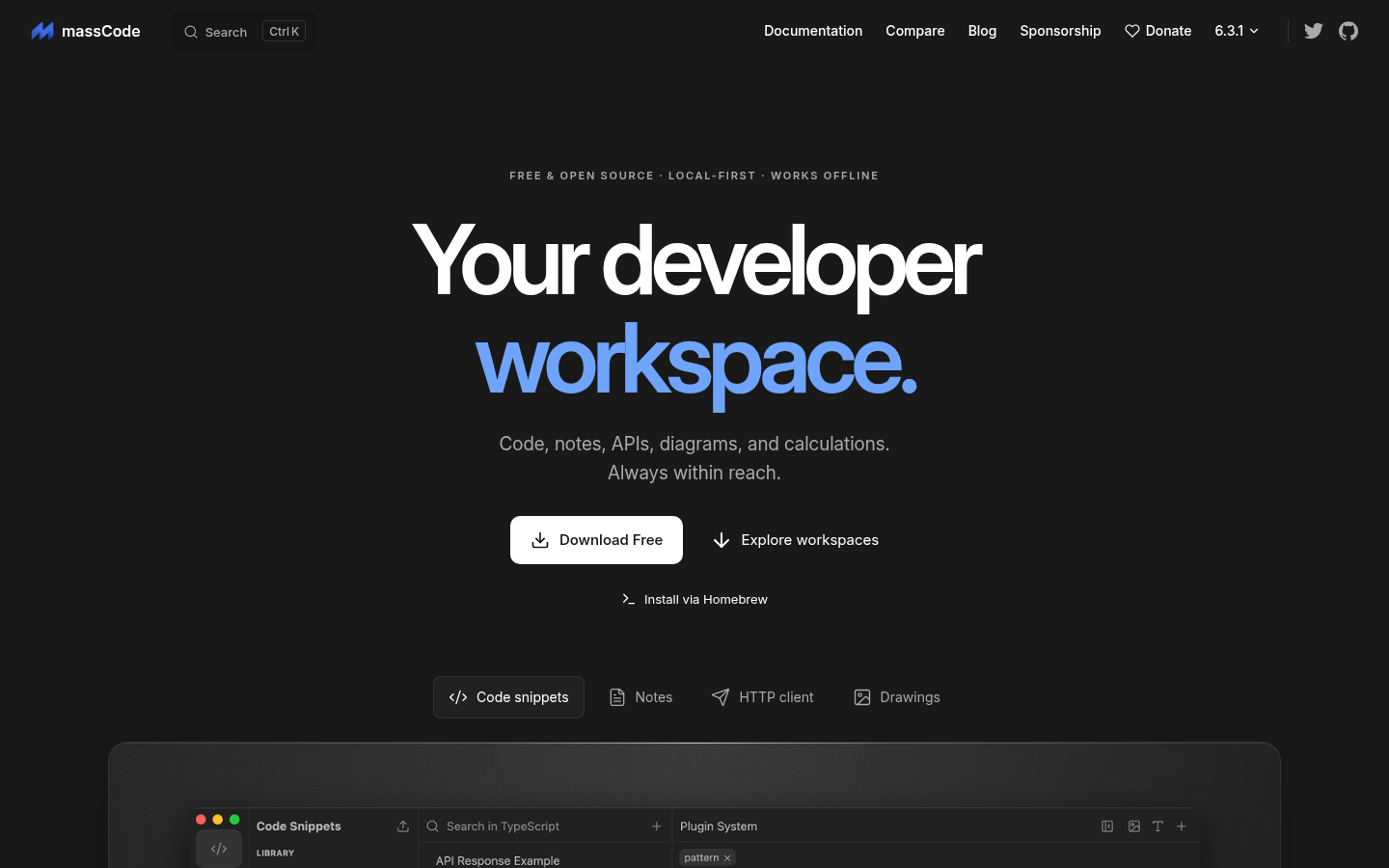
Screenshot archived from the listing page, for preview only.