Highlights
What you can do with it
- Convert reports and manuals into Markdown before feeding them to an AI assistant
- Move Word drafts into a Markdown based note taking tool
- Prepare documentation for a static site or internal knowledge base
How to use it
- 1 Open the site and pick the files you want to convert
- 2 Check the batch limit of 3 files and the 20MB per file cap
- 3 Run the conversion and wait for the Markdown result
- 4 Copy or download the Markdown, then check headings and tables
- 5 Upgrade if you need bigger files or longer result storage
Who it is for
Pros
- Runs in the browser with nothing to install
- Free tier works without an account
- Parsers aim to preserve structure, not just raw text
Limitations
- Free tier caps at 3 files per batch and 20MB per file
- Complex layouts and scans may still need manual cleanup
- Free rules can change and the paid tier is needed for large jobs
- It is an independent service, not the original Microsoft project
What markitdown is
markitdown is a browser based converter that turns PDF, Word and similar documents into Markdown. The idea traces back to an open source tool originally released by Microsoft, and this site runs as an independent online service inspired by it, so nothing needs to be installed on your machine. Format specific parsers handle the input and try to keep headings, lists and tables intact rather than dumping raw text into a single block. The free tier processes up to 3 files per batch, each capped at 20MB, and it does not ask you to register. Paid tiers raise the file size and batch limits and add unlimited storage of results. It is a utility built for one job: getting document text into a clean, structured form that other tools can read.
What you can do with it
- Convert PDF and Word files into Markdown with headings and lists preserved
- Process a small batch of documents at once without creating an account
- Feed cleaner text into AI assistants, note taking apps or a knowledge base
- Keep results for later reuse if you move to a paid tier
Who it is for
- Writers and researchers who keep their notes in Markdown
- Developers preparing document context for language models
- Teams migrating scattered PDFs into one searchable knowledge base
What to watch out for
The free limits are real. Three files per batch and 20MB per file will not cover a large document dump, and anyone working through a backlog will end up on the professional tier. Conversion quality depends on the source: scanned PDFs, unusual fonts, multi column layouts and complex tables can still come out messy, so plan on reviewing the output before you rely on it. Because this is an independent service inspired by an open source project rather than the project itself, the feature set and the free rules can change over time. Treat the free tier as a way to test the workflow, not as a permanent guarantee.
FAQ
Is it free?
The free tier handles up to 3 files per batch, each under 20MB, and no registration is required.
Which formats work?
PDF, Word and similar document types, handled by format specific parsers.
Do I need to install anything?
No. It is an online converter that runs in the browser.
Is this the Microsoft tool?
The site describes itself as an independent service inspired by the original open source project.
Why it is free
What the official page says: 免费版免费无需注册
Free limits, trial length and features are decided by the official site and can change at any time.
Product preview
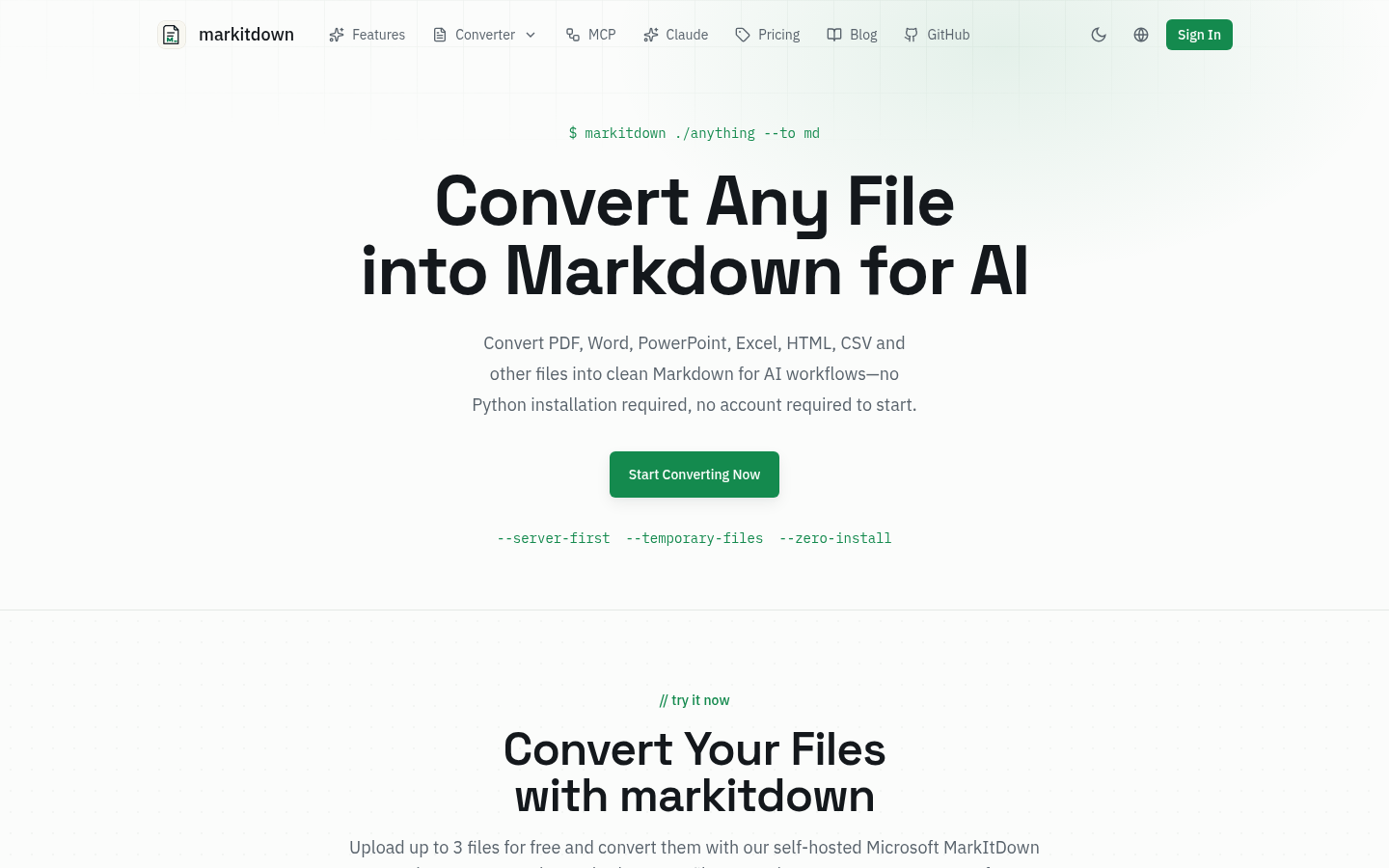
Screenshot archived from the listing page, for preview only.