
Manex3D
Image to 3D converterPhotos become 3D models fast
Highlights
What you can do with it
- Turning concept sketches into 3D models for art.
- Making printable models from favorite images.
- Generating props and scenes for game development.
How to use it
- 1 Upload a JPG or PNG image under 5MB.
- 2 Set the output quality and options you want.
- 3 Click generate and wait for the model to finish.
- 4 Preview, rotate, and download in your chosen format.
Who it is for
Pros
- A free trial lets you test conversion quality.
- Real-time preview helps you check before export.
- Multiple export formats suit different tools.
Limitations
- Uploads are capped at 5MB and limited to JPG or PNG.
- Free trial limits and package pricing can change over time.
- Complex images can take longer and may need cleanup.
What Manex3D is
Manex3D is an online tool that converts 2D images into 3D models using AI. You upload a JPG or PNG under 5MB, and the system generates a high-quality 3D model, usually within 30 to 180 seconds depending on the quality setting and image complexity. You can adjust output options such as quality, preview the model in real time by rotating and zooming, and then export it in formats including OBJ, GLB, and STL. Those exports work across different software and in 3D printing projects. The tool is aimed at art creation, 3D printing, game development, and product visualization. A free trial is offered, with paid packages at different levels, so you can test the conversion quality before paying.
What you can do with it
- Convert JPG or PNG images into 3D models.
- Adjust output quality and generation settings.
- Preview and rotate the model in real time.
- Export as OBJ, GLB, or STL for software and printing.
Who it is for
- Artists turning 2D sketches into 3D models.
- 3D printing enthusiasts making custom objects.
- Game developers who need props and scene models.
What to watch out for
Uploads are capped at 5MB and limited to JPG or PNG, so large or other formats will need conversion first. Complex images can take longer to process and may still need cleanup in a 3D tool before they are print-ready or game-ready. Free trial limits and package pricing can change over time, so confirm the current terms before you plan a batch of conversions. As with any generative tool, check the rights on the source images you upload, and do not convert art you do not have permission to use.
FAQ
What files can I upload to Manex3D?
You can upload JPG or PNG images with a size not exceeding 5MB.
How long does generation take?
It usually takes 30 to 180 seconds depending on the quality setting and image complexity.
What formats can I export?
You can export models as OBJ, GLB, or STL for use in different software and 3D printing projects.
Why it is free
What the official page says: free trial
Free limits, trial length and features are decided by the official site and can change at any time.
Product preview
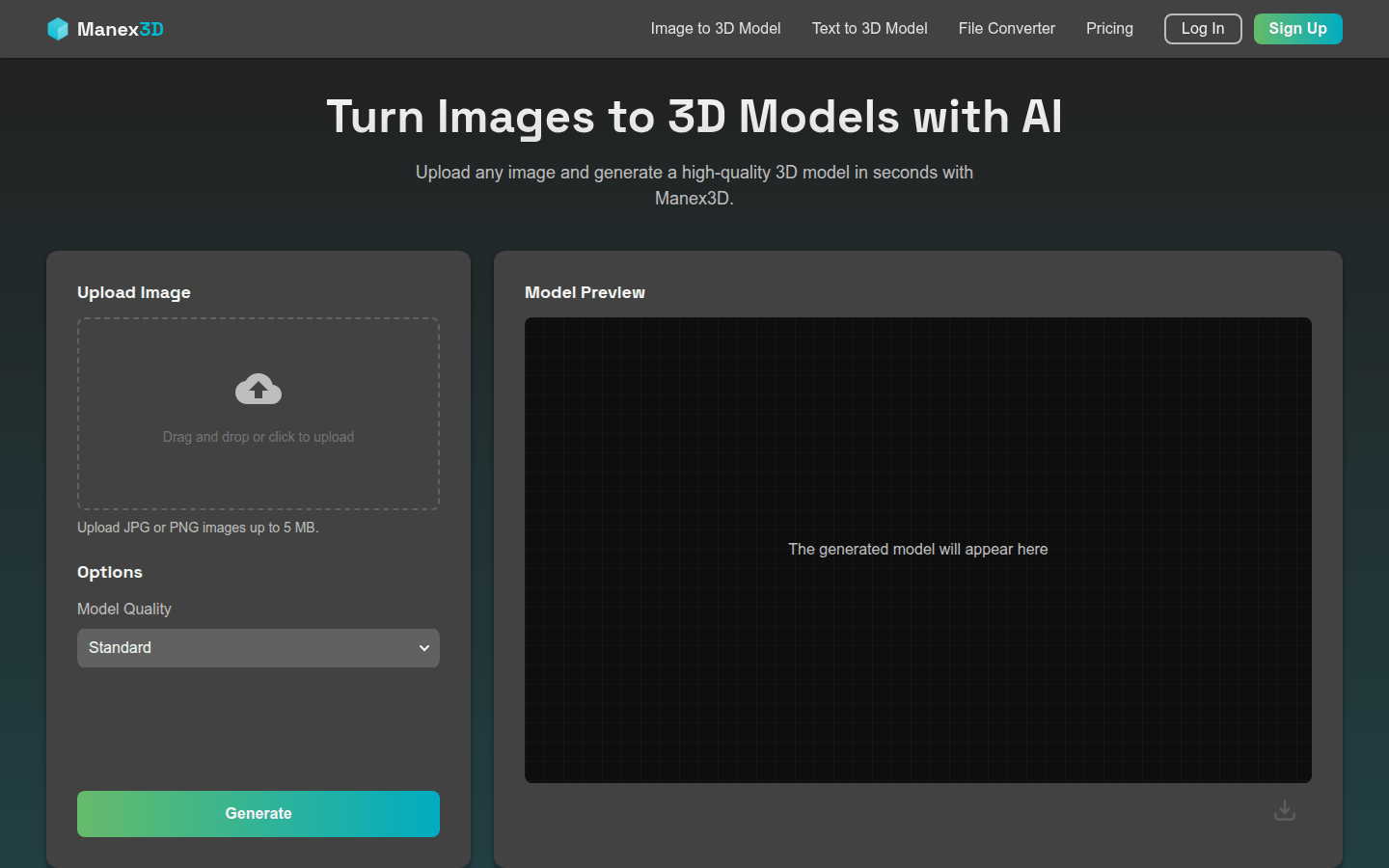
Screenshot archived from the listing page, for preview only.











