
MakeAD
AI product photography and image generator for e-commerceTurn product photos into studio-grade visuals with AI
Highlights
What you can do with it
- E-commerce sellers generate clean white-background product photos for listing pages
- Fashion brands preview new clothing styles on AI models before a shoot
- Marketing teams place products into real-life scenes for ads and social posts
How to use it
- 1 Register and log in to the MakeAD website; new users receive 16 free credits
- 2 Pick the tool you need, such as AI product photography or background removal
- 3 Upload the product image and describe the visual direction, style, and output settings
- 4 Submit the task and wait for the system to generate the image
- 5 Review the result, adjust or regenerate if needed, then download for listings or ads
Who it is for
Pros
- Covers the whole product image chain from keying to backgrounds and model shots
- No studio, lighting, or retouching workflow required
- Free credits let new users test quality before paying
Limitations
- Free credits are a one-time grant, so heavy use needs a paid plan
- AI output still needs human review for brand accuracy and detail errors
- Best for product visuals; it is not a general-purpose design suite
What MakeAD is
MakeAD is an AI product photography and image generation website for e-commerce, advertising, and fashion work. Instead of booking a studio, adjusting lights, and retouching files, you upload an existing product image, describe the visual direction in text, and the system returns styled commercial images. New users get 16 free credits to try the workflow, which makes it easy to judge output quality before spending anything.
What you can do with it
- Generate AI product photos in chosen styles and output settings from a single product image
- Remove backgrounds instantly and build realistic, controllable product backgrounds
- Create AI fashion model shots that show clothing on models without a photoshoot
- Place products into daily-life scenes or produce three consecutive angles for a 360-degree view
Who it is for
- E-commerce sellers who need large volumes of clean listing images
- Advertising and marketing staff who turn product shots into ad creatives fast
- Fashion brands and product photographers exploring lower-cost visual pipelines
What to watch out for
The free credits are a one-time grant for new accounts, so ongoing production needs a paid plan. AI images can still show small errors in labels, materials, or proportions, so review before publishing. Credit rules and pricing may change over time, and results depend on the quality of your input photo and prompt. Name and archive exported files consistently so you can find and reuse them, and keep a backup copy of key data. When quality matters, export a small draft first to confirm the result before producing the final file. Save a backup of the original file before large batch jobs, and keep an exported copy of key results in case the page or service becomes temporarily unavailable.
FAQ
Is MakeAD free to use?
New users get 16 free credits after registering. Beyond that, usage is credit-based.
Do I need photography skills?
No. You upload a product image and describe the direction in text, and the AI handles the rest.
What can I generate besides product photos?
Backgrounds, AI fashion model shots, profile pictures, scene placements, and 360-degree product views.
Why it is free
What the official page says: free credits
Free limits, trial length and features are decided by the official site and can change at any time.
Product preview
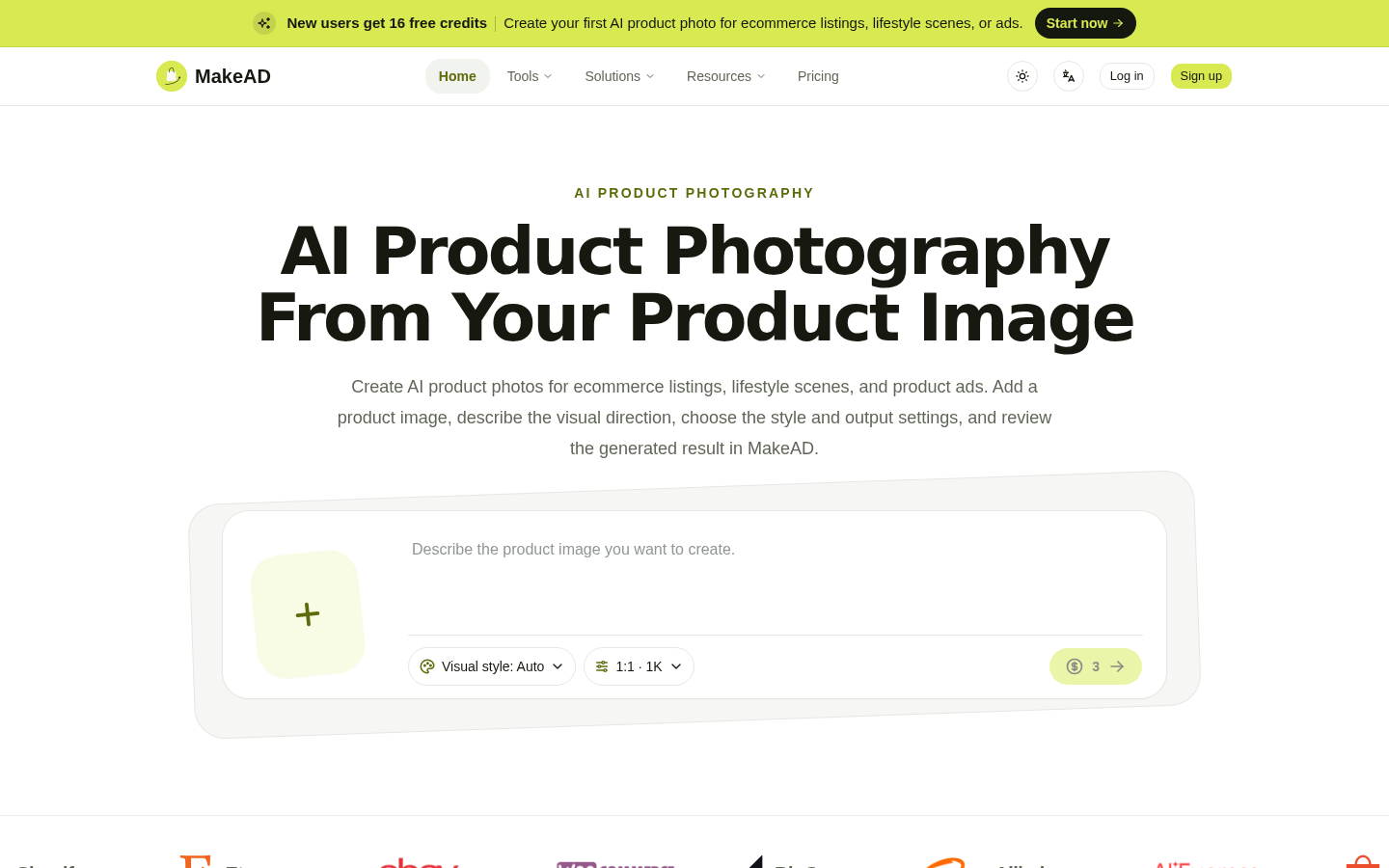
Screenshot archived from the listing page, for preview only.











