
make real by tldraw
Draw a UI and turn it into real codeSketch interfaces and generate working code
Highlights
What you can do with it
- Design a webpage UI and convert it to HTML and CSS
- Create an app prototype and share it with developers
- Design a mini-program interface and export usable code
How to use it
- 1 Open make real by tldraw in your browser.
- 2 Draw the UI interface you have in mind.
- 3 Add interactive elements and adjust styles.
- 4 Generate the real code from your drawing.
- 5 Share the prototype or export the code.
Who it is for
Pros
- Turns a drawn UI into real code
- Supports interactive elements and animation
- Fast prototyping and easy sharing
- Free version available to try
Limitations
- Free version is limited and advanced features are paid
- Complex drawings may convert imperfectly
- Generated code often needs cleanup
- Depends on the vendor platform staying available
What make real by tldraw is
make real by tldraw is an online tool that lets you draw UI designs and convert them into real code. It supports interface creation, adding interactive and animation effects, and adjusting styles and layout. You can rapidly create prototypes and share them with a team, which helps designers and developers communicate. The tool offers both free and paid versions, with the paid version adding more advanced features and support. It targets designers, developers, and creative teams who want to move from a sketch to something usable quickly. Because the output depends on how clearly you draw, simple layouts tend to convert best.
What you can do with it
- Draw a UI interface directly in the browser.
- Add interactive elements and animation effects.
- Adjust styles and layout to match your idea.
- Generate real code and share a working prototype.
Who it is for
- Designers who want to turn sketches into code.
- Developers building quick prototypes.
- Creative teams aligning on an interface.
- Anyone exploring UI ideas without a full setup.
What to watch out for
The free version is limited, and advanced features require the paid version, and pricing can change over time. Complex drawings may convert imperfectly, so clear, simple layouts work best. Generated code often needs cleanup before it is production-ready. As a hosted tool, availability and features can shift, so export and save important work and confirm current terms on the official site. Start with a small sample to confirm the output meets your expectations before processing the full batch. Free tiers and usage limits can change, so check the current rules on the official page before relying on it long term.
FAQ
What does make real by tldraw do?
It lets you draw UI designs and convert them into real code.
Is it free?
It offers both free and paid versions, with the paid version adding advanced features and support.
Who is it for?
It targets designers, developers, and creative teams building prototypes.
Will the code be production-ready?
It generates usable code, but complex designs often need cleanup before production.
Why it is free
What the official page says: 免费
Free limits, trial length and features are decided by the official site and can change at any time.
Product preview
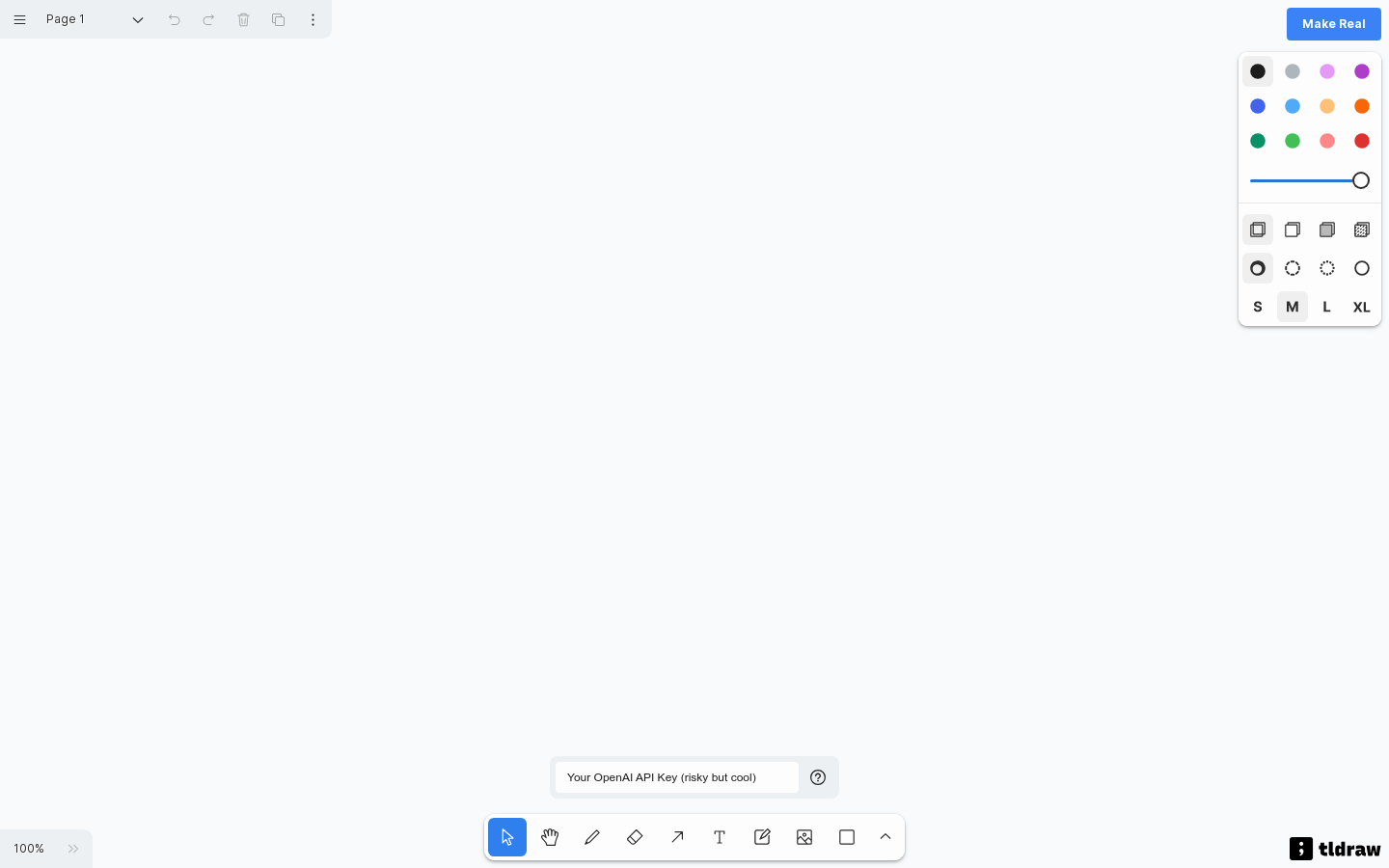
Screenshot archived from the listing page, for preview only.











