
Make Infographic AI
Turn text prompts into infographics fastOne click from idea to a clean infographic
Highlights
What you can do with it
- Make a classroom poster that explains a process step by step
- Build a side-by-side product comparison chart
- Create a timeline of events for teaching or review
How to use it
- 1 Visit the site and log in to get free credits
- 2 Describe your infographic in the prompt field, such as a 5K training plan
- 3 Pick the infographic type, visual style, and aspect ratio
- 4 Click Generate and wait a few seconds for the layout
- 5 Preview, adjust resolution or watermark settings, then download
Who it is for
Pros
- No design background needed to get a clean result
- Many layouts and styles to fit different topics
- A free quota to try, with high-resolution paid exports
Limitations
- The free quota is limited and plan terms may change
- Complex or very custom designs may still need manual fixes
- Weak or vague prompts produce weaker charts
What Make Infographic AI is
Make Infographic AI is an AI visualization tool built for speed. Instead of learning complex design software, you type a short description of what you want, and the AI turns it into a structured infographic with a title, text, and images. It lowers the barrier for people who are not designers. The tool offers a one-click generation flow and supports exports from 1K to 4K resolution. There is a free quota to start, and a paid subscription unlocks extras such as no watermarks, high-resolution output, and custom styles. It is aimed at office workers, educators, and content creators who need clear visuals fast, and it can process prompts in several languages, including English, Spanish, French, and Arabic. In short, it is meant to turn dense information into a clean visual in the time it would take to open a design program.
What you can do with it
- Turn a text prompt into a complete infographic in one click
- Use layouts such as timelines, comparisons, flowcharts, and dashboards
- Switch visual styles from flat 2D to clay 3D, comic, or editorial
- Export in ratios like 1:1, 9:16, and 3:4 for different platforms
Who it is for
- Office workers who need charts but have no design training
- Educators building posters and teaching materials
- Content creators making visuals for social media
What to watch out for
The free quota is limited, and the plan rules may change over time, so check current terms before you depend on it. Very complex or highly custom designs may still need manual touch-ups after generation, so it is not a full replacement for a designer on demanding work. The quality of the result depends on how clearly you describe your idea, so vague prompts can produce weak output. Treat it as a fast first draft that you refine, not a finished design service, and remember that some export options and watermark removal may require a paid plan before you can use the file publicly.
FAQ
Do I need design skills?
No. You type a description and the AI builds the infographic for you.
What can I export?
You can export from 1K up to 4K, in ratios such as 1:1, 9:16, and 3:4.
Is there a free option?
Yes. There is a free quota, and paid plans remove watermarks and unlock high resolution and custom styles.
Why it is free
What the official page says: 免费额度免费
Free limits, trial length and features are decided by the official site and can change at any time.
Product preview
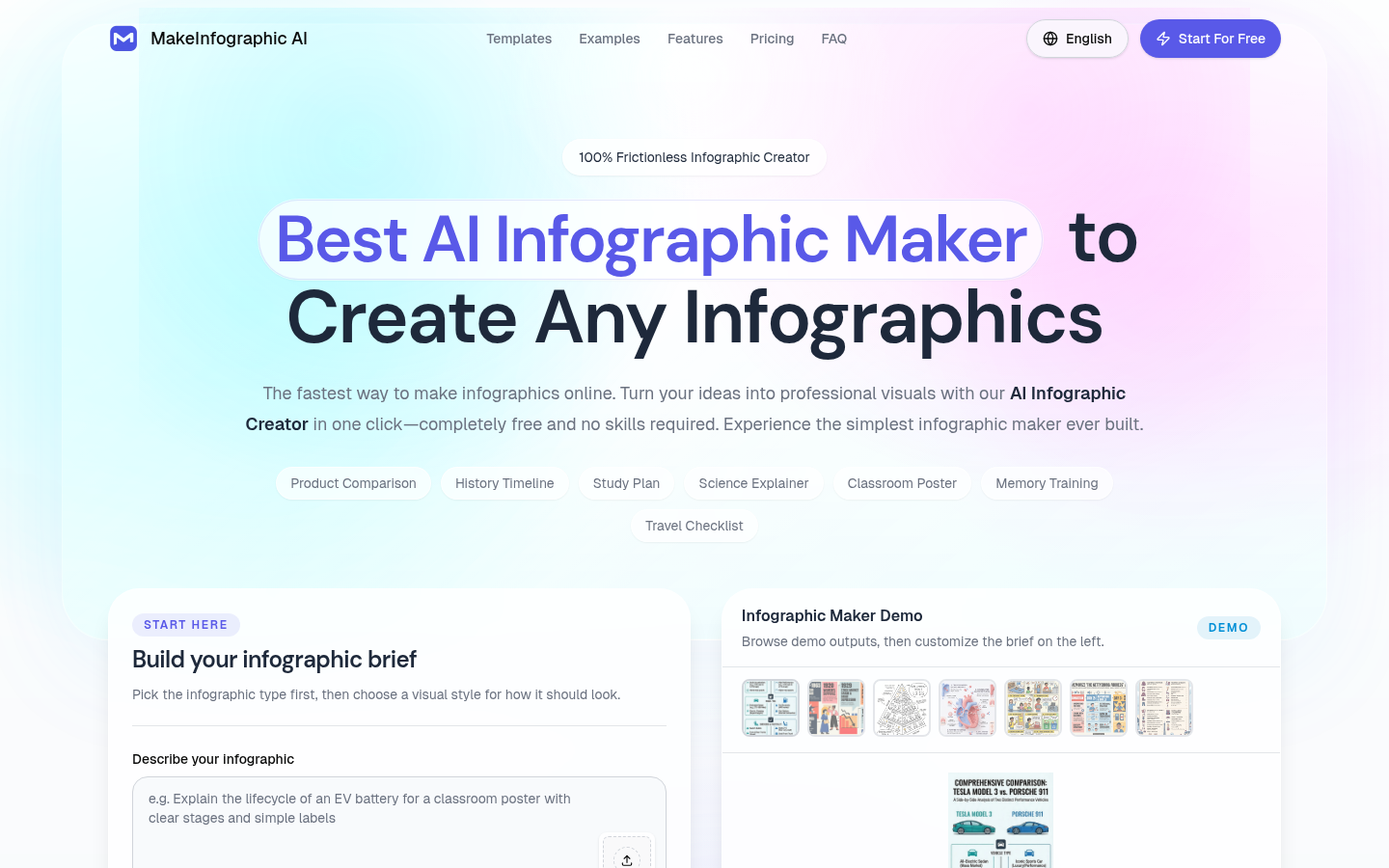
Screenshot archived from the listing page, for preview only.











