
MailAI
AI email assistant on autopilotLet an AI agent run your inbox
Highlights
What you can do with it
- Auto-replying to customer inquiries so no message waits.
- Tracking invoices and nudging customers to pay on time.
- Coordinating meetings by offering available calendar slots.
How to use it
- 1 Visit mailai.com and start the free trial to register.
- 2 Log in and connect the email accounts you want managed.
- 3 Describe your needs to the agent in plain language.
- 4 Let the agent run in a secure sandbox and process email.
- 5 Review performance and adjust the rules over time.
Who it is for
Pros
- Automates replies, invoices, and scheduling around the clock.
- Natural language setup means no complex configuration.
- Free trial lets you test the agent before paying.
Limitations
- Paid plans are not cheap, from $25 up to $500 a month, and the free trial ends.
- It needs access to your inbox and calendar, which is a privacy trade-off.
- Automated replies still need review so mistakes do not reach customers.
What MailAI is
MailAI is an AI email assistant built to automate the routine parts of inbox work. Its core is a personal AI agent that runs 24/7 in a secure sandbox and handles tasks you would normally do by hand. You describe what you need in plain language, and the agent replies to customers, tracks invoices, coordinates meetings, researches the web, and screens leads. It also sends a daily email summary and works through the workflow you set, so nothing important slips through. The product offers a free trial, with paid plans that include Professional at $25 a month, Elite at $60, Business at $500, and custom enterprise pricing for large organizations.
What you can do with it
- Reply to customer inquiries automatically, day and night.
- Track invoices and remind customers to pay before the due date.
- Coordinate meetings by checking your calendar and offering time slots.
- Run research and web scraping based on your requests.
- Screen and assign leads, then receive a daily email summary and workflow.
Who it is for
- Professionals who face a heavy volume of email every day.
- Small businesses that want automated replies and follow-ups.
- Sales teams that need to screen and route incoming leads.
What to watch out for
The free trial is only a starting point, and the paid plans run from $25 up to $500 a month, so this is a real cost for heavier use. The agent needs access to your email and calendar, which is a privacy trade-off you should weigh before connecting accounts. Automated replies still need a human eye, because a wrong answer sent automatically can reach a customer before you catch it and fix the rule. It is built to save time, not to fully remove you from the loop.
FAQ
How much does MailAI cost?
It has a free trial, then paid plans: Professional at $25 per month, Elite at $60, Business at $500, and custom enterprise pricing.
What can the agent do?
It can reply to customer inquiries, track invoices, coordinate meetings, do research and web scraping, screen leads, and send daily summaries.
Do I need technical skills?
No, you interact with the agent in plain language and it runs in a secure sandbox without complex setup.
Why it is free
What the official page says: free trial
Free limits, trial length and features are decided by the official site and can change at any time.
Product preview
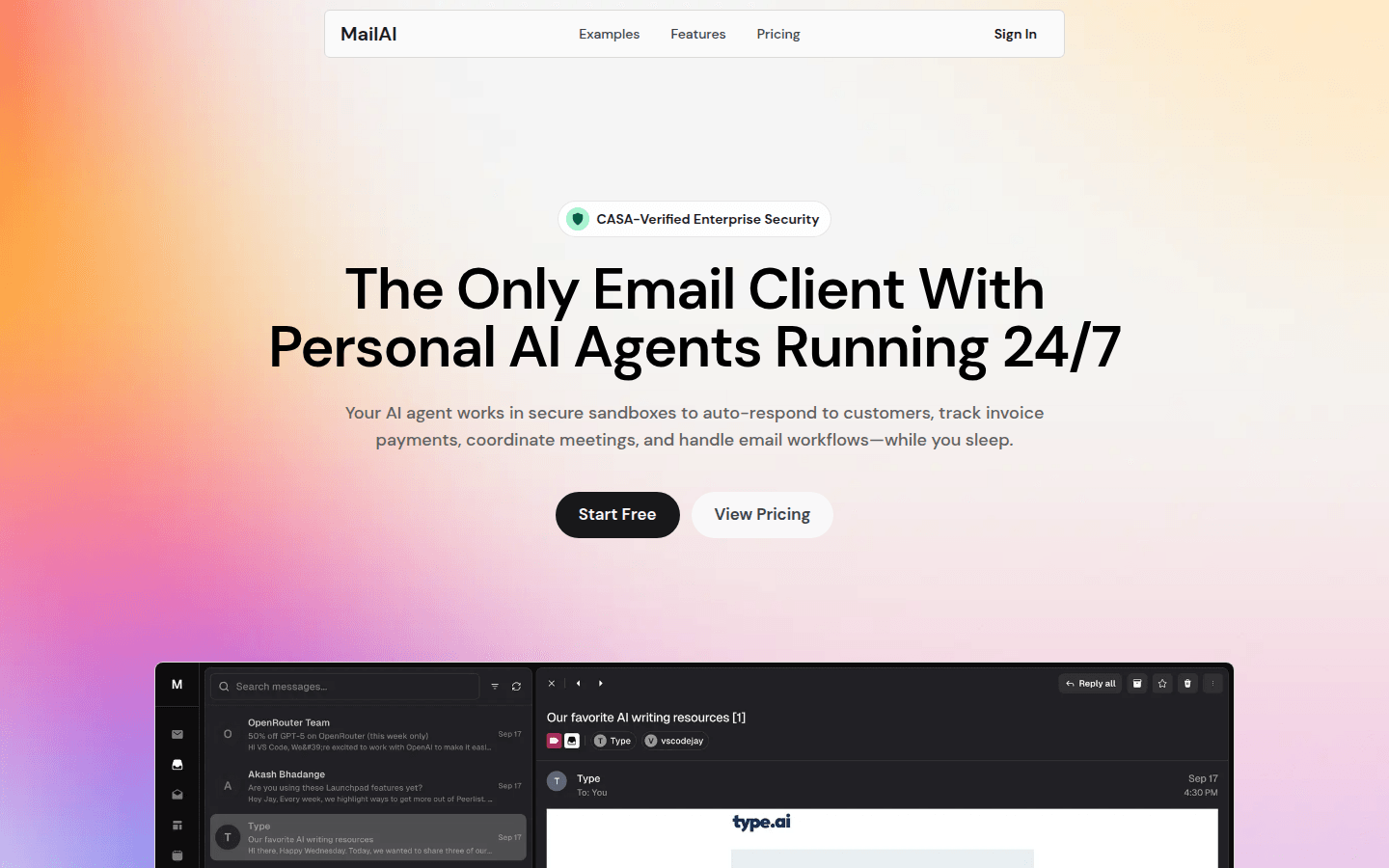
Screenshot archived from the listing page, for preview only.











