
MagicRemover
Free AI object remover for photosErase people, text, watermarks, no signup
Highlights
What you can do with it
- Remove passers-by from a travel or landscape photo
- Clean a product photo by removing a watermark or logo
- Erase a handwritten date or sticker from an old picture
How to use it
- 1 Open magicremover.app and upload the image you want to edit.
- 2 Choose the mode that fits, such as people, object, text, or watermark.
- 3 Brush or select the area you want removed.
- 4 Pick a processing mode, then apply the change and let the AI work.
- 5 Download the cleaned photo, with no registration or watermark.
Who it is for
Pros
- Completely free daily quota with no account needed
- Handles many removal types in one browser tool
- Results come out without a watermark
Limitations
- Only six free edits a day, so heavy users will reach the limit fast
- Free daily quota can change, and some modes may consume points
- Only remove content from images you have the right to edit; misuse is your responsibility
What MagicRemover is
MagicRemover is a free online tool that removes unwanted elements from photos. It uses a high-precision image-restoration model that analyzes the pixels around the area you mark and fills the gap so the scene looks clean. You can remove people, objects, text, watermarks, logos, and stickers. According to the site, it needs no registration and puts no watermark on your result, and it runs in the cloud so it works in any phone, tablet, or laptop browser. The free quota is six edits per day, split into three manual and three automated, with files up to 20MB in formats like PNG, JPG, and WebP.
What you can do with it
- Erase passers-by or ex-partners from a photo and rebuild the background.
- Remove distracting objects like signs, wires, or trash cans.
- Strip text, date stamps, or stickers from an image.
- Clear watermarks and logos from a product picture you own.
Who it is for
- Photographers who need to clean up distractions in a frame.
- Social media users tidying photos before they post them.
- E-commerce sellers clearing marks from product images.
What to watch out for
The free plan is capped at six edits a day, so anyone with a batch of photos will reach the cap quickly. That daily quota can change, and some processing modes may consume points, so treat the current limits as a snapshot. The tool is powerful for removing watermarks and logos, which means it can be misused on images you do not own. Only edit photos you created or have clear permission to change, and remember that stripping marks from someone else's work can cross legal and ethical lines, with any consequences falling on you.
FAQ
How many edits do I get for free?
The site lists six free edits per day, split into three manual and three automated.
What files can I upload?
Common formats like PNG, JPG, JPEG, WebP, and BMP are accepted, up to 20MB.
Can I remove a watermark from any photo?
The tool can remove watermarks, but you should only edit images you own or have permission to change.
Why it is free
What the official page says: no registrationcompletely free
Free limits, trial length and features are decided by the official site and can change at any time.
Product preview
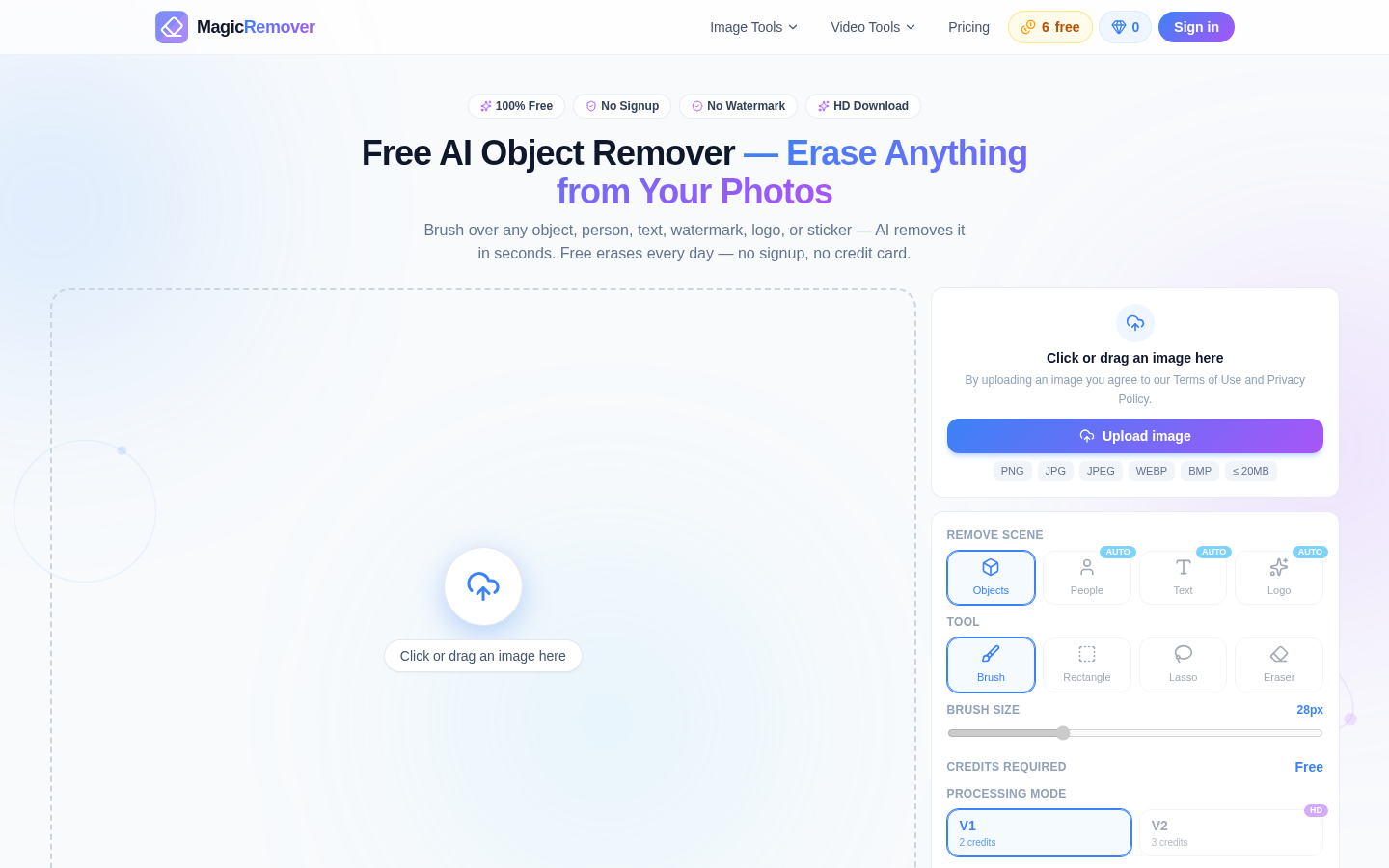
Screenshot archived from the listing page, for preview only.











