
MagicPixel
AI pixel art generator and editorSprites that land on the real pixel grid
Highlights
What you can do with it
- A developer generating character sprites and environment textures
- An indie developer using the free editor for prototype art
- An enthusiast generating creative pixel art to share
How to use it
- 1 Open the MagicPixel website
- 2 Use the editor for free, or subscribe for the AI features
- 3 Generate sprites from text prompts or import existing files
- 4 Edit on the canvas, or apply palette remapping and locking
- 5 Export as PNG sprite sheets or single frames, or sync via CLI
Who it is for
Pros
- The editor is free without a subscription
- Output is true pixel art, not an upscaled image
- Palette locking keeps a project visually consistent
- Import and export work with common game pipelines
Limitations
- AI features require a paid subscription, so free use is limited
- Generated sprites still need manual cleanup for animation
- Consistency across a full set takes iteration and palette work
- MCP and CLI integration assumes a technical workflow
What MagicPixel is
MagicPixel is a pixel art tool built for game developers, combining a free editor with paid AI generation. The important detail is that AI output lands on the real pixel grid, so a generated sprite can be adjusted pixel by pixel rather than being an upscaled image pretending to be pixel art. Generation starts from a text prompt and covers characters, enemies and items. Editing works by description: you say what should change and the tool applies it while keeping the original outline, colour palette and pixel density. Variants can be remade with new colours, equipment, expressions and themes while proportions stay consistent, and matching item sets can be produced from a single reference sprite. Studio palettes can be imported, locked and used for remapping. Aseprite, PNG and sprite sheet files import with frames, layers and animation tags, output exports as PNG sprite sheets or single frames, and a CLI writes assets straight into a project folder. It can also run as an MCP server for tools such as Claude and ChatGPT. The editor is free; AI features need a subscription.
What you can do with it
- Generate sprites from text prompts onto a real pixel grid
- Edit generated art by description while keeping the palette
- Create variants and matching item sets from one reference
- Import Aseprite, PNG and sprite sheets with frames and layers
- Export PNG sheets or sync assets into your repository by CLI
Who it is for
- Game developers who need consistent sprite sets
- Independent developers producing prototype and placeholder art
- Pixel art enthusiasts who want both AI speed and manual control
What to watch out for
The editor is free, but the AI features that make the tool distinctive require a paid subscription, so budget for that if generation is the point. Generated sprites are a starting point: animation frames, hitboxes and clean silhouettes still need manual work, and consistency across a full set takes iteration plus palette discipline. The MCP server and CLI features assume a technical setup, so they will not help if you work entirely in a visual editor. Finally, check the licence terms for generated assets before shipping them in a commercial release.
FAQ
Is MagicPixel free?
The pixel art editor is free. The integrated AI features require a paid subscription.
Is the output real pixel art?
Yes. Generated content falls on the real pixel grid and can be adjusted directly on the canvas, rather than being a scaled-up image.
Can I use my own palette?
You can import a studio palette, limit AI generation to a set number of colours, and remap imported or generated sprites to that palette.
Why it is free
What the official page says: for free
Free limits, trial length and features are decided by the official site and can change at any time.
Product preview
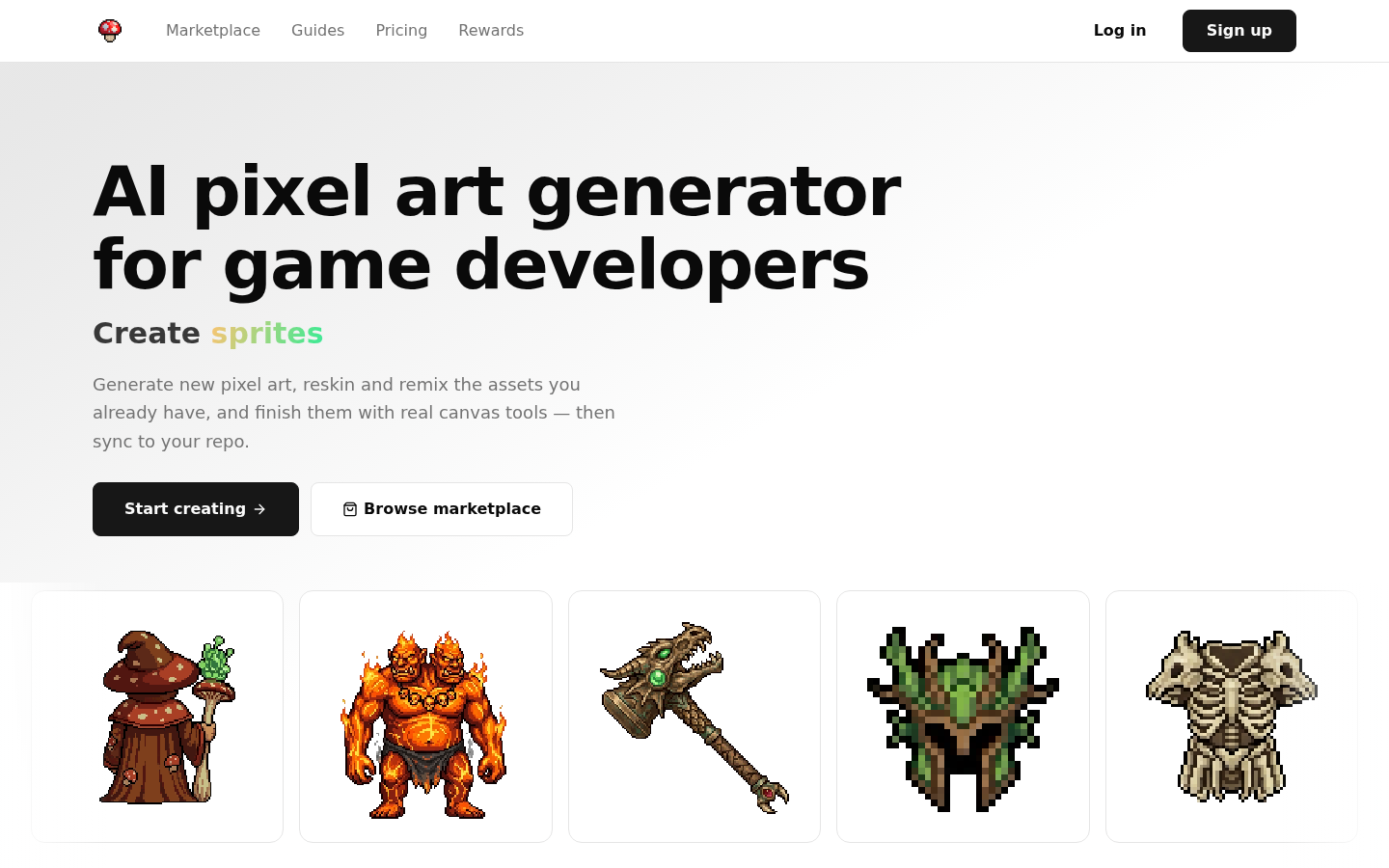
Screenshot archived from the listing page, for preview only.











