
MagicPattern
Pattern and graphics generator, no design skillsPatterns, gradients, and CSS in one tool
Highlights
What you can do with it
- Creating social media graphics
- Generating website background patterns
- Building brand patterns and assets
How to use it
- 1 Open magicpattern.design
- 2 Choose a generator such as seamless pattern or gradient
- 3 Adjust colors and settings
- 4 Export as SVG, PNG, or JPG, or copy the CSS
- 5 Upload brand elements if you want them included
Who it is for
Pros
- Free plan available
- Unique pattern types not found in general editors
- CSS output for developers
- Brand customization
Limitations
- Paid tools beyond the free plan
- Focused on patterns, not full page design
- Some generators need experimentation
- Free plan limits are not detailed
What MagicPattern is
MagicPattern is a graphic design tool built for people without design skills. Instead of a general canvas, it focuses on a set of generators: geometric patterns, seamless patterns, grid gradients, blobs, SVG waves, and SVG charts. That focus means you can produce backgrounds and decorative graphics in a couple of minutes rather than building them by hand. Output is flexible, with export to JPG, PNG, and SVG, and it can generate CSS code you paste straight into a web page. You can customize color palettes and upload brand elements so results match an existing identity. The listing says more than 20,000 people at large companies and organizations have used it, and credits creator Jim Raptis with building it so non-designers can make professional graphics.
What you can do with it
- Generate seamless and geometric patterns
- Create grid gradients, blobs, and SVG waves
- Output CSS code for use on a website
- Export as JPG, PNG, or SVG
- Customize palettes and upload brand elements
- Edit graphics for social media use
Who it is for
- Developers who need patterns as CSS or SVG
- Marketers creating social media graphics
- Brand designers building pattern and asset systems
- Non-designers who need decent graphics today
- Teams that want a quick background or texture for a page
What to watch out for
The tool is deliberately narrow: it makes patterns and related graphics, not full page layouts, so you will still need something else for a complete design. Some generators need experimentation before the output looks right, and the free plan sits alongside paid tools whose split is not detailed in the listing. If you need exact brand colors, upload your palette rather than trusting a default. Because results are generated, two people using similar settings can end up with similar-looking assets, so add your own typography and photography when the design has to stand out.
FAQ
What is MagicPattern?
It is a graphic design tool that generates patterns, gradients, and graphics without design skills.
Can it export CSS?
Yes. The listing mentions CSS pattern generation alongside JPG, PNG, and SVG export.
Who makes it?
The listing credits Jim Raptis, who built it to help people create professional graphics without design skills.
Why it is free
What the official page says: free plan
Free limits, trial length and features are decided by the official site and can change at any time.
Product preview
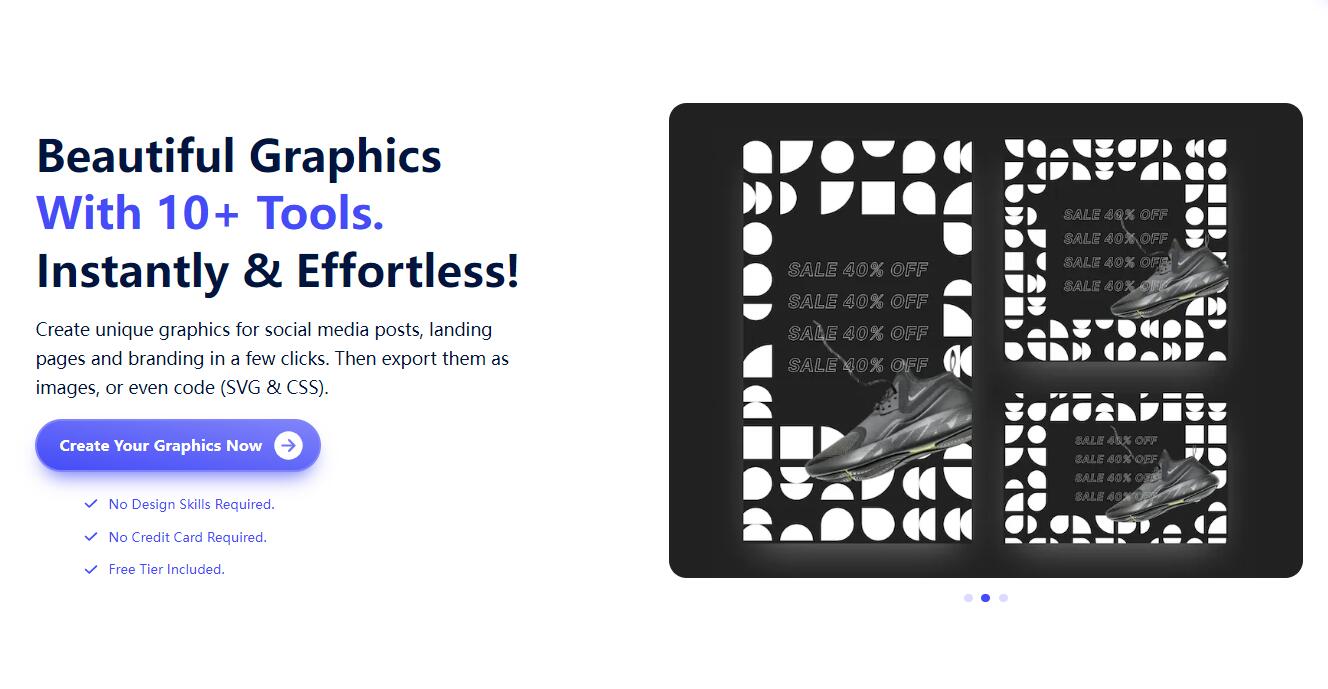
Screenshot archived from the listing page, for preview only.











