
Magic Remover
AI photo object removerErase anything from a photo
Highlights
What you can do with it
- Clean a product photo by removing distractions
- Remove a watermark from an image you own
- Tidy a background before publishing a picture
How to use it
- 1 Open Magic Remover and upload your photo.
- 2 Describe the content you want removed.
- 3 Let the tool rebuild the area behind the object.
- 4 Download the cleaned image.
Who it is for
Pros
- Magic Remover is free to use
- Removal and background rebuild happen in one step
- No layer masks or selection tools required
Limitations
- Complex textures and patterns expose the reconstruction
- Removal raises consent and rights questions you must answer
- The Pro version is planned, not shipping, and terms can change
- It is a single-purpose editor, not a full photo suite
What Magic Remover is
Magic Remover is a text-based image editor in the spirit of Photoshop. You describe what should disappear, and the tool removes unwanted content from a photo, such as a background, a watermark, or a person, then reconstructs what should be behind it using smart algorithms. The result is a cleaner, more professional image without manual masking, selection tools, or layer work. It is pitched as a fast cleanup step for people who need a usable image now rather than a perfect composite in twenty minutes. Magic Remover is free to use, and a Pro version with more advanced features is planned.
What you can do with it
- Remove backgrounds, watermarks, and unwanted people
- Rebuild the area behind a removed object automatically
- Clean up photos without layer masks and selection tools
- Use it for free while the Pro version is in development
Who it is for
- Photo editors who need quick cleanups
- Sellers cleaning product images for a listing
- Anyone removing distractions from a picture
What to watch out for
Removing something is easy, but making the fill believable is not. Complex textures, hair, reflections, and repeating patterns are where reconstruction fails, so keep the original file and expect to retry with a different description. Removing a watermark or a person raises consent and rights questions that are yours to answer, not the tool's, and the tool does not check whether you have the right to edit the image. The Pro version is planned rather than shipping, and free access today may change once it arrives. This is a single-purpose editor, not a full photo suite, so color, retouching, and export work still happen elsewhere.
FAQ
Is Magic Remover free?
Yes, it is free to use, and a Pro version with more advanced features is planned.
What can it remove from a photo?
It can remove unwanted content such as backgrounds, watermarks, and people.
How does it fill the gap?
It uses smart algorithms to reconstruct the content behind the deleted object.
Why it is free
What the official page says: free to use
Free limits, trial length and features are decided by the official site and can change at any time.
Product preview
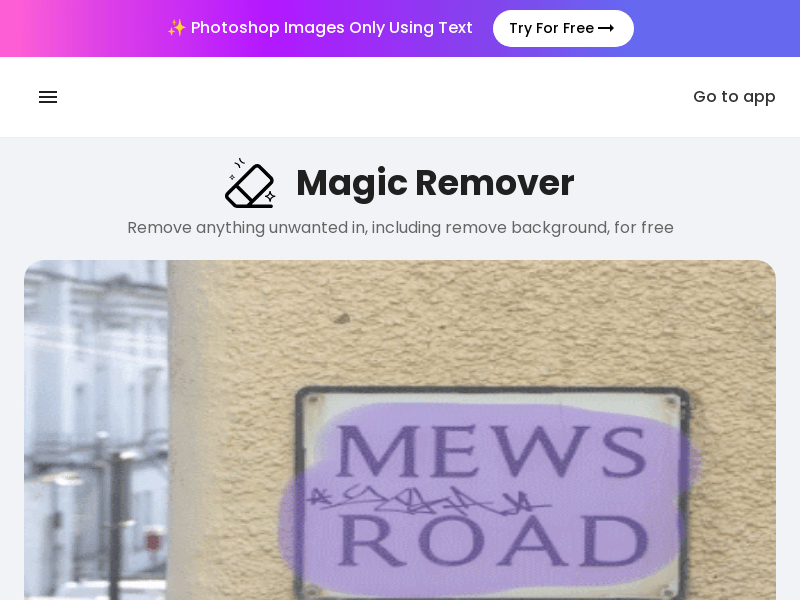
Screenshot archived from the listing page, for preview only.











