
Magggic
AI image generator with shared promptsBrowse prompts, remix, generate
Highlights
What you can do with it
- Generate product prototype images in several styles
- Create concept art for a film scene
- Produce e-commerce product images with new backgrounds
How to use it
- 1 Open magggic.com and start free or log in
- 2 Browse creator prompts and open one you like
- 3 Click remix to adjust the style
- 4 Enter text or upload references and set parameters
- 5 Generate, compare, and save the result as a template
Who it is for
Pros
- Ready-made prompts shorten the start
- Precise control over model and output settings
- Fast iteration for comparing directions
Limitations
- A free trial, with paid pricing not clearly listed
- Credits and refunds depend on the platform rules
- Output quality varies by model
- Prompts may need tuning for your exact idea
What Magggic is
Magggic is an online AI image generator built around a library of prompts made by creators. You can browse the prompts, see the images they actually produced, and read the full prompt text so you understand how the result was made. With one click you can remix an existing style to create something new, and you can also generate from your own text descriptions and reference images. During creation you control the model, aspect ratio, resolution, and number of outputs in one place, and the platform keeps credits, fees, and assets in sync so the workflow feels consistent.
What you can do with it
- Browse creator prompts and view the full prompt text
- Remix an existing style with one click
- Generate images from text and reference images
- Control model, ratio, resolution, and output count
- Iterate quickly and reuse results as templates
Who it is for
Product designers who need to explore several styles for a concept, visual creators and film directors looking for concept art and inspiration, and e-commerce and content creators who need product or social images all benefit from Magggic. It is aimed at creative workers who want to turn an idea into a clear visual without a long setup. Anyone who learns faster from examples than from blank prompts will find the shared library useful.
What to watch out for
Magggic supports a free trial, but paid pricing is not clearly listed, so confirm costs and credit rules before a big project. Output quality varies by model, and a borrowed prompt may need tuning to match your exact idea. Credits, fees, and refunds follow the platform's own rules, so read them before you generate at volume. Treat shared prompts as starting points, and check that any commercial use fits the licensing terms.
FAQ
Is there a free trial?
Yes, Magggic supports a free trial to start.
What can I do with prompts?
You can browse creator prompts, view the full text, and remix the style in one click.
What settings can I control?
Model, aspect ratio, resolution, and number of outputs.
Can I reuse a result?
Yes, you can use any generated result as a template for new work.
Why it is free
What the official page says: free trial
Free limits, trial length and features are decided by the official site and can change at any time.
Product preview
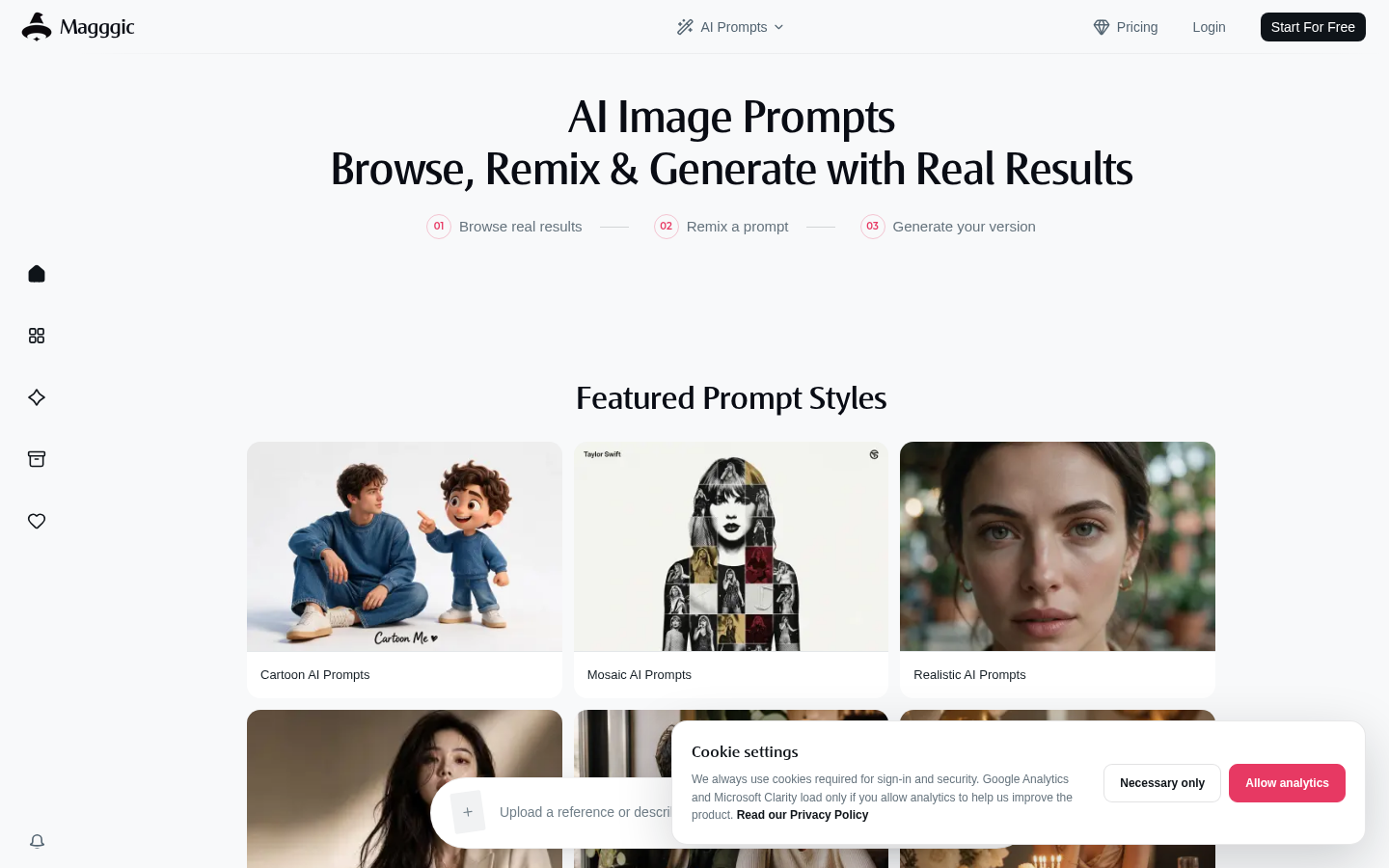
Screenshot archived from the listing page, for preview only.











