
Macaify
Mac AI assistant launcherUse AI in any Mac app with a shortcut
Highlights
What you can do with it
- Rewrite or shorten a paragraph in your editor without leaving it.
- Summarise or translate selected text in any app.
- Run a custom bot on highlighted text for a repeatable task.
How to use it
- 1 Install Macaify on your Mac and open it.
- 2 Set the keyboard shortcut you want to trigger it.
- 3 Pick a bot from the templates or build your own predefined bot.
- 4 Select text in any application and press the shortcut.
- 5 Read the result and paste it back in with the keyboard.
Who it is for
Pros
- Works system wide rather than inside one app.
- A large template library means you can start without writing prompts.
- Keyboard only operation keeps your hands where they are.
- A free plan lets you try it before paying.
Limitations
- Mac only, so there is no Windows or mobile version.
- The free plan has limits and a standard paid plan exists.
- Several listed features are described as upcoming, not shipping yet.
- Output quality depends on the underlying model and your prompt.
- Shortcut conflicts with other apps are possible and need sorting out.
What Macaify is
Macaify is a Mac app that brings ChatGPT and other AI features into whatever application you are already working in. Instead of copying text out to a browser tab, you press a shortcut and the AI works on the text in front of you. It supports custom predefined bots, ships with more than 1000 bot templates, and can be operated entirely from the keyboard. There is a free plan and a standard paid plan. The listing also names features still on the roadmap, including image generation, image search, text to speech files, URL processing and searching for recent web content.
What you can do with it
- Rewrite, shorten or expand text in place inside any Mac app.
- Summarise or translate a selection without leaving the window.
- Run one of your own predefined bots on highlighted text.
- Keep both hands on the keyboard for the whole loop.
Who it is for
- Mac users who write and edit text for most of the day.
- Developers and power users who prefer keyboard driven tools.
- Anyone who is tired of copying text between apps and a chat window.
- People who want a small set of reusable bots instead of retyping prompts.
What to watch out for
It is Mac only, so if you split your time across systems this will not cover you. The free plan has limits and the standard plan is where the fuller quota lives, so check what the free level actually includes before you rely on it daily. Several of the features in the listing are described as upcoming rather than available, so do not buy on the promise of image generation or web search until you confirm they have shipped. Shortcut collisions with other tools are common and may need untangling. And as with any assistant, the output is a draft: it can be confidently wrong, so anything factual or sensitive deserves a look before you send it on.
FAQ
Is Macaify free?
There is a free plan, and a standard paid plan sits above it.
Which apps does it work in?
It is designed to work in any Mac application, triggered by a shortcut.
Do I have to write my own prompts?
No, it ships with more than 1000 bot templates and you can also define your own.
Are image and voice features available now?
The listing describes them as upcoming features, so check the current version.
Why it is free
What the official page says: free plan
Free limits, trial length and features are decided by the official site and can change at any time.
Product preview
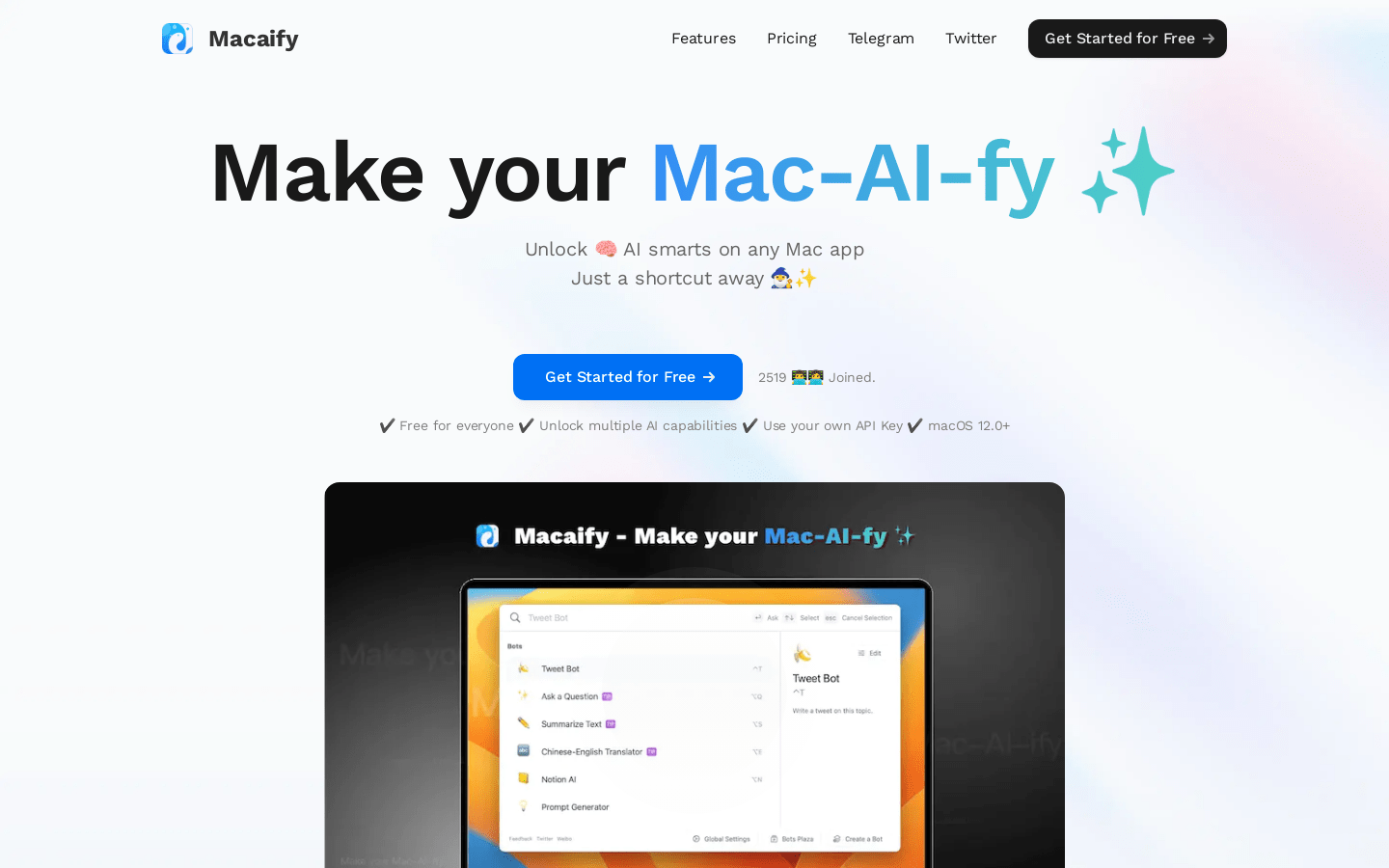
Screenshot archived from the listing page, for preview only.











