
Highlights
What you can do with it
- Filmmakers who need original scores for scenes and trailers
- Game developers building themes and in-game music
- Creators producing vocal songs for their own projects
How to use it
- 1 Start with the free tier, which includes 5 music credits.
- 2 Describe the music you want, choosing the mood and style.
- 3 Pick Lyria 3 Pro or MiniMax Music as the engine for the generation.
- 4 Download the finished track and check your remaining credits.
Who it is for
Pros
- Produces 192kHz audio for film and game use
- Two engines to choose from: Lyria 3 Pro and MiniMax Music
- Free tier with 5 credits lets you try before paying
- Aimed at original music for filmmakers and game developers
Limitations
- After the 5 free credits, every track costs credits (2 or 3 each)
- Credit pricing and the free tier can change over time
- Output quality still depends on the prompt you write
What lyria 3 pro is
Lyria 3 Pro is an AI music generation platform powered by Google DeepMind's Lyria 3 model together with MiniMax Music. It is built for people who need original music quickly: you describe what you want and the platform returns finished audio. The output covers 192kHz film scores and complete vocal songs, so it handles both instrumental background music and tracks with singing. The service is positioned for filmmakers, game developers, and creators who would otherwise book a studio or a composer. There is a free tier that gives new users 5 music credits, so you can generate a couple of tracks before spending anything. Keep in mind that this is a credit-based product, so the free tier is a starting point rather than an unlimited supply of music.
What you can do with it
- Generate 192kHz film scores for video, games, and scenes.
- Create complete vocal songs with instrumentation.
- Choose between two engines: Lyria 3 Pro and MiniMax Music.
- Produce original tracks for creative projects without a recording studio.
Who it is for
- Filmmakers who need background scores for scenes and trailers.
- Game developers building themes and in-game music.
- Creators who want vocal songs and instrumental tracks of their own.
- Anyone who needs original music fast and is comfortable working with credits.
What to watch out for
The free tier only includes 5 music credits, and after that every generation spends credits: Lyria 3 Pro costs 2 credits per track and MiniMax Music costs 3 credits per track. If you plan to produce a lot of music, budget for credits in advance, because the costs add up quickly. Free credit rules and pricing can change at any time, so treat the current free tier as a trial rather than a permanent promise. Because it is an AI model, the final result still depends on how clearly you describe the mood, tempo, and instruments you want; vague prompts tend to give vague output, and you may need a few tries to land on a track you like.
FAQ
Is Lyria 3 Pro free to use?
There is a free tier that includes 5 music credits. After those are used, each generation spends credits.
What audio quality does it produce?
The platform generates 192kHz music, including film scores and full vocal songs.
How many credits does one track use?
Lyria 3 Pro uses 2 credits per generation and MiniMax Music uses 3 credits per generation.
Who is it for?
Filmmakers, game developers, and creators who need original music.
Why it is free
What the official page says: 免费
Free limits, trial length and features are decided by the official site and can change at any time.
Product preview
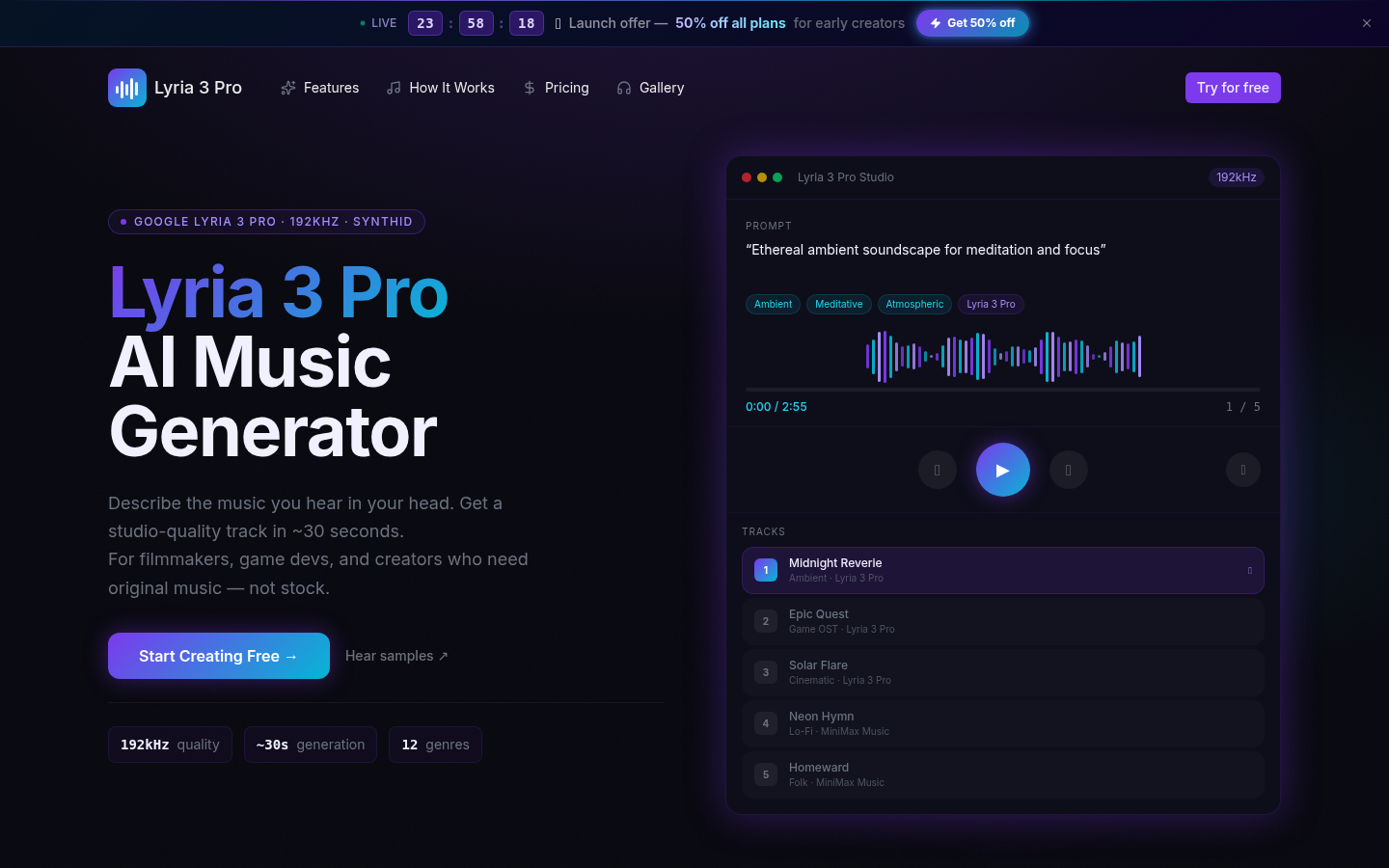
Screenshot archived from the listing page, for preview only.