Lynote
AI content detection toolVerify text originality fast
Highlights
What you can do with it
- Students check the originality of their own papers
- Editors verify content sources before publishing
- HR teams review application materials for authenticity
How to use it
- 1 Copy and paste text or upload a .docx, .pdf, or .txt file
- 2 Click analyze to start the check
- 3 View the color-coded report on human versus AI likelihood
- 4 Edit the text if needed and save or export the result
Who it is for
Pros
- Free to use with no payment required
- Simple paste-or-upload workflow with clear reports
- Supports several file formats and multiple languages
Limitations
- Detection is not proof, so results must not be the sole basis for academic or hiring decisions
- The site could not be reached at the time of review, so availability may vary
- Avoid uploading confidential files until data handling is confirmed
What the AI Detector is
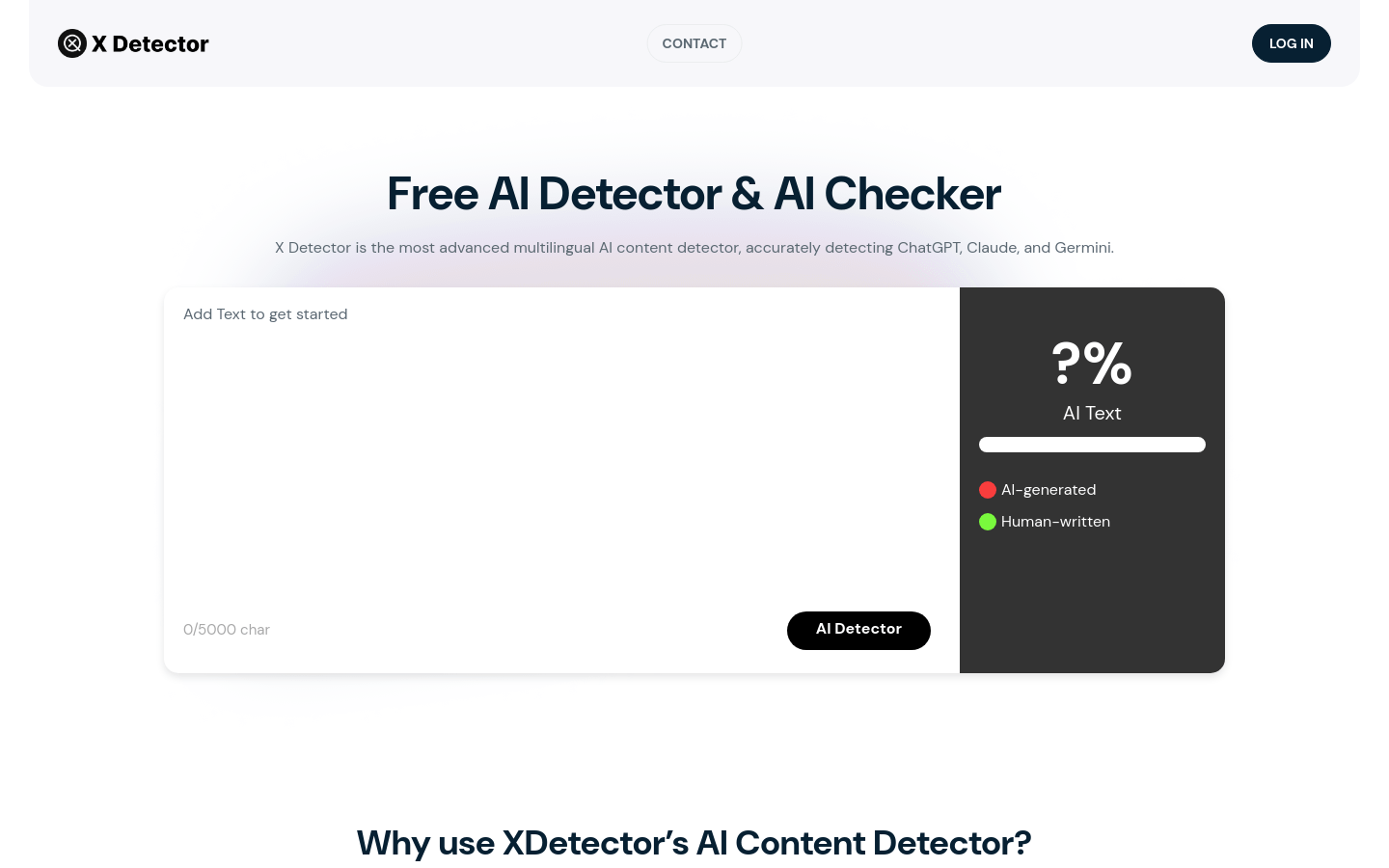
Lynote's AI Detector is a text analysis tool for spotting AI-generated content. You paste text or upload a .docx, .pdf, or .txt file, and it returns a color-coded report on how likely the text is human or AI-written. The site claims accuracy up to 99 percent, says it detects rewritten or humanized text, and supports multiple languages including English, Spanish, and French. It says it follows GDPR guidelines and does not store your content. The tool is free to use.
What you can do with it
- Paste text or upload .docx, .pdf, and .txt files for analysis
- Get a color-coded report on human versus AI likelihood
- Check rewritten or humanized content
- Support multiple languages including English, Spanish, and French
Who it is for
- Students checking the originality of their own papers
- Editors verifying content sources before publishing
- HR teams reviewing application materials for authenticity
- Anyone who wants a quick read on whether text looks AI-written
What to watch out for
Even with a high accuracy claim, detection is not proof. False positives happen, and newer AI models can slip past detectors, so never treat a result as the sole basis for academic or hiring decisions. The site could not be reached at the time of review, so availability may vary and you should check before relying on it. Avoid uploading confidential files until you confirm how the service handles data in practice, and treat the report as one input alongside human judgment. When quality matters, export a small draft first to confirm the result before producing the final file. Generated suggestions are for reference only, so verify anything that affects professional judgment or important data.
FAQ
Is the AI Detector free?
Yes, the listing describes it as free to use.
How accurate is it?
The site claims accuracy up to 99 percent, but no detector is definitive and false results happen.
Can I upload files?
Yes, it supports .docx, .pdf, and .txt files in addition to pasted text.
Why it is free
What the official page says: 免费
Free limits, trial length and features are decided by the official site and can change at any time.
Product preview
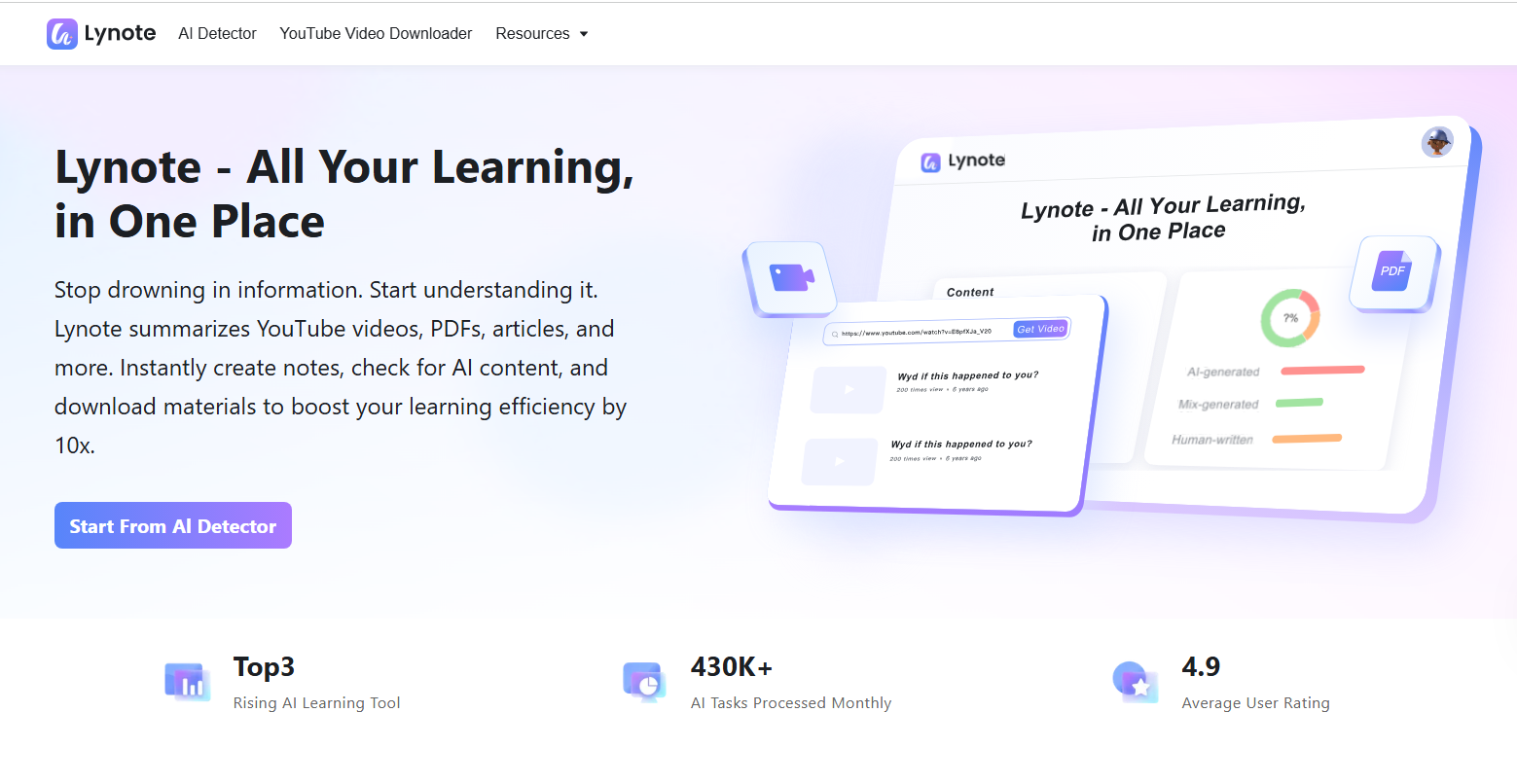
Screenshot archived from the listing page, for preview only.