
Lums
AI budgeting app that predicts balances and auto-sorts spendingSee where your money goes before it is gone
Highlights
What you can do with it
- Track monthly spending and spot where money quietly leaks
- Forecast your balance before payday or a large purchase
- Set a personal budget and monitor progress over time
How to use it
- 1 Download the Lums app and start the free trial
- 2 Connect your accounts so transactions can be categorized
- 3 Review the predicted balance and sorted spending
- 4 Create budgets and turn on reminders for your goals
Who it is for
Pros
- Automatic categorization saves time on bookkeeping
- Real-time balance forecasting helps with planning
- Free trial lets you test the workflow before paying
Limitations
- The free trial is limited and the app moves to a paid plan after it ends
- Forecast accuracy depends on the accounts and data you connect
- Focused on personal finance, not full business accounting
What Lums is
Lums is an AI-powered personal finance management app built to help you handle money more intelligently and with far less effort. It concentrates on three jobs: predicting your future balance, automatically categorizing your transactions, and helping you set up budgets quickly. The purpose is to hand you a real-time view of your financial situation so everyday decisions become easier and better informed. On access, a free trial is available, and once that ends the regular price is $6.66 per month or $39.99 per year. That means you can test the core experience first and only pay if it fits the way you manage money. Automatic categorization, real-time balance forecasting, and smart reminders are the features it leads with.
What you can do with it
- Predict your future balance and see how today's spending shapes tomorrow
- Let the app automatically categorize transactions so you skip manual entry
- Build budgets quickly without wrestling with spreadsheets
- Get smart reminders that keep bills, goals, and overspending on your radar
Who it is for
- Individuals who want a clearer, real-time picture of their personal money
- People who dislike manual expense tracking and prefer automation
- Anyone planning a purchase who wants a balance forecast before committing
What to watch out for
The free trial is limited, and after it ends the app moves to a paid subscription, so plan for the ongoing cost if you keep using it. Forecast accuracy depends heavily on the accounts and transactions you connect, so incomplete or messy data can make predictions less reliable. Lums targets personal finance rather than full business accounting, so advanced bookkeeping and team features are out of scope. Free-trial terms and pricing can also change over time, so confirm the current offer before you rely on it. For most people the value shows up over time, so give the trial enough days to judge it fairly.
FAQ
Is Lums free to use?
Lums offers a free trial. After that, the regular price is $6.66 per month or $39.99 per year.
What does Lums do automatically?
It categorizes transactions and forecasts your balance, so you spend less time on manual tracking.
Who is Lums for?
It is aimed at individual users who want a convenient way to understand and manage their money.
Why it is free
What the official page says: 免费试用免费
Free limits, trial length and features are decided by the official site and can change at any time.
Product preview
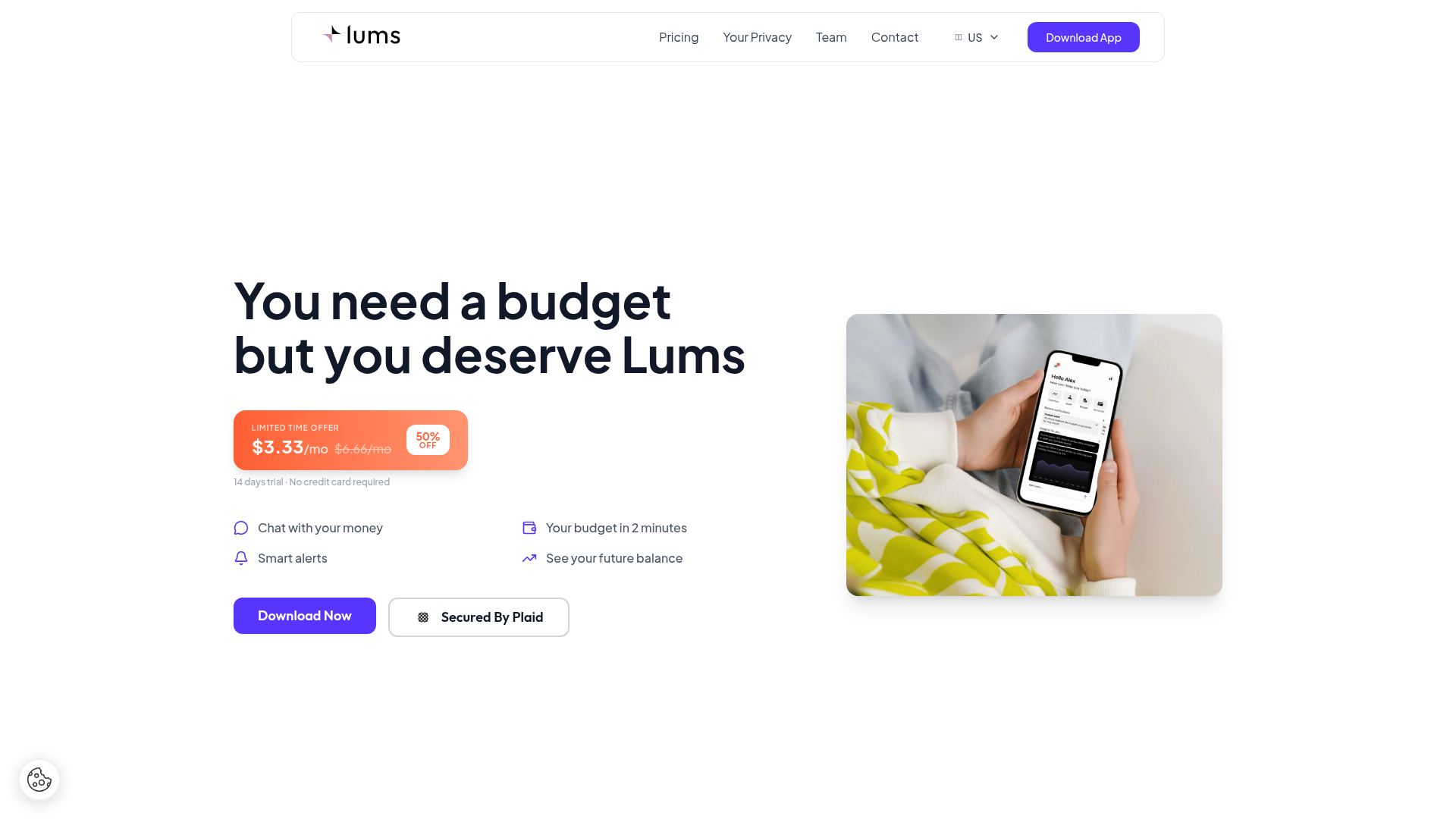
Screenshot archived from the listing page, for preview only.