
Lufe AI Translator
Free AI web translation pluginTranslate pages, PDFs, and images
Highlights
What you can do with it
- Read foreign papers and articles
- Translate PDF documents for study
- Look up single words while browsing
How to use it
- 1 Install the Lufe AI Translator browser extension
- 2 Open the page, image, or PDF you need translated
- 3 Click the plugin icon and select the content
- 4 Read the translation result
Who it is for
Pros
- Free to use per the site
- Covers pages, PDFs, and images
- Multiple engines behind the translation
Limitations
- The site was returning a redirect at review time, so access may be unreliable
- Translation quality varies by language and content
- Free access and engine lineup can change
- It relies on external engines you do not control
What Lufe AI Translator is
Lufe AI Translator is a bilingual web translation plugin at lufe.ai. The site says it delivers fast, accurate, and free AI translation, and that it integrates several engines including Gemini, OpenAI, and Claude. Listed features include web page translation, word-selection translation while browsing, image translation, PDF translation, voice support for learning pronunciation, and context-aware intelligent translation. It is aimed at students, editors, researchers, and language learners who regularly run into foreign-language material and want a quick read without switching apps.
What you can do with it
- Translate full web pages in place
- Translate PDF documents for study
- Translate text inside uploaded images
- Select a single word for an instant translation
Who it is for
- Students reading foreign-language material
- Editors and researchers browsing sources
- Language learners practicing with bilingual text
What to watch out for
The site was returning a redirect rather than a normal page at review time, so access may be unreliable and you should confirm it loads before planning work around it. Machine translation varies by language pair and by content, so idioms, technical terms, and nuanced wording may come through awkwardly, and anything important should be checked against the original. The site describes the service as free, but free access and the engine lineup can change at any time, so check the current page. Because the plugin depends on external engines, uptime and output quality are outside your control. Use it as a fast first pass for understanding, not as a final translation for published or legal material. When quality matters, export a small draft first to confirm the result before producing the final file.
FAQ
Is Lufe AI Translator free?
The site describes it as a free AI translation service.
What can it translate?
The listing covers web pages, PDFs, images, and selected words.
Which engines does it use?
The site says it integrates Gemini, OpenAI, and Claude engines.
What should I check?
The site was returning a redirect at review time, so confirm it loads and check current free limits before relying on it.
Why it is free
What the official page says: 免费
Free limits, trial length and features are decided by the official site and can change at any time.
Product preview
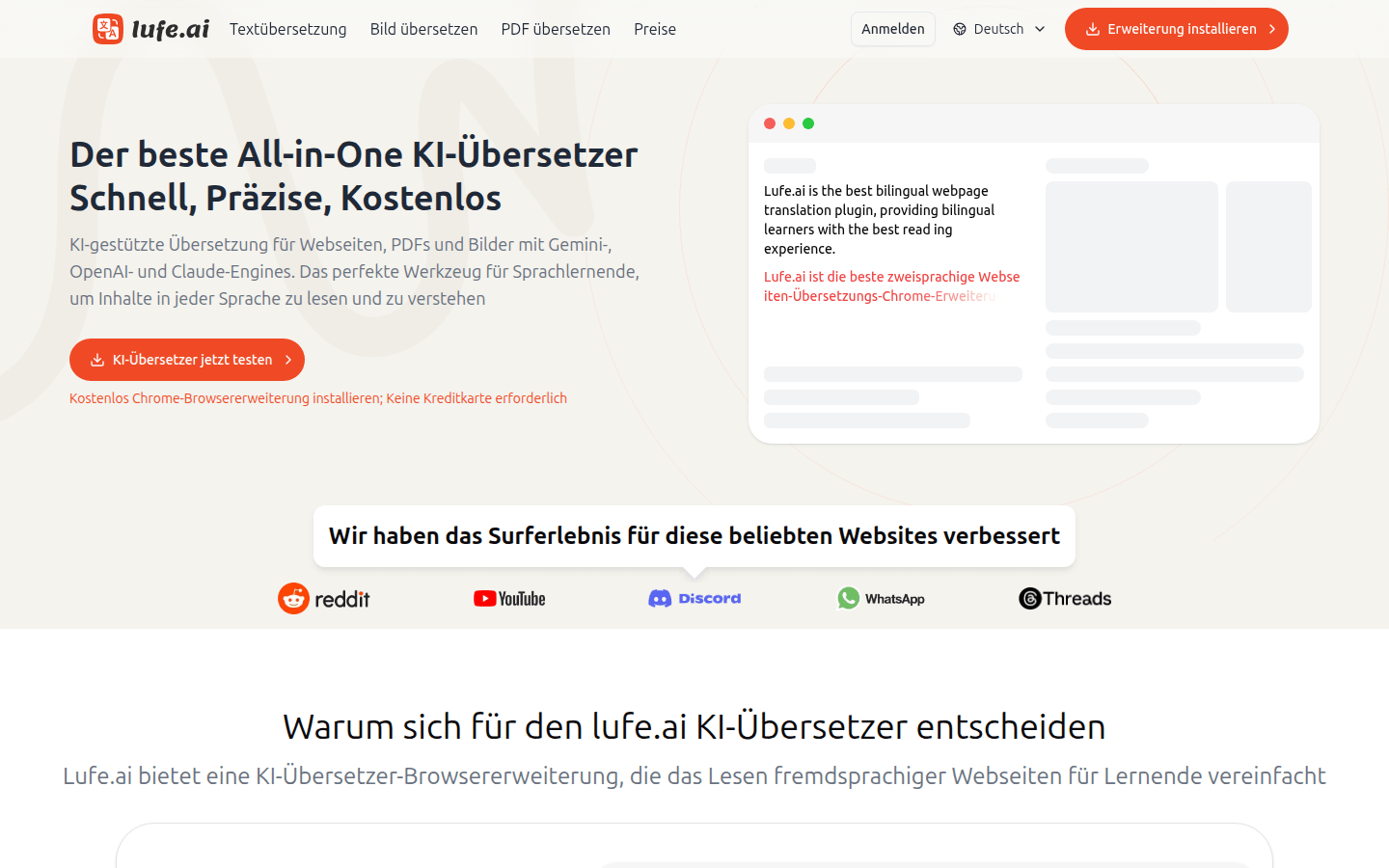
Screenshot archived from the listing page, for preview only.











