
Lucyd
Voice-first ChatGPT assistant appTalk to ChatGPT, control your glasses
Highlights
What you can do with it
- Asking questions hands-free while busy
- Reviewing past conversations through history export
- Using an AI assistant through smart glasses
How to use it
- 1 Download Lucyd on iOS or Android
- 2 Open the app and allow voice input
- 3 Ask your question by speaking
- 4 Check the answer and continue the conversation
- 5 Export history if you need a record
Who it is for
Pros
- Free to use
- Voice-first and hands-free
- Cross-platform on iOS and Android
- History export and replay
Limitations
- The listing recorded an error status at last check
- Upgrade needed for more features
- Depends on the upstream ChatGPT service
- Voice recognition accuracy varies by environment
What Lucyd is
Lucyd is a mobile app that wraps a ChatGPT-powered assistant in a voice-first interface. Instead of typing into a chat box, you speak your questions, which the listing presents as the main convenience for people using a phone on the move. It supports Siri and Google Voice as voice assistants, so it fits into the voice setup you already use. The app also advertises glasses control, which points at smart glasses owners as a core audience, and it offers a friendly interface plus flexible history features: you can export and replay your query records rather than losing them. It is listed as free to use, with an upgrade path for more features, and it ships on iOS and Android.
What you can do with it
- Ask ChatGPT questions by voice instead of typing
- Trigger the assistant through Siri or Google Voice
- Use it alongside smart glasses
- Export and replay past query records
- Run it on iOS or Android with a free tier
Who it is for
- People who prefer speaking over typing on a phone
- Smart glasses owners who want an assistant on the device
- Anyone who wants ChatGPT access in a mobile app
- Users who like keeping a searchable record of past answers
What to watch out for
The listing recorded an error status when last checked, so confirm the app page is still live before downloading. Voice recognition accuracy depends on your environment, and a noisy or windy setting will hurt results more than typing would. Because it sits on top of an upstream ChatGPT service, answer availability and quality follow that service rather than the app itself, and an outage there leaves the app with nothing to say. More features sit behind an upgrade, and the listing does not say what the free tier includes, so check the current plan details in the app store before relying on it daily.
FAQ
What is Lucyd?
It is an app with a ChatGPT AI assistant that supports voice queries and glasses control.
Is it free?
The listing says it is free to use, with an option to upgrade for more features.
Which phones does it support?
It is available on both iOS and Android.
Why it is free
What the official page says: free to use
Free limits, trial length and features are decided by the official site and can change at any time.
Product preview
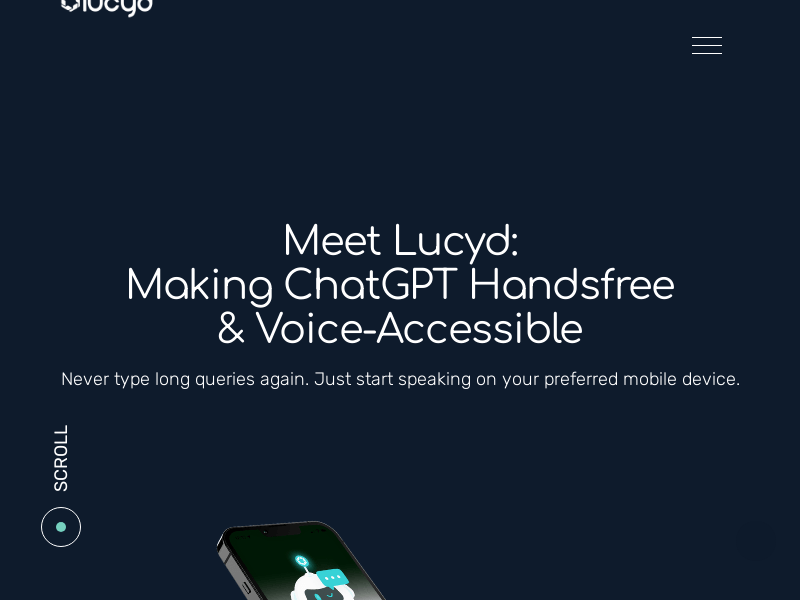
Screenshot archived from the listing page, for preview only.











