Lucy Edit AI
Text guided video editing foundation modelChange a video by describing what you want
Highlights
What you can do with it
- Restyle an outfit in a fashion promo clip
- Add props and background elements to a product video
- Turn a person into a superhero for a creative edit
How to use it
- 1 Upload the video you want to edit
- 2 Describe the change in natural language
- 3 Download the edited result
Who it is for
Pros
- No timeline or masking, just a text instruction
- Fast processing, usually within seconds
- Consistency is maintained across frames
Limitations
- Editing a real person's appearance without consent can break platform or school rules, and the consequences rest with you; never use it to impersonate or mislead
- Complex instructions may produce inconsistent results
- Model behavior and access terms can change
What Lucy Edit AI is
Lucy Edit AI is a foundation model for text guided video editing, released and open sourced by DecartAI. Instead of masking, keyframing or scrubbing a timeline, you upload a video and describe the change you want in plain language. The model can swap clothing, add accessories, transform a character's image while keeping facial and body features consistent across every frame, or modify the background entirely. Processing is described as fast, with results in seconds, and the interface is built so you can start typing instructions immediately. The tool is free to use and is aimed at content creators, editing enthusiasts and commercial promoters.
What you can do with it
- Change an outfit or add accessories with one instruction
- Transform a character while keeping features consistent
- Replace or adjust the background of a clip
- Prototype a creative idea before committing to a real edit
Who it is for
- Creators who need quick wardrobe or prop changes
- Editing enthusiasts trying out unusual ideas
- Promoters adjusting details in product videos
What to watch out for
This is the kind of tool that can be misused. Editing a real person's appearance without their consent can break platform or school rules, and in many places it can break the law, so the responsibility sits squarely with you. Do not use it to impersonate anyone, to mislead viewers, or to create material that puts a real person in a false situation. Even with consent, complex instructions can produce inconsistent frames, so review the full clip rather than a single still. The model is free now, but access terms and behavior can change, and anything you publish should be checked against the rules of the platform you post on.
FAQ
What is Lucy Edit AI?
It is a text guided video editing foundation model from DecartAI that applies changes you describe in natural language.
Is it free?
Yes, the tool is described as free to use, and the model has been open sourced.
What can it change?
Clothing, accessories, character image and background, while keeping character features consistent across frames.
Why it is free
What the official page says: free to use
Free limits, trial length and features are decided by the official site and can change at any time.
Product preview
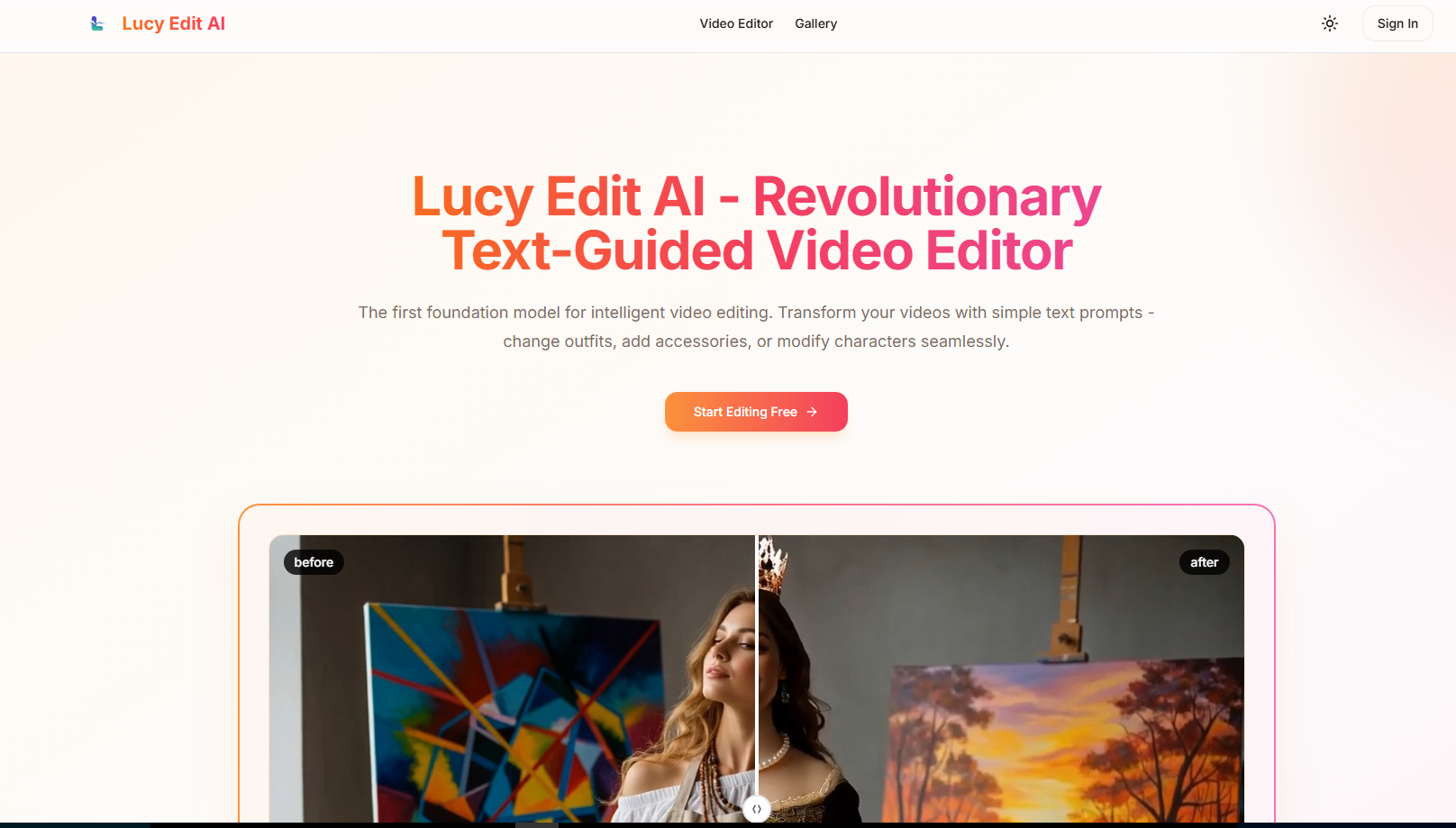
Screenshot archived from the listing page, for preview only.