
LTX
A browser-based video generator built on the LTX 2 model with synced audio.Generate 4K video with matching audio from text or images, straight in the browser.
Highlights
What you can do with it
- Concept clips for a film pitch or crowdfunding campaign
- Product promotion video that can be revised quickly
- High-resolution source material for visual effects work
How to use it
- 1 Register and start the free trial
- 2 Choose text-to-video or image-to-video
- 3 Set duration, resolution, and aspect ratio
- 4 Pick Fast, Pro, or Ultra
- 5 Submit, wait, then preview, download, or share a preview link
Who it is for
Pros
- Synchronised audio removes a post-production step
- Three modes match different budget and quality needs
- Browser based, so no heavy local setup
Limitations
- Commercial rights are limited to paid Pro and Studio tiers
- Free trial terms and pricing are not fully disclosed
- High quality output still needs review before client delivery
What LTX is
LTX is an online video generation platform built on the LTX 2 base model. It produces 4K quality video with synchronised audio, which removes the usual step of laying sound on afterwards. Three workflow modes cover different stages of a project: Fast is for quick, low-cost concept generation and A/B testing, Pro is for production work, and Ultra targets the highest quality output. Both text-to-video and image-to-video are supported, with controls for duration, resolution, and aspect ratio, and the whole thing runs in a browser with nothing to install. Finished assets export immediately, and Pro and Studio users receive full commercial usage rights over what they generate. A free trial is available.
What you can do with it
- Generate video from a text prompt or an uploaded image
- Choose Fast, Pro, or Ultra depending on the stage and budget
- Get synchronised audio without a separate pass
- Export high-definition files straight from the browser
- Share a preview link with teammates for review
Who it is for
- Independent filmmakers who need concept clips quickly
- Agency creatives iterating on advertising ideas
- Visual effects artists who want extra high-resolution source material
What to watch out for
Commercial usage rights are tied to the paid Pro and Studio tiers, so anything from the free trial may not be cleared for client work. Pricing is not fully published, which makes budgeting harder before you talk to the team. Generated video still needs human review: fast modes are for testing ideas, and handing a raw Ultra render straight to a client without checking is risky. As with any generative tool, do not use it to make footage that misleads viewers about real events, and confirm the licence before anything goes into a paid deliverable.
FAQ
What resolution does it output?
The platform is described as producing 4K quality video with synchronised audio.
Do I need to install anything?
No. It runs directly in the browser.
Which mode should I use?
Fast suits quick concept generation and A/B testing, Pro suits production, and Ultra targets the highest quality.
Can I use the output commercially?
Pro and Studio users are stated to receive full commercial usage rights for generated content.
Why it is free
What the official page says: free trial
Free limits, trial length and features are decided by the official site and can change at any time.
Product preview
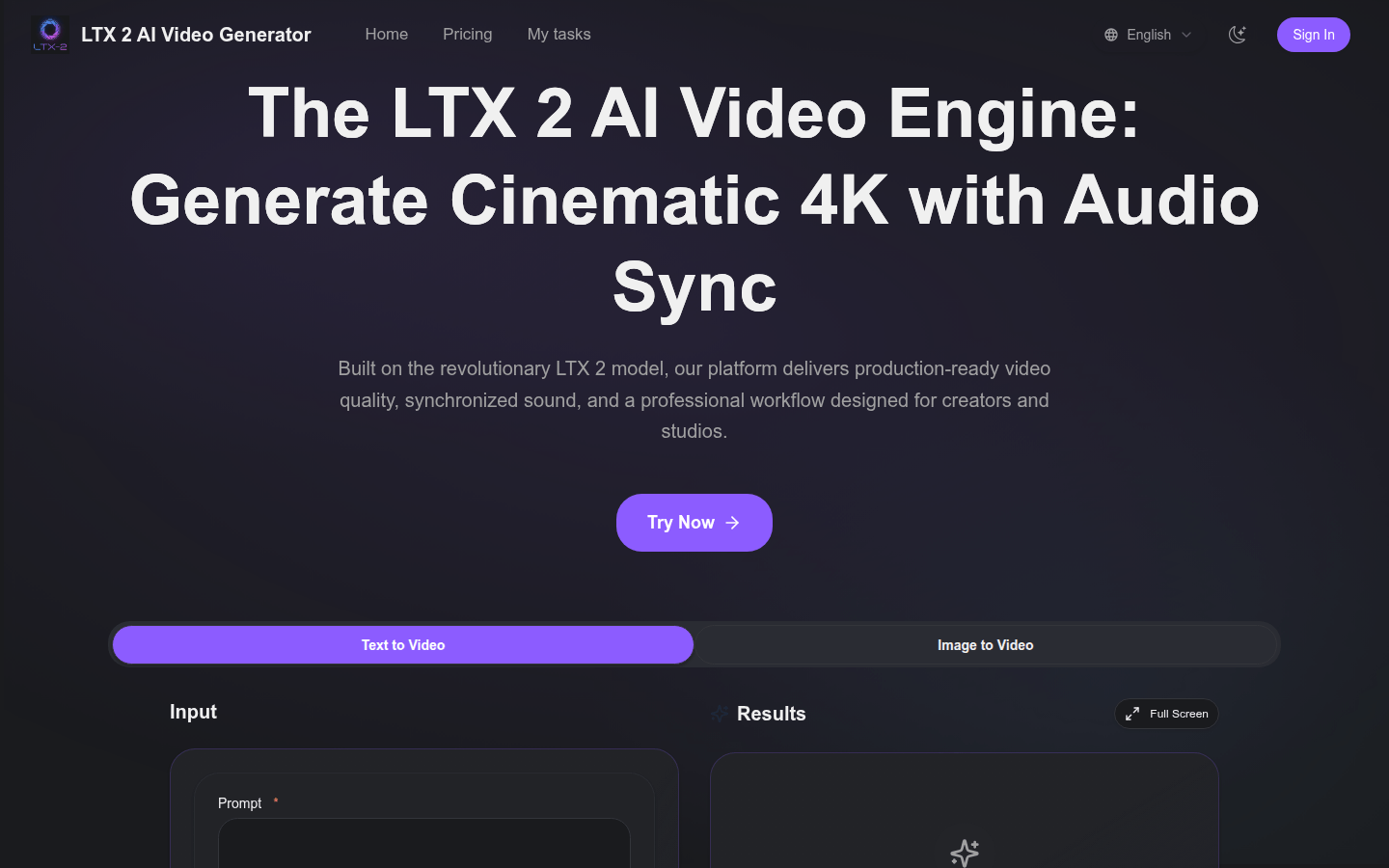
Screenshot archived from the listing page, for preview only.











