
loveshoot.ai
AI couple photo generatorFantasy couple photos from your own pictures
Highlights
What you can do with it
- Anniversary or gift couple portraits
- Wedding invitation and save-the-date imagery
- Portfolio experiments for photography hobbyists
How to use it
- 1 Open the LoveShoot AI website
- 2 Upload photos of you and your partner
- 3 Pick a fantasy style from the list
- 4 Wait for the AI to generate the couple photo
- 5 Preview the result and download it
Who it is for
Pros
- First image is free, so you can judge quality first
- Several distinct fantasy styles to choose from
- 4K output and immediate download
- No photography studio needed
Limitations
- Only the first photo is free; the rest is paid
- Result quality depends on the source photos you upload
- Uploading personal photos means trusting a third party with them
What LoveShoot AI is
LoveShoot AI is an online couple photo generator. You upload pictures of you and your partner, choose a fantasy style, and the AI produces a styled couple portrait. The site offers several looks including celestial, enchanted, bohemian and luxury, and advertises 4K output with instant download. The first photo is free, which gives you a way to judge the quality before paying.
What you can do with it
- Upload your own photos and convert them into a couple portrait.
- Choose between several fantasy styles for a different mood.
- Generate a 4K image and download it straight away.
- Use the results for anniversaries, wedding invitations or a personal portfolio.
Who it is for
Couples who want a distinctive shared portrait, engaged couples assembling wedding stationery, and photography hobbyists who enjoy trying different looks on their own pictures.
What to watch out for
Only the first photo is free; continued use is paid. The output is only as good as the photos you upload, so low-light or heavily cropped source images tend to produce weaker results. Because you are handing personal photographs to a third-party service, read the privacy terms and confirm how long the images are retained before uploading anything sensitive. Name and archive exported files consistently so you can find and reuse them, and keep a backup copy of key data. When quality matters, export a small draft first to confirm the result before producing the final file. Run one full task end to end first, then expand once you are comfortable with the workflow and the result quality. Behavior may vary across browsers and devices, so test before production use and consult the help docs if errors appear.
FAQ
Is LoveShoot AI free?
The first photo is free. After that the service is paid, so treat the free image as a test run.
What styles are available?
Celestial, enchanted, bohemian and luxury are among the fantasy styles listed on the site.
What quality are the photos?
The site advertises 4K output with immediate download once generation finishes.
Do I need to upload my own photos?
Yes. The tool works from photos of you and your partner that you provide.
Why it is free
What the official page says: free trial
Free limits, trial length and features are decided by the official site and can change at any time.
Product preview
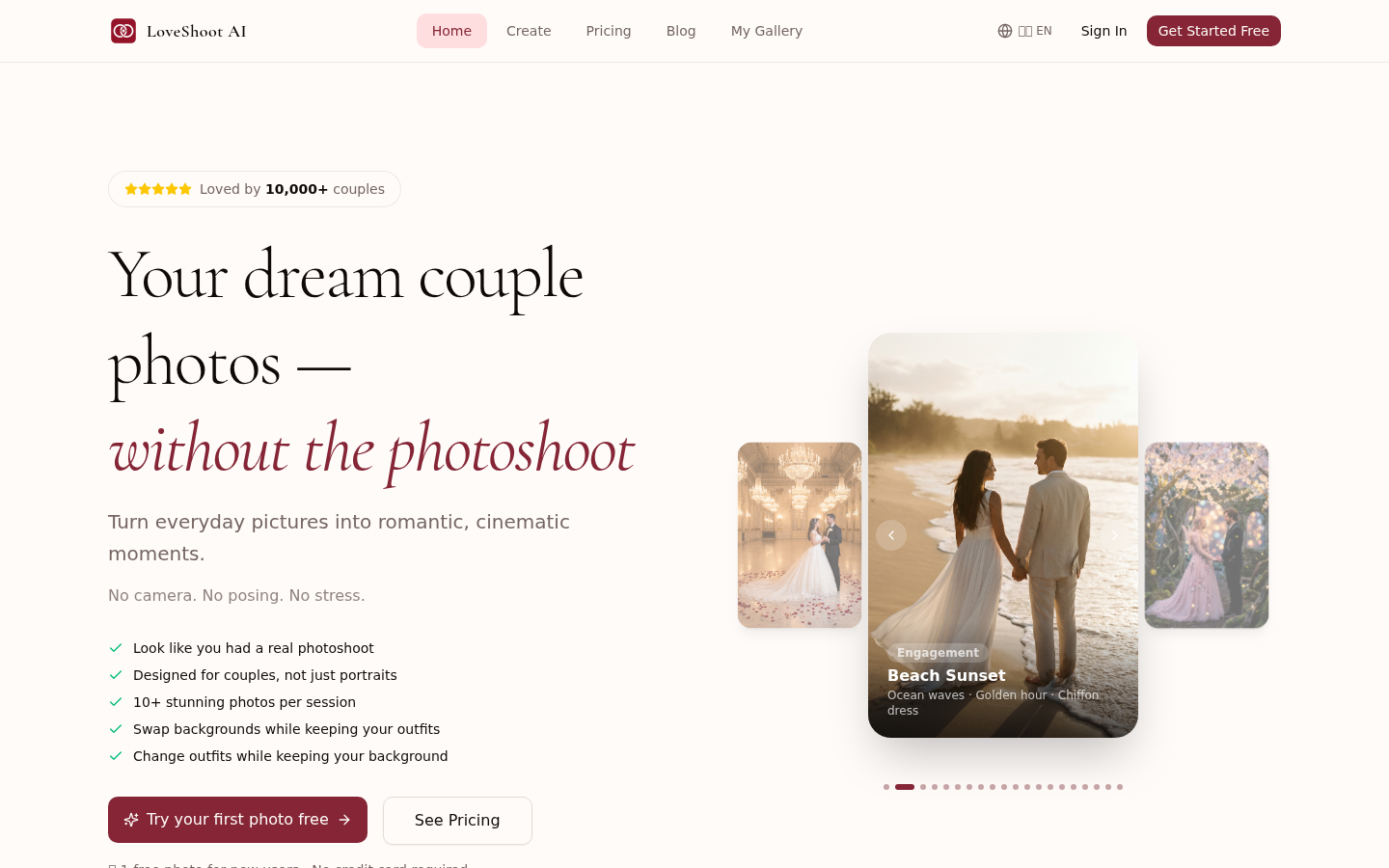
Screenshot archived from the listing page, for preview only.











