
Loova
AI video and image suiteCreate videos and images with AI
Highlights
What you can do with it
- Creators make product promo videos from text
- Users turn a photo into an anime style image
- Companies add special effects to ad videos
How to use it
- 1 Open loova.ai and register or log in
- 2 Choose a function like text to video or image editing
- 3 Enter a text prompt or upload an image
- 4 Select a model and any effects
- 5 Generate, then download or share the result
Who it is for
Pros
- Combines many generation modes in one platform
- Free to try before committing
- Model choice lets you balance speed and quality
Limitations
- Free usage is limited and later use likely costs money
- Output quality varies by the selected model
- Some effects are novelty and may not suit pro work
What Loova is
Loova is an all in one creative platform that brings AI image and video generation together. It supports text to video, image to video, image editing, and text to image, so you can move from an idea to a finished visual without switching tools. The platform bundles many video effects, from superhero looks to zombie transformations, and it integrates several top models so you can pick one for speed or quality. Loova is free to try and is built for both professional creators and ordinary users who want eye catching content without complex editing skills.
What you can do with it
- Turn a text prompt into a video
- Animate a still image into a short video
- Edit or restyle an image with prompts
- Add AI video effects to your clips
- Download or share the finished result
Who it is for
- Content creators who publish videos often
- Ordinary users who want simple creative tools
- Commercial users making ads and promo visuals
- Anyone experimenting with AI generated media
What to watch out for
Loova offers free usage opportunities, but free access is limited and continued use will likely require payment, with pricing not fully detailed in the source. Output quality varies depending on the model you choose, so results are not uniform across jobs. Some effects are novelty features and may not suit serious professional work. Generated content should be reviewed before publishing, and you should confirm current usage rights and limits on the official site. For best results, start with a small test file and review the output carefully before working on anything important. Free tiers can change over time, so it is worth checking the current limits on the official page before you rely on the tool daily.
FAQ
What is Loova?
It is an all in one creative platform for AI image and video generation, including text to video, image to video, editing, and effects.
Is it free?
Loova offers free usage opportunities so users can try the features before choosing a paid option.
Which models does it use?
It integrates several models such as Sora 2 Pro, VEO 3.1, and Kling O1, and lets you pick one for your task.
Why it is free
What the official page says: 免费使用免费
Free limits, trial length and features are decided by the official site and can change at any time.
Product preview
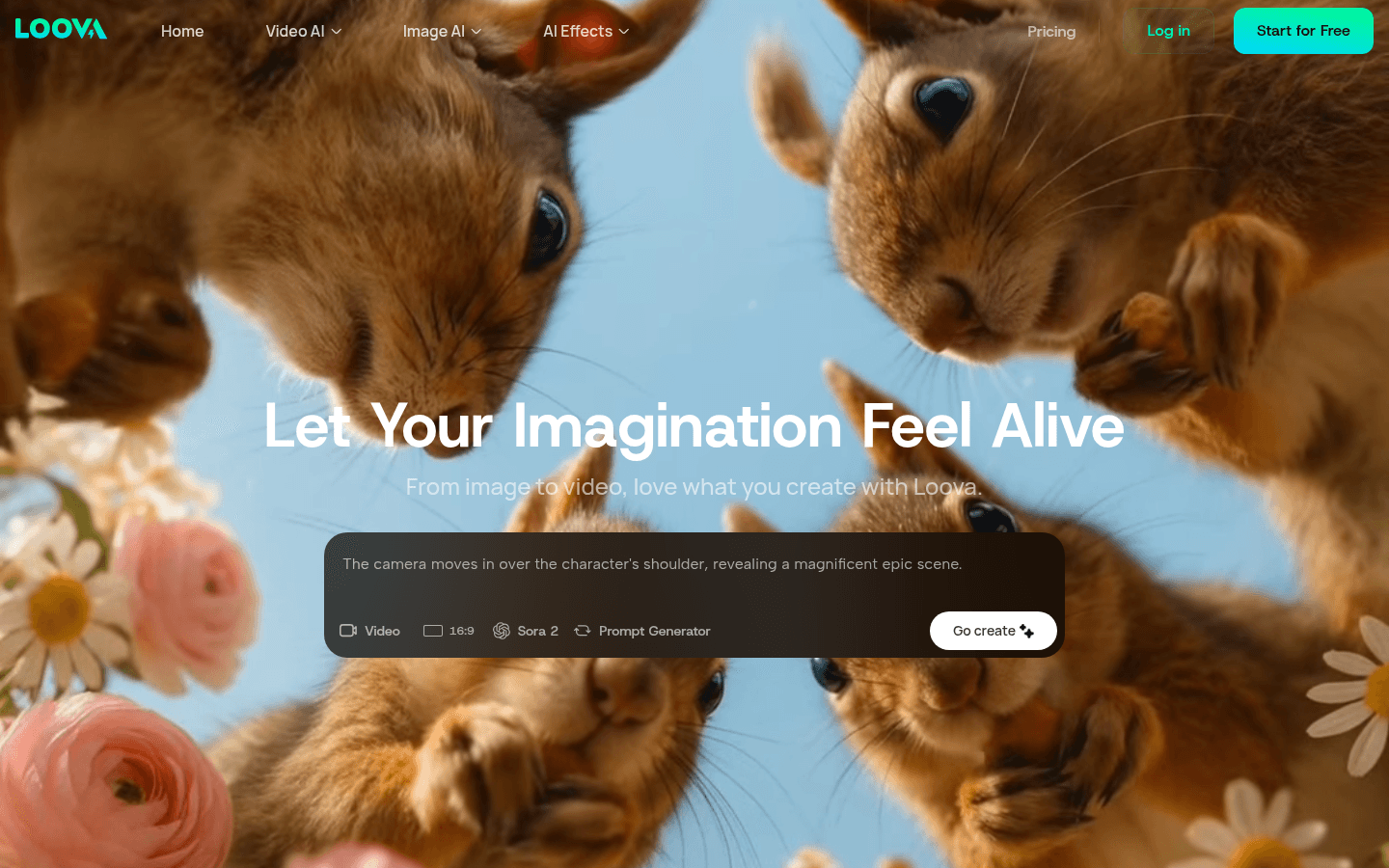
Screenshot archived from the listing page, for preview only.











