
Looppanel
User research platform with transcription and clipsRecord, transcribe, and clip your user research
Highlights
What you can do with it
- Record a usability session, then pull the exact clip that shows the problem
- Keep interview transcripts searchable so insights are not lost in someone's notes
- Share a report summary by link with stakeholders who did not attend
How to use it
- 1 Set up automatic recording for your research call.
- 2 Let Looppanel transcribe the session and store it centrally.
- 3 Tag timestamps in real time or let the AI note taker capture key moments.
- 4 Save the strongest quotes as clips.
- 5 Embed clips into Jira, Notion, or Confluence for the team.
- 6 Share a report summary by link.
Who it is for
Pros
- Recording, transcription, clips, and storage sit in one workflow
- Multi-language transcription covers several European and South Asian languages
- Collaboration with teammates is described as free
Limitations
- The page does not state limits on recording length or storage on the free tier
- Automatic transcription quality varies with audio, accents, and crosstalk
- Recording participants raises consent questions you need to handle yourself
- Research data lives on the vendor servers, so exports matter
What Looppanel is
Looppanel is a user research platform built around the research session itself. You record the call, the platform transcribes it, and everything lands in one central place instead of being scattered across drives and notebooks. The description lists automatic call recording, high-quality transcription, real-time capture of key moments, saved quotes, shareable clips, and report summaries. Transcription is offered in several languages, including English, Hindi, French, German, Spanish, Italian, Portuguese, and Dutch. Collaborating with teammates is described as free.
What you can do with it
- Record a session and get a transcript without typing it yourself.
- Tag timestamps live, or let the AI note taker flag the moments that matter.
- Turn a moment into a clip and embed it in Jira, Notion, or Confluence.
- Share a report summary by link with people who were not on the call.
- Search stored sessions so old research stays usable.
Who it is for
- UX researchers who run interviews and usability tests on a schedule.
- Product teams that want evidence next to the ticket it supports.
- Research leads who need to distribute findings beyond the room.
What to watch out for
The page does not say how long recordings can be or how much storage the free tier includes, so check before you plan a study around it. Transcription accuracy still depends on audio quality, overlapping speech, and accents, so transcripts need a pass before they go into a report. Recording people also means handling consent and data retention on your side. Finally, research data lives on the vendor servers, so think about what you export and keep. Start with a small sample to confirm the output meets your expectations before processing the full batch.
FAQ
Which languages can it transcribe?
The page lists English, Hindi, French, German, Spanish, Italian, Portuguese, and Dutch.
Is collaboration free?
The description says you can collaborate with team members for free; other limits are not spelled out.
Where can clips be used?
Clips can be embedded into Jira, Notion, and Confluence, and report summaries can be shared via link.
Why it is free
What the official page says: for free
Free limits, trial length and features are decided by the official site and can change at any time.
Product preview
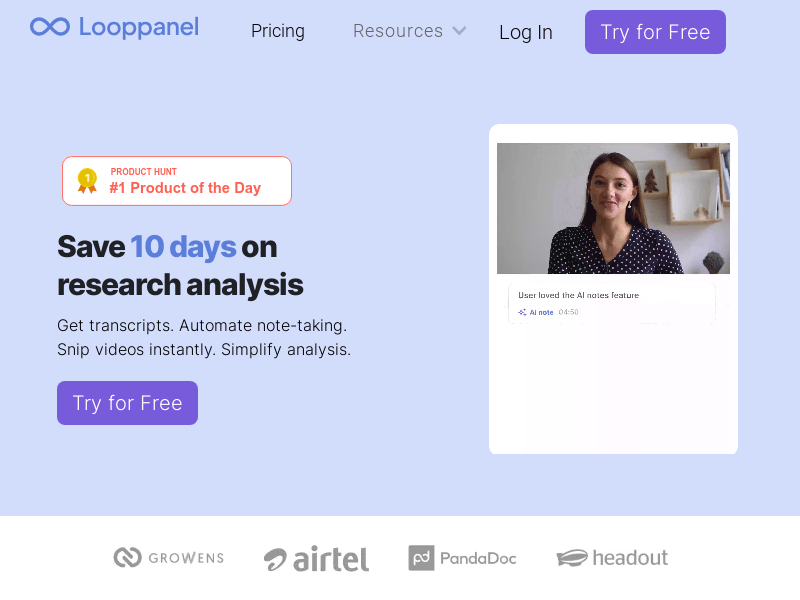
Screenshot archived from the listing page, for preview only.











