
Loophole
Invisible desktop AI assistant that reads your screenAsk anything on screen, get answers and done tasks
Highlights
What you can do with it
- Research and information gathering with instant answers
- Team project work with connected tools and progress tracking
- Enterprise operations with automated repetitive tasks
How to use it
- 1 Download the Loophole client from getloophole.com
- 2 Install it and register or log in
- 3 Connect built-in informations such as Slack, Notion or Google Drive
- 4 Ask questions or give task instructions by voice or text
- 5 Let it read the screen and act, supervising complex steps
- 6 Adjust settings to match how you work
Who it is for
Pros
- A free version covers personal trial with daily interactions
- Screen reading plus connected data gives context-aware answers
- Automation removes repetitive work
- Meeting transcription and insights come with the free tier
Limitations
- The free version is capped at 10 chat interactions per day
- Screen reading and data connections touch sensitive material, so company policy matters
- Automated actions should be supervised before they commit changes
- A desktop client must be installed and kept updated
What Loophole is
Loophole is an AI desktop client that positions itself as an invisible assistant. It reads everything on your screen in real time, including text, images and tables, answers questions immediately, and can carry out tasks rather than only describing them. It connects to company built-in informations such as Slack, Notion and Google Drive, so its answers draw on your own material instead of general knowledge, and it automates repetitive work such as generating reports, sending emails and updating data. In meetings it transcribes the conversation and surfaces insights and guidance. The free version suits personal trial with 10 chat interactions per day plus meeting transcription, and the professional version costs $15 per month.
What you can do with it
- Get instant answers about whatever is on your screen
- Connect work tools so answers use internal context
- Automate repetitive tasks like reports and data entry
- Transcribe meetings and pull out key points
- Ask for guidance when a task is unfamiliar
Who it is for
- Individuals who want a faster daily workflow
- Teams that live across several connected tools
- Enterprises with security and deployment requirements
- Meeting participants who need transcripts and follow-ups
What to watch out for
The free version caps you at 10 chat interactions per day, so heavier use needs the professional plan. Screen reading and data connections touch sensitive material, which means workplace policy and consent matter, and you should check with your employer before pointing it at company data. When it acts as an agent, supervise the steps before they commit changes, since an automated mistake can be costly. The client also needs installing and updating on each machine you use.
FAQ
What is Loophole?
It is an AI desktop client that reads your screen, answers questions and completes tasks.
Is there a free version?
Yes. The free version includes 10 chat interactions per day, meeting transcription and basic support.
Which built-in informations can it connect to?
Sources such as Slack, Notion and Google Drive are supported.
What does the professional version add?
For $15 per month you get unlimited chats, guidance and agent functions, custom knowledge bases and adaptive learning.
Why it is free
What the official page says: free version
Free limits, trial length and features are decided by the official site and can change at any time.
Product preview
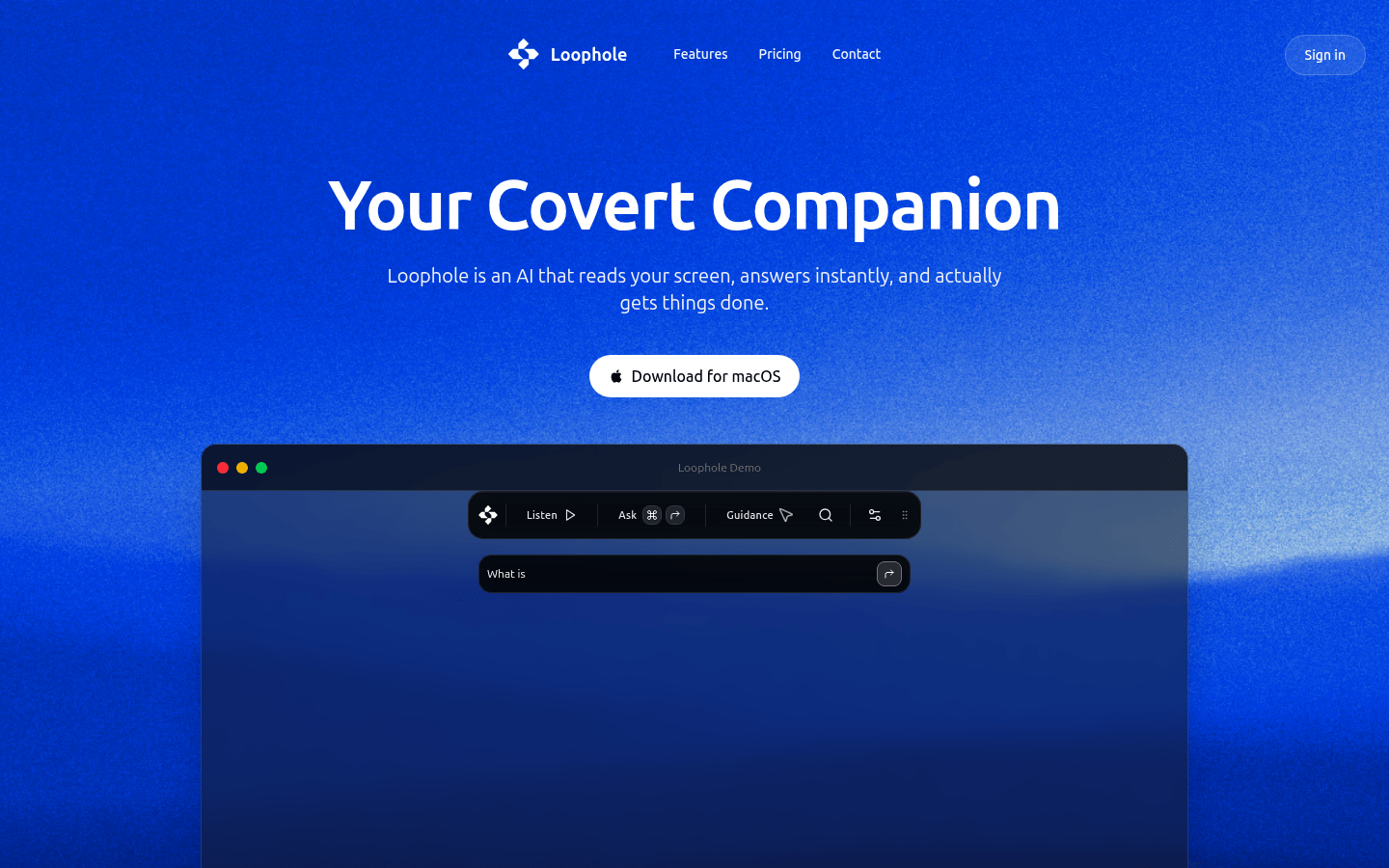
Screenshot archived from the listing page, for preview only.











