
Highlights
What you can do with it
- Record a walkthrough or demo to send instead of writing a long message
- Capture camera plus screen for explanations and feedback
- Share recorded video for team communication and collaboration
How to use it
- 1 Open Loom and start a new recording
- 2 Choose whether to capture screen, camera, or both
- 3 Record the clip you need
- 4 Trim it or add a background in the editor
- 5 Share the link with teammates or stakeholders
Who it is for
Pros
- Combines screen and camera recording in one place
- Basic editing like trimming and backgrounds is included
- Free version lowers the cost of trying video communication
Limitations
- Enterprise features require paid plans
- Free version limits and storage terms can change
- Recording quality still depends on your setup and connection
What Loom is
Loom is a popular online screen recording tool that the site says is trusted by more than 22 million people. It does two things at once: it records your screen and your camera, so a clip can show both what you are doing and how you are explaining it. After recording, it offers editing features such as trimming and adding backgrounds, which keeps simple fixes inside the same tool instead of sending you to separate software. There is a free version as well as enterprise-level paid plans, and it is positioned for both enterprise and individual users who want faster, more visual communication.
What you can do with it
- Record your screen, your camera, or both in one take.
- Trim the clip and add backgrounds without leaving the tool.
- Share the recording for feedback, updates, or collaboration.
- Use it as a lighter alternative to scheduling another meeting.
Who it is for
- Teams that would rather send a short video than write a long update.
- Individuals who need to explain an idea or give visual feedback.
- Enterprises that want a standard video tool with paid support.
What to watch out for
The free version is the entry point, while enterprise-grade needs sit behind paid plans, and free limits, storage, or retention terms can change over time. Recording quality still depends on your machine, camera, and network, and clips that contain sensitive information should be reviewed before sharing, since a link can travel further than you expect. If your team needs long-term archives or admin controls, read the paid plan terms before committing. For best results, start with a small test file and review the output carefully before working on anything important.
FAQ
Is Loom free?
There is a free version, and enterprise-level paid plans are also offered.
What can I record?
Screen and camera footage, which you can then edit and share.
What editing is included?
Features such as trimming the clip and adding backgrounds.
Why it is free
What the official page says: 免费版免费
Free limits, trial length and features are decided by the official site and can change at any time.
Product preview
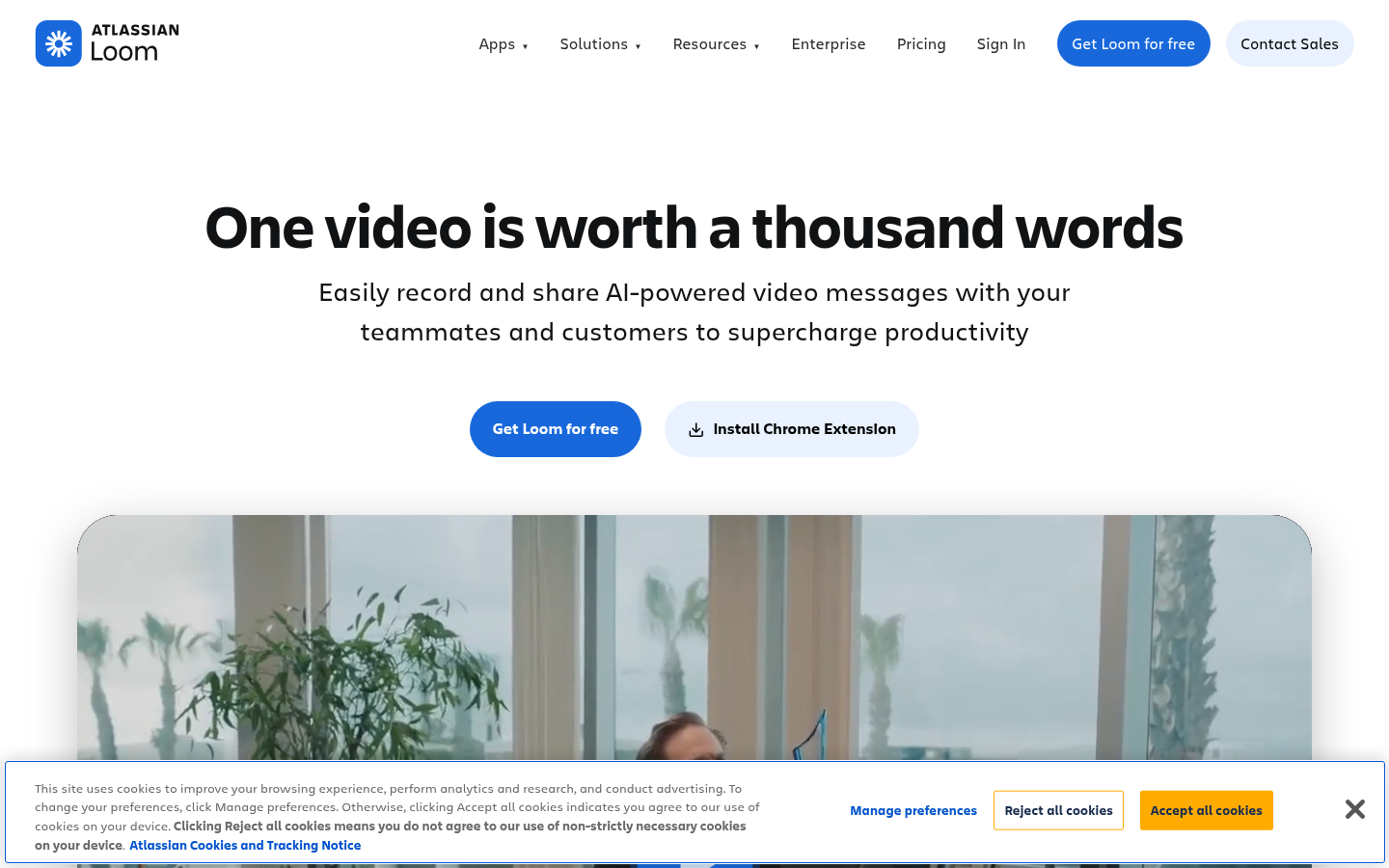
Screenshot archived from the listing page, for preview only.