
LogoRemover.ai
Free AI watermark removerErase logos and watermarks from images
Highlights
What you can do with it
- Clean up a product photo before using it in a listing
- Remove a logo from an image you own for a cleaner layout
- Tidy up stock style pictures for slides or a website mockup
How to use it
- 1 Open LogoRemover.ai in your browser
- 2 Upload the image that has a logo or watermark
- 3 Let the AI detect the area and process it
- 4 Download the cleaned image in its original or high definition quality
Who it is for
Pros
- No payment and no account setup described
- Automatic detection means no manual masking
- Fast processing, usually a few seconds per image
Limitations
- The free model can change, so unlimited free access is not guaranteed
- Results depend on the source image and how the model handles complex backgrounds
- Only remove marks you have the right to remove, and misuse is your responsibility
What LogoRemover.ai is
LogoRemover.ai is a free AI watermark removal tool whose main job is finding logos, text, and watermarks inside an image and taking them out. The site describes it as completely free with no payment required, and there is no mention of an account or a subscription step. You upload a picture, the AI detects the mark on its own, and the tool rebuilds the area so the background stays intact and natural. Processing usually takes a few seconds, and the site says the output keeps the original quality or high definition. It is positioned as a convenient service for a wide range of users with image processing needs, both individual and commercial.
What you can do with it
- Strip a logo off a product photo so the item is the only thing in frame.
- Clean up a stock style image before it goes into a slide deck or a mockup.
- Remove text overlays from an image you already own the rights to.
- Run several images in a row since each one only takes a few seconds.
Who it is for
- Sellers and marketers who want cleaner product images for listings.
- Designers preparing image assets and do not want to mask by hand.
- Individual users who need a quick, free fix without learning an editor.
- Commercial users who process images regularly and want zero setup.
What to watch out for
The free model can change at any time, so do not build a workflow that assumes unlimited free processing forever. Output quality depends on the source image and on how the upstream model handles busy or textured backgrounds, so some areas may need a second pass or manual cleanup. Most importantly, only remove marks from images you have the right to edit. Stripping a watermark or logo from a picture you do not own can break copyright or platform rules, and the consequences land on you.
FAQ
Is LogoRemover.ai free?
The site describes it as completely free, requiring no payment.
What kinds of marks can it remove?
It targets logos, text, and watermarks in images, detected automatically by the AI.
Will the image quality drop?
The site says the background stays intact and the output keeps the original quality or high definition.
Why it is free
What the official page says: 完全免费免费
Free limits, trial length and features are decided by the official site and can change at any time.
Product preview
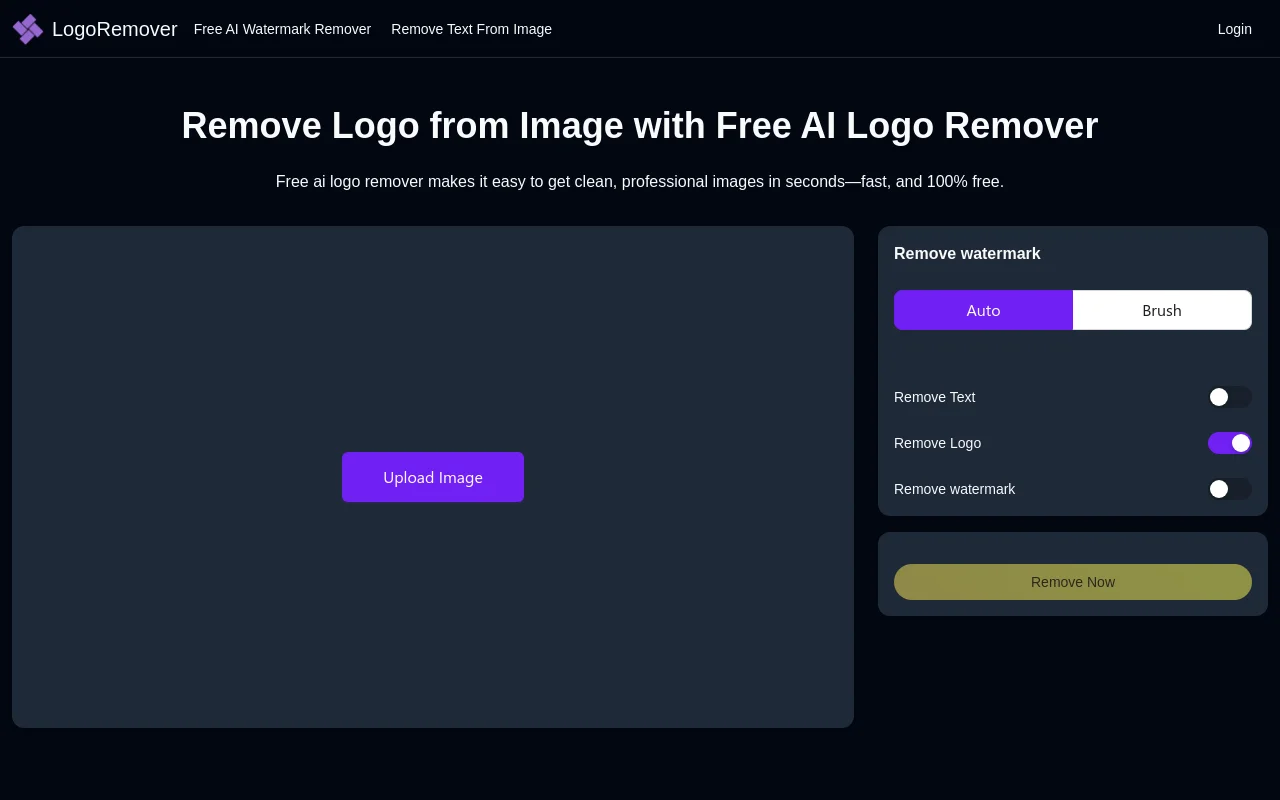
Screenshot archived from the listing page, for preview only.