
Logo Teddy
AI tool that turns static logos into animated videosUnique, template-free logo animation from your own logo
Highlights
What you can do with it
- A tech company animates a logo for a new product launch
- An independent designer delivers a logo animation for a client
- A blogger uses a logo animation as a video opening
How to use it
- 1 Upload a PNG, JPG, or WebP logo
- 2 Let the AI read it and browse three creative directions
- 3 Fine-tune duration, aspect ratio, and style, then generate
- 4 Download the MP4 in 480p, 720p, 1080p, or 4K
Who it is for
Pros
- Each animation is generated from your own logo
- Studio-level output with transparent credit pricing
- Free credits to preview before paying
- Paid work carries full commercial rights
Limitations
- The first free preview is 480p with a watermark
- Credit pricing and free credit offers can change
- Rendering takes about 3 to 5 minutes
- Results depend on the quality of the logo you upload
What Logo Teddy is
Logo Teddy is an AI logo animation tool that turns a static logo into a custom animated video. Rather than reuse templates, the AI reads the visual features of your logo, including shape, color, and personality, and generates a movie-level animation that is unique to it. It keeps the original logo form clear and complete at the climax of the animation. You can export MP4 files at 480p, 720p, 1080p, or 4K for YouTube, social media, and client work, and you can fine-tune the duration, aspect ratio, style, and mood in real time. It runs on a transparent credit system where 1 credit is worth $0.01, and new users get 50 free credits to render a first preview in 480p with a watermark. Rendering takes about 3 to 5 minutes, and paid animations include full commercial rights.
What you can do with it
- Turn a static logo into a branded animated video
- Pick from three AI creative directions and tune the style and mood
- Export at 480p, 720p, 1080p, or 4K for different platforms
- Use paid animations commercially in videos, ads, and client projects
Who it is for
- Enterprises that need a branded logo animation
- Creators and designers delivering work to clients
- Self-media bloggers who want a strong video opening
- Anyone who wants a logo animation without hiring an animator
What to watch out for
The free preview is limited to 480p with a watermark, so you need to buy credits for clean, high-resolution output. Rendering takes about 3 to 5 minutes, so it is not instant and you should plan a little ahead. The quality of the result depends on the logo you upload, and a low-quality or busy logo may animate less cleanly. Credit pricing and the free credit offer can change, so confirm current terms before you plan a project around them, and check that the resolution you need fits the credits you buy.
FAQ
How does Logo Teddy work?
The AI reads your logo's shape, color, and personality and generates a unique animation without templates.
Is there a free option?
New users get 50 free credits to render a first preview in 480p with a watermark.
How is it priced?
It uses credits where 1 credit is worth $0.01, with packages such as 2000 credits for $19.99.
Why it is free
What the official page says: 免费
Free limits, trial length and features are decided by the official site and can change at any time.
Product preview
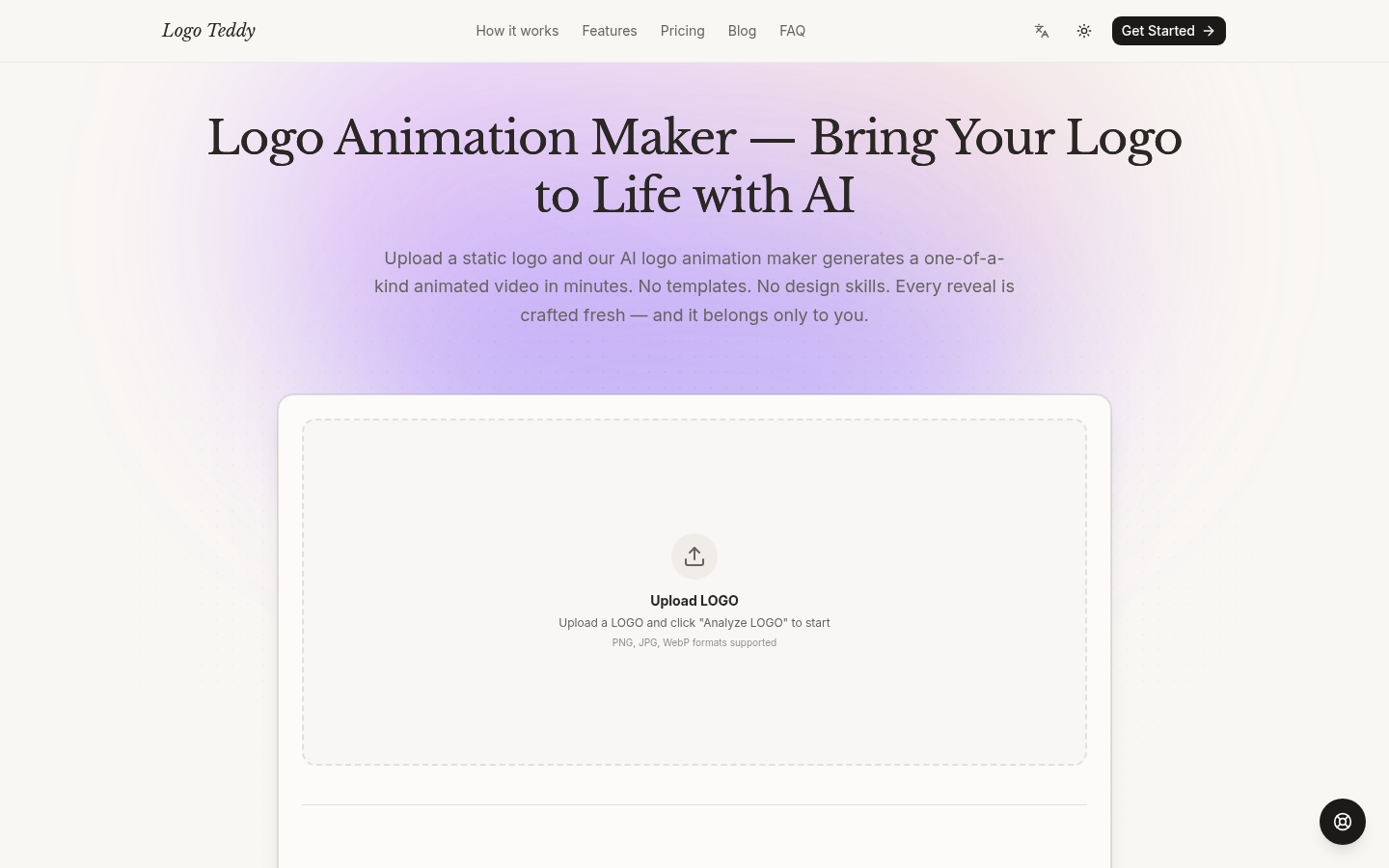
Screenshot archived from the listing page, for preview only.











