
Local Background Remover
Remove image backgrounds in your browserLocal AI background removal, no upload
Highlights
What you can do with it
- Removing a background from a personal photo
- Preparing product images with a clean background
- Creating cutouts for design or social posts
How to use it
- 1 Open magicbackgroundremover in your browser
- 2 Load the image you want to edit
- 3 Click to remove the background with the local AI
- 4 Save the result
Who it is for
Pros
- Completely free with no ads or payments
- No upload, so image data stays on your device
- Simple single-click workflow
Limitations
- Runs locally, so speed depends on your device
- Focused only on background removal, not full editing
- A smaller free tool, so long-term upkeep is uncertain
What Local Background Remover is
Local Background Remover, at magicbackgroundremover.com, is a free tool that removes image backgrounds using AI right inside your browser. Because everything runs locally, you never upload your image, which means no data leaves your device and there is no risk of a leak through a server. The workflow is deliberately simple: load a picture and remove the background with a single click. Every feature is free, and the site states there are no ads and no payments. The AI model runs locally in the browser, and the tool does not transmit any image data at all.
What you can do with it
- Remove the background from a photo with one click.
- Keep the image entirely on your own device.
- Prepare clean cutouts for product or profile pictures.
- Make design and social assets without uploading files.
- Use it repeatedly with no ads or paywalls in the way.
Who it is for
- Anyone who wants fast, private background removal.
- Users cleaning up product or profile images.
- Privacy-conscious people who do not want to upload photos.
- Casual users who need a simple, no-cost tool.
What to watch out for
Because the AI runs locally, speed and quality depend on your own device and browser, so older hardware may be slower. The tool is focused only on background removal and is not a full image editor, so other adjustments need different software. It is a smaller free project, which means long-term upkeep and availability are not guaranteed, so keep a backup of any original image you care about. Behavior may vary across browsers and devices, so test before production use and consult the help docs if errors appear.
FAQ
Is it really free?
Yes. All features are free to use with no ads or payments.
Are my images uploaded?
No. The tool runs locally in your browser and does not transmit any image data.
How hard is it to use?
It is designed to be simple, letting you remove a background with a single click.
Why it is free
What the official page says: free to use
Free limits, trial length and features are decided by the official site and can change at any time.
Product preview
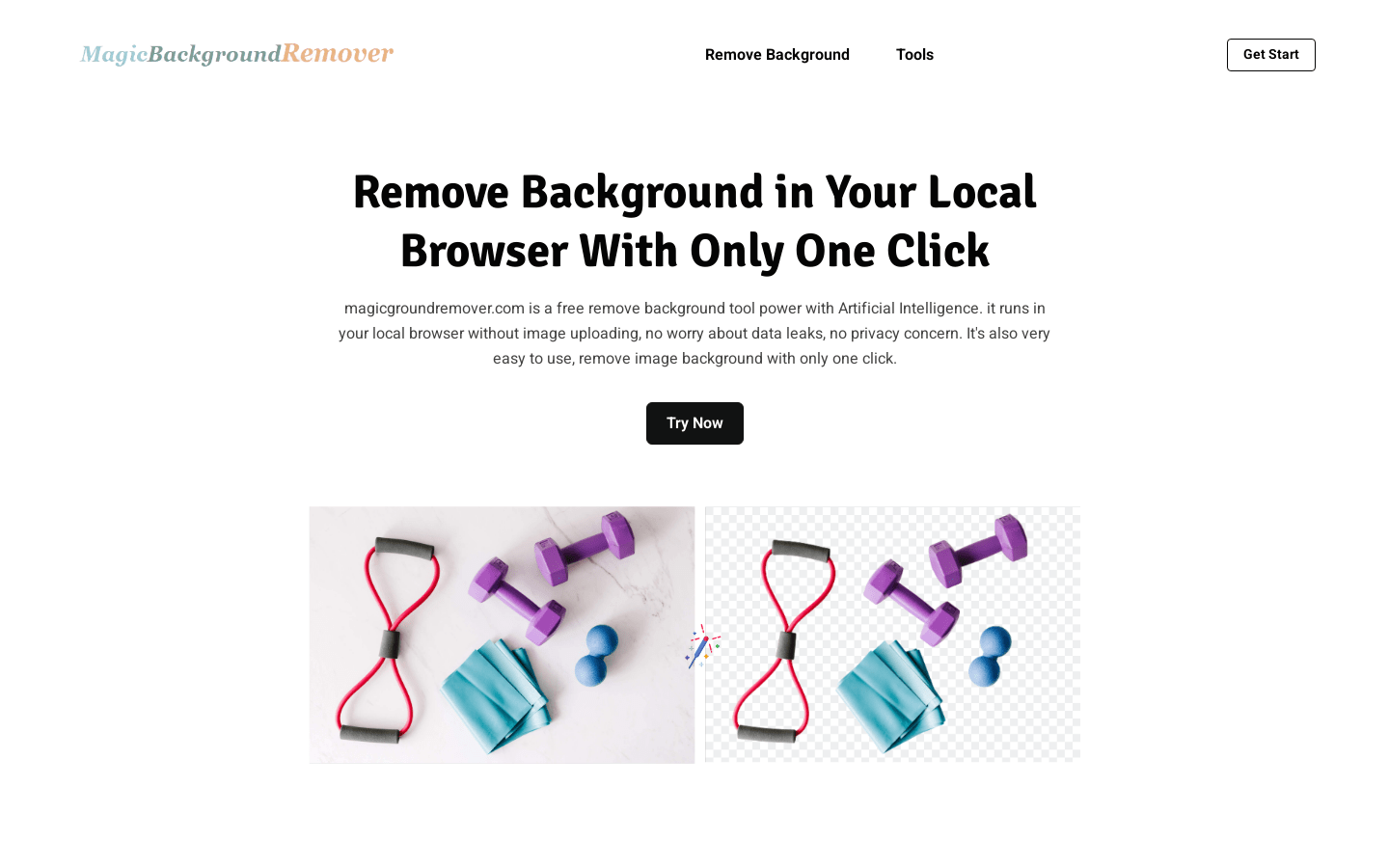
Screenshot archived from the listing page, for preview only.











