LobsterMail
Email inboxes built for AI agentsAgents create their own inbox, no manual signup
Highlights
What you can do with it
- Intelligent customer service reading and replying to inquiries
- Agents coordinating meeting times with participants
- Newsletter and subscription filtering with generated summaries
How to use it
- 1 Install the lobstermail npm package.
- 2 Call the single function that creates an inbox for the agent.
- 3 Choose polling API or set up a webhook for incoming mail.
- 4 Read message bodies safely with the SDK method designed for that.
- 5 Run your agent's classification, reply, and coordination logic.
Who it is for
Pros
- Free tier with no credit card and immediate receiving
- Inbox creation is a single function call
- Prompt injection scanning is built in, not bolted on
Limitations
- Sending requires verification even on the free tier
- Free tier limits and Builder pricing can change
- Scanning reduces injection risk but does not eliminate it
- Requires development work to integrate
What LobsterMail is
LobsterMail is mail infrastructure built specifically for AI agents, developed by the Palisade team. The design premise is that agents should not need a human to register an email account: an agent installs the lobstermail npm package and calls a single function to create its own inbox. That keeps personal mailboxes out of agent workflows and reduces the chance of an agent being manipulated through a shared address. Incoming messages can be received in real time either through a polling API or a webhook, and each email is scanned across six categories covering boundary manipulation, system prompt overwriting, data leakage, role hijacking, tool invocation, and coding techniques, which is the prompt injection defense. A free tier is available with no credit card, and the Builder plan adds custom domain sending with DNS handled for you.
What you can do with it
- Let an agent create its own inbox with one function call
- Receive mail in real time through polling or a webhook
- Scan incoming messages against six injection categories
- Run classification, scheduling, follow-up, and summary logic
- Send from a custom domain on the Builder plan
Who it is for
- Developers building agents with LangChain, CrewAI, AutoGen, or similar frameworks
- Enterprises running agent-based customer support or scheduling
- Researchers who need isolated communication channels for agents
What to watch out for
This is developer infrastructure, not a mailbox you open in a browser, so integration work is required and it assumes you are comfortable with an SDK. Sending requires verification even on the free tier, and the free limits plus the Builder pricing can change. The injection scanning meaningfully reduces risk but does not remove it, so treat agent-read email as untrusted input regardless. Finally, agents handling customer mail are acting on your behalf, so the replies they send and the data they expose are your responsibility, and a wrong automated reply to a real customer costs more than the subscription.
FAQ
Is there a free tier?
Yes. The free tier needs no credit card and can receive emails immediately. Sending is unlocked after verification.
How does the injection protection work?
Each incoming email is scanned across six categories, including boundary manipulation, system prompt overwriting, data leakage, role hijacking, tool invocation, and coding techniques.
Which agent frameworks are supported?
OpenClaw, LangChain, CrewAI, and AutoGen are listed, and it can also be used with Claude Desktop, Cursor, and Windsurf.
What does the Builder plan add?
Builder costs $9 per month and includes unlimited inboxes, up to 1000 emails per day and 10000 per month, plus custom domain sending with DNS handled.
Why it is free
What the official page says: free tier
Free limits, trial length and features are decided by the official site and can change at any time.
Product preview
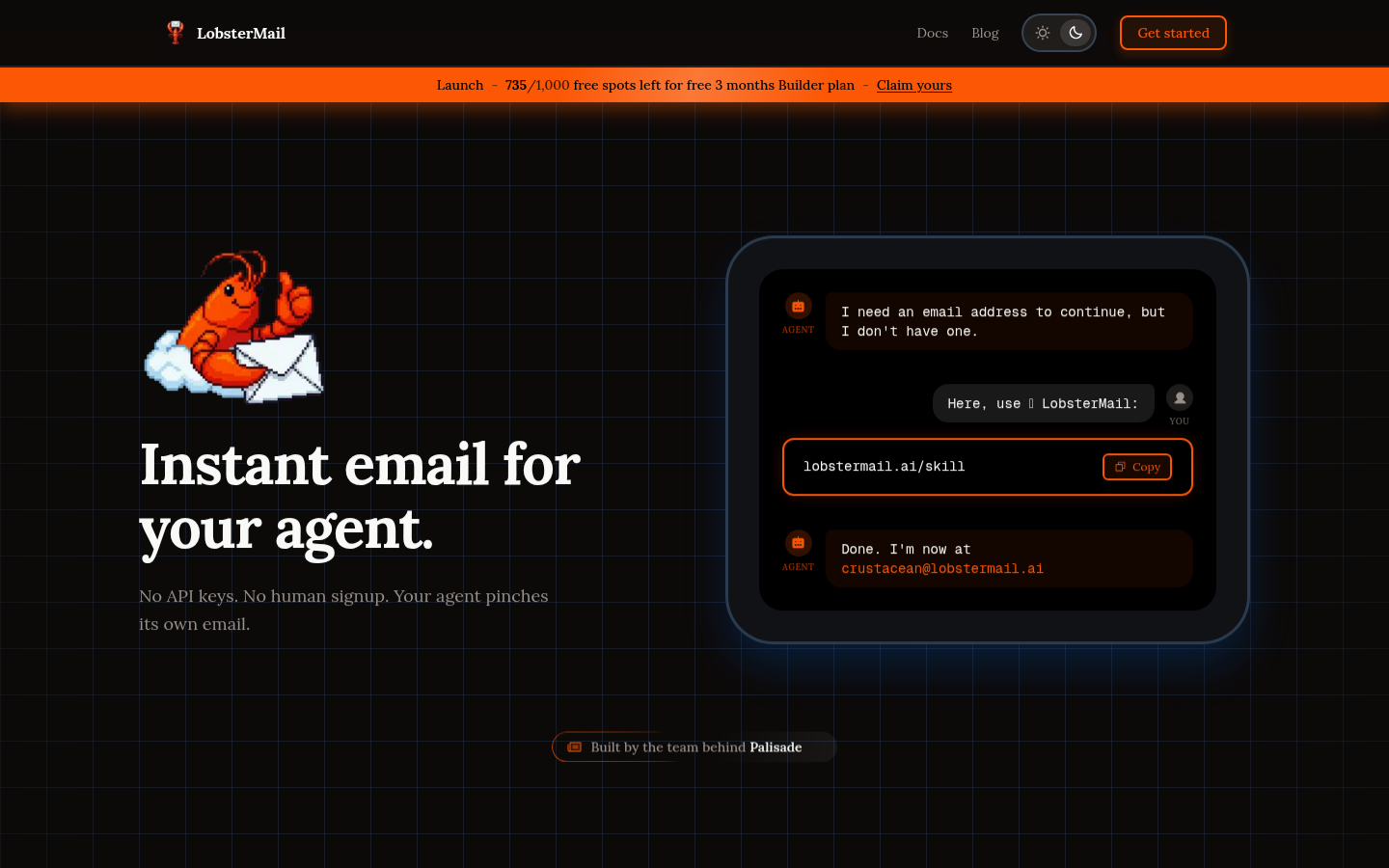
Screenshot archived from the listing page, for preview only.