
Lobe Chat
Open-source chatbot frameworkDeploy your own ChatGPT-style app
Highlights
What you can do with it
- Deploy a private ChatGPT-style application for personal use
- Build an internal company knowledge base and question answering system
- Use the plugin system to customise a chatbot's behaviour
How to use it
- 1 Open the LobeChat deployment page
- 2 Choose a deployment method and start the one-click setup
- 3 Connect the model provider you want to use
- 4 Configure language, plugins, and knowledge sources
- 5 Open your private assistant and start testing
Who it is for
Pros
- Open source and free to deploy
- Plugin system allows real customisation
- Multilingual support out of the box
- Knowledge extraction helps ground answers in your own material
Limitations
- Self-hosting means you supply the server and the model access yourself
- Model API usage is a separate cost from the framework
- Setup and maintenance require technical comfort
What LobeChat is
LobeChat is an open-source chatbot framework. Its purpose is to let you deploy a private, ChatGPT-style application without assembling the pieces yourself, and one-click free deployment is the headline feature. Beyond the chat interface it offers customisable model support, multilingual interfaces, a plugins system, and knowledge extraction, so both the assistant's behaviour and the material it draws on can be shaped. The project describes itself as scalable and high-performance, which is the part that matters if the assistant is going to serve a team rather than a single user.
What you can do with it
- Deploy a private assistant with one click
- Connect and switch between models you choose
- Extend behaviour through the plugin system
- Use knowledge extraction to ground answers in your own documents
Who it is for
- Developers who want an assistant they fully control
- Teams building an internal knowledge base and Q&A system
- Anyone comfortable with self-hosting who wants deep customisation
What to watch out for
The framework being free does not make the running costs zero. Self-hosting means you supply the server, the domain, and the maintenance, and connecting to a model provider means paying for that usage separately, which scales with how much the assistant is used. Deployment is genuinely quick, but keeping an instance patched, backed up, and monitored is an ongoing job rather than a one-time setup. Check the model provider's pricing before you roll it out to a whole team. Processing speed depends on file size and network conditions, so retry later if a task stalls during peak hours. Run one full task end to end first, then expand once you are comfortable with the workflow and the result quality.
FAQ
Is LobeChat free?
It is an open-source framework with free one-click deployment. Model access from a provider is a separate cost.
Can I use my own model?
Yes. Customisable model support is one of the core features.
What is the plugin system for?
It lets you extend and customise the chatbot's behaviour beyond the default features.
Why it is free
What the official page says: 免费
Free limits, trial length and features are decided by the official site and can change at any time.
Product preview
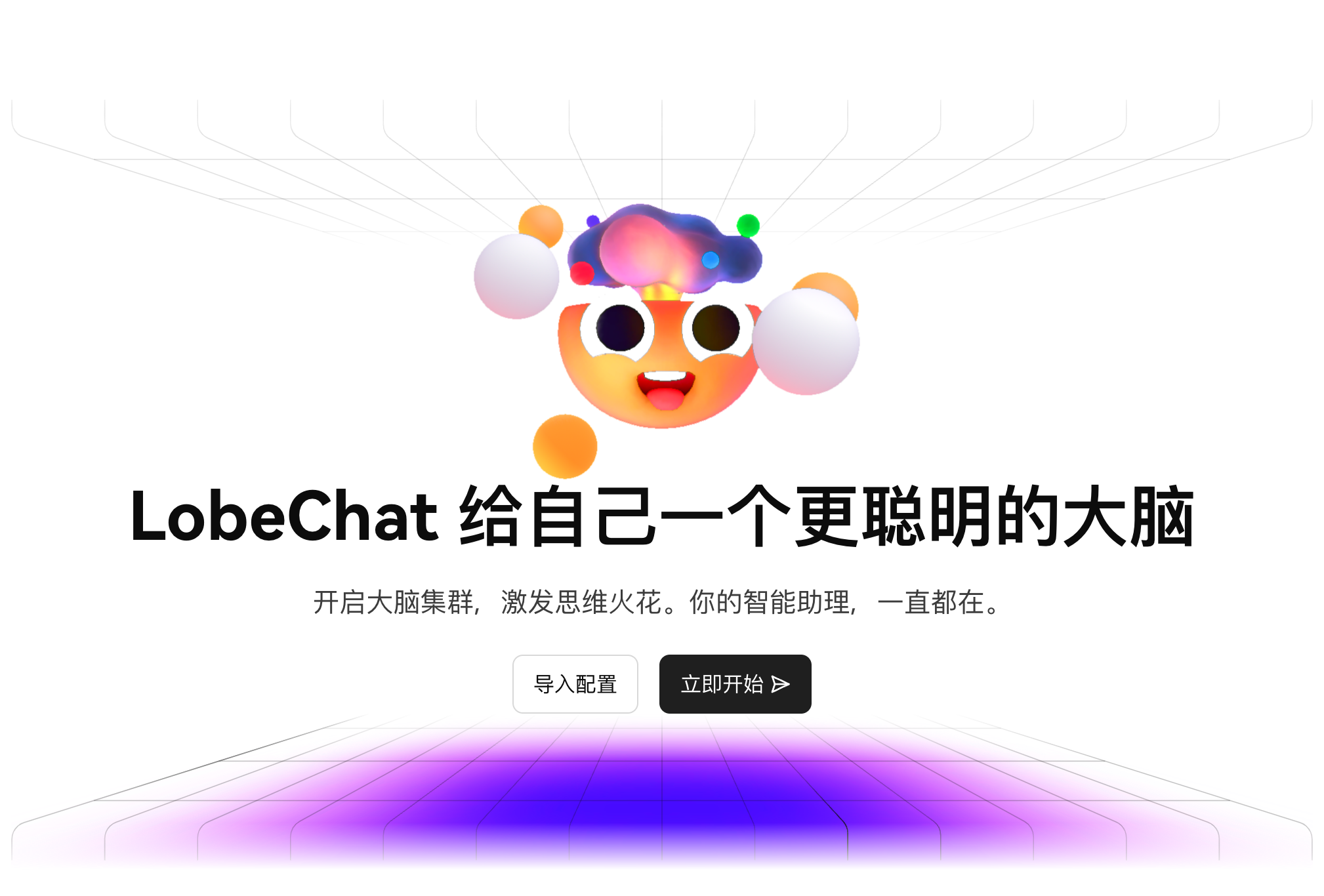
Screenshot archived from the listing page, for preview only.











