
Listnr AI
AI voice and video generator with 900+ voices900+ voices, 142 languages, one tool
Highlights
What you can do with it
- Produce voiceover for marketing videos and ads
- Turn written articles into audio versions
- Build podcast episodes and narration tracks
How to use it
- 1 Create an account and pick a voice
- 2 Paste your script and choose the language
- 3 Generate the audio or video output
- 4 Download the file or export it to your project
Who it is for
Pros
- Large voice and language library in one place
- Covers audio and video, so fewer tools to manage
- Pricing is published, which makes comparison easier
Limitations
- Free usage is limited; heavier work needs a paid plan
- Voice naturalness varies by language and by voice
- Synthetic speech may not suit every brand or audience
- Plan pricing and voice availability can change
What Listnr AI is
Listnr AI is an AI-driven voice and video generation tool. Its main claim is breadth: more than 900 voices and 142 language options in one place, so a single account can cover narration for different markets without switching vendors. The output is aimed at realistic voice and video content, which means it is built for people who need spoken material on a regular basis rather than one-off experiments. Stated use cases include video generation, voice advertising, audio article production, and podcast making. You can start for free and move to paid plans as volume grows, and the company publishes its pricing so the choice between tiers is easier to make.
What you can do with it
- Generate voiceover in a wide range of languages and voice styles
- Produce video content alongside the audio track
- Turn written articles into listenable audio versions
- Build podcast episodes and advertising narration from one account
Who it is for
- Marketers producing voice advertising and promo spots
- Content creators publishing podcasts and audio articles
- Teams that need the same script delivered in multiple languages
- Publishers adding an audio layer to existing text
What to watch out for
The free entry point is a starting line, not a full plan. Serious volume needs a paid subscription, and pricing can change, so check current rates before you build a workflow around it. Voice naturalness is not uniform across all 142 languages and 900 voices; expect to audition several before finding one that fits your project. Synthetic speech also carries a reputational dimension: some audiences react badly to it, so test before committing a whole campaign. Finally, generated video is limited compared with dedicated editors, so plan on compositing elsewhere.
FAQ
How many voices and languages are supported?
The product states over 900 voices and 142 language options.
Can I use it for free?
Yes, users can start for free and move to paid plans as needed.
Does it make video as well as audio?
Yes, it is positioned as both a voice and a video generation tool.
Why it is free
What the official page says: for free
Free limits, trial length and features are decided by the official site and can change at any time.
Product preview
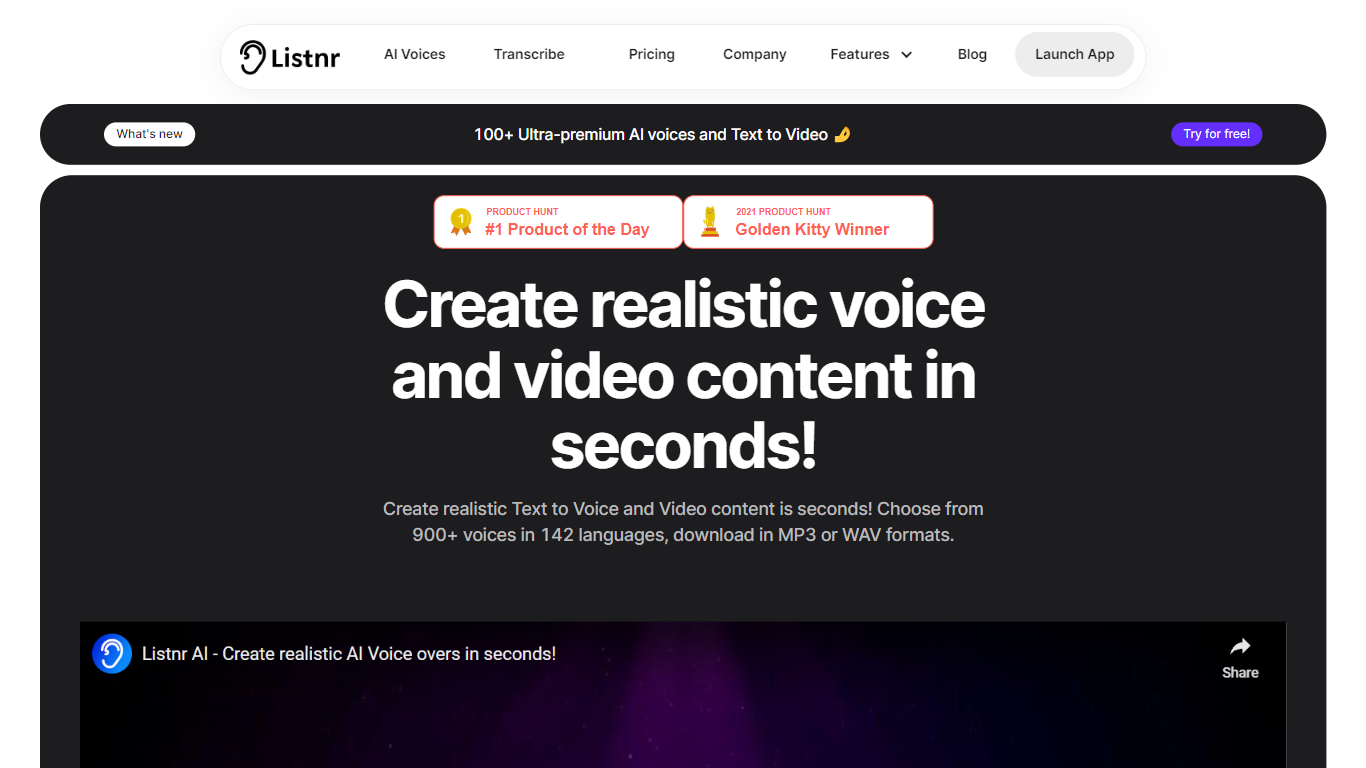
Screenshot archived from the listing page, for preview only.











