
Listen Monster
Free transcription and captioning for audio and videoTurn speech into text, fast and watermark free
Highlights
What you can do with it
- Create subtitles for a video
- Transcribe a meeting or lecture
- Turn a podcast into readable text
How to use it
- 1 Open Listen Monster and upload your audio or video.
- 2 Let it detect the language and transcribe.
- 3 Review the text and pick an export format.
- 4 Download as txt, srt, or vtt with no watermark.
Who it is for
Pros
- Completely free to use
- No watermarks on exports
- Wide format and language support
Limitations
- The site was returning a server error during our last check
- Accuracy varies with audio quality
- Focused on transcription, not heavy editing
What Listen Monster is
Listen Monster is a free English captioning tool that transcribes audio and video into text. It is described as fast, accurate, and completely free, and it supports around 97 languages with automatic language detection. It works with major audio and video formats and lets you export results as txt, srt, and vtt files, with no watermarks added. That makes it practical for creators who need subtitles, office workers who need meeting transcripts, and anyone turning a recording into readable text.
What you can do with it
- Transcribe audio and video files into plain text.
- Create subtitles and export them as srt or vtt.
- Rely on automatic language detection across many languages.
- Download clean files with no watermark.
Who it is for
- Creators who need quick subtitles for videos.
- Office workers turning meetings and calls into text.
- Students and researchers working with recorded material.
What to watch out for
Transcription accuracy depends on audio quality, so noisy or low quality recordings will need more editing. It is a transcription tool rather than a full editor, so plan to tidy the text yourself. The site was returning a server error during our last check, so confirm it is online before you plan a job around it. Start with a small sample to confirm the output meets your expectations before processing the full batch. Free tiers and usage limits can change, so check the current rules on the official page before relying on it long term. Behavior may vary across browsers and devices, so test before production use and consult the help docs if errors appear. Features and interface details may change between versions, so review the latest notes on the page before you start.
FAQ
Is Listen Monster free?
Yes, it is described as fast, accurate, and completely free.
What can I export?
You can download results as txt, srt, and vtt files.
How many languages does it support?
It supports around 97 languages with automatic detection.
Why it is free
What the official page says: 免费
Free limits, trial length and features are decided by the official site and can change at any time.
Product preview
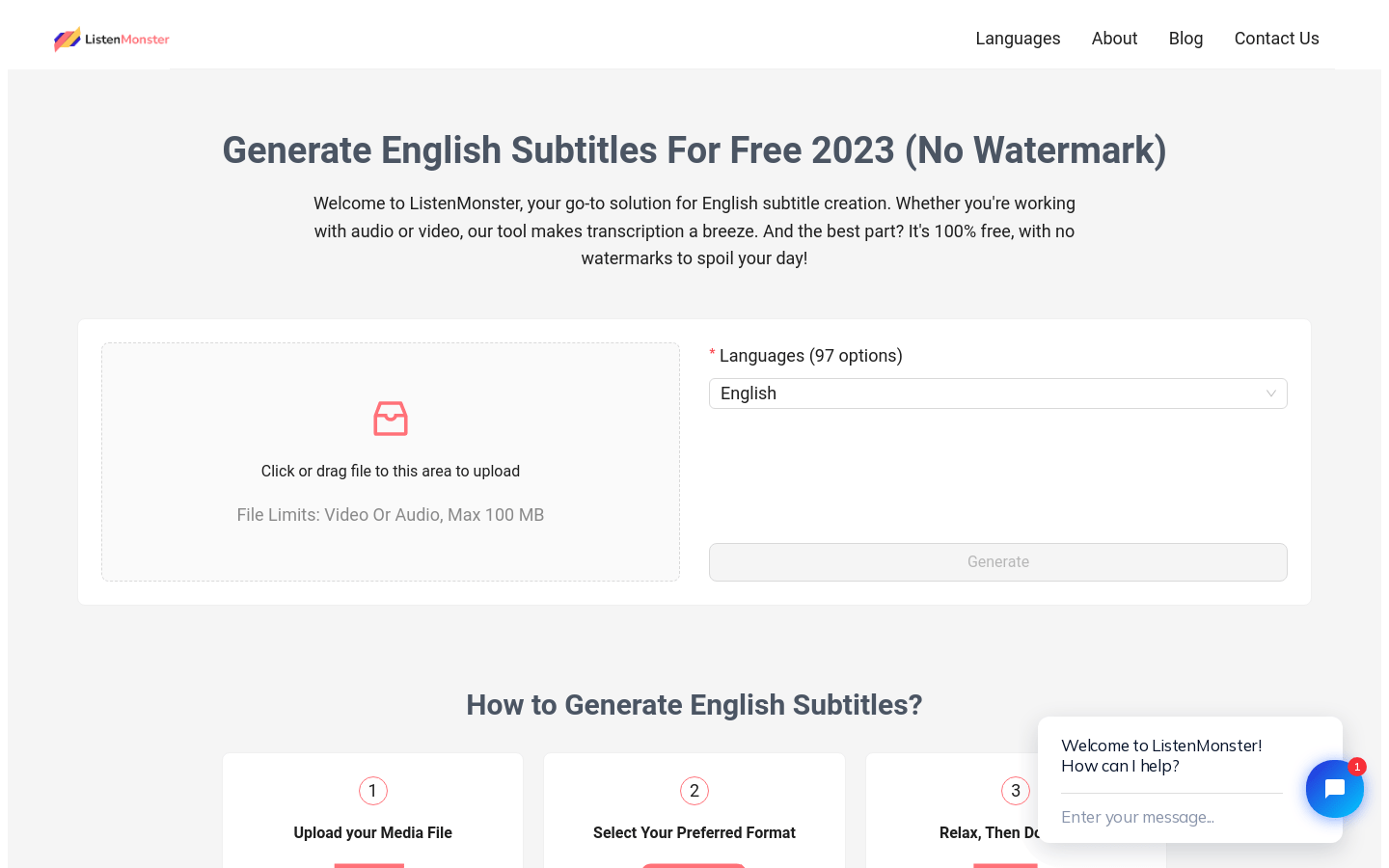
Screenshot archived from the listing page, for preview only.











