LipSync.video
Free AI lip-sync video toolMatch audio to lip movement in minutes
Highlights
What you can do with it
- Video producers creating lip-sync sequences
- Animators aligning character dialogue to mouth movement
- Voice actors improving the quality of their demo work
How to use it
- 1 Open the website
- 2 Upload your audio and video files
- 3 Adjust settings and preview the effect
- 4 Download the generated lip-sync video
- 5 Use it in your project or share it
Who it is for
Pros
- Free to use with no registration
- Simple upload, adjust, preview, and download flow
- Instant preview helps you check before exporting
- Multiple output formats for different pipelines
Limitations
- Can be misused to make misleading or impersonation videos, which may break platform or school rules, and consequences rest with the user
- Free tools can change terms or disappear without notice
- Result quality depends on the clarity of your audio and video
- Processing limits and file size caps are not stated
What LipSync.video is
LipSync.video is a free online lip-sync tool powered by AI. It takes an audio file and a video file and adjusts the mouth movement in the video so it lines up with the speech. The service runs in the browser and asks for no registration. After uploading, you can adjust settings, preview the lip-sync effect in real time, and download the result in a supported video format. It is aimed at video production, animation, and voice-over work where dialogue needs to line up with a face, and it presents itself as fast and simple for all kinds of users.
What you can do with it
- Sync a recorded voice to a face in your video
- Preview the result instantly before exporting
- Download lip-synced clips in supported formats
- Use it for animation, dubbing, and demo productions
Who it is for
- Video producers who need quick lip-sync passes
- Animators aligning dialogue to character movement
- Voice actors and creators polishing demo clips
What to watch out for
This kind of tool can be misused to impersonate people or create misleading videos. That may violate platform rules, school policies, or the law, and any consequences rest with the user, so keep your work honest and get consent when other people appear. Free services can also change terms or stop working without notice. Output quality depends on the clarity of the source audio and video, and file size or length limits are not stated, so test with your own material first. For best results, start with a small test file and review the output carefully before working on anything important. Free tiers can change over time, so it is worth checking the current limits on the official page before you rely on the tool daily.
FAQ
Is LipSync.video free?
Yes, it is described as free and usable without registration.
What do I need to start?
An audio file and a video file. You upload both, adjust settings, and preview the result.
Are there rules about what I can make?
Do not use it to impersonate people or create misleading content. Such use may violate platform or school rules, and any consequences rest with you.
Why it is free
What the official page says: 免费无需注册
Free limits, trial length and features are decided by the official site and can change at any time.
Product preview
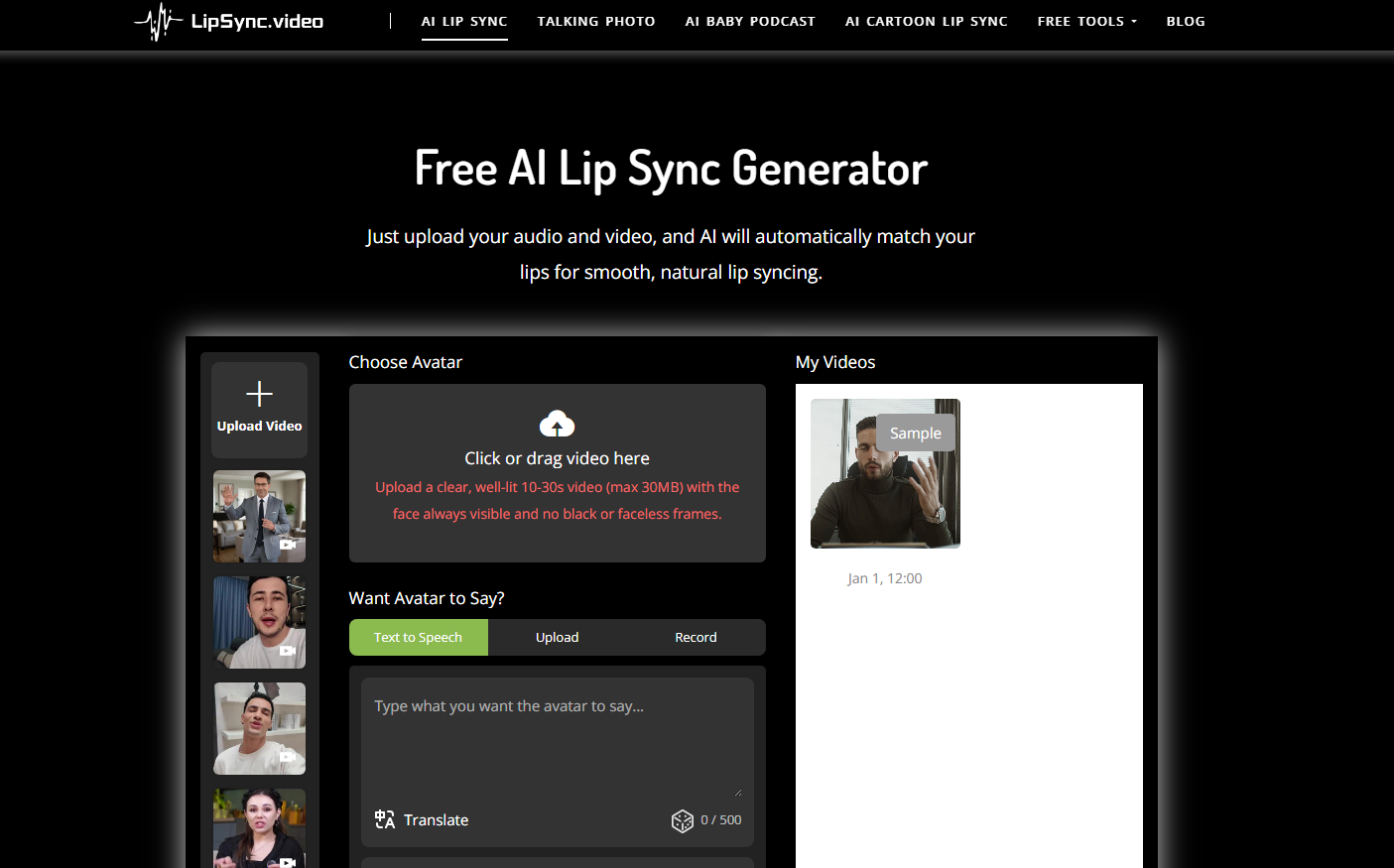
Screenshot archived from the listing page, for preview only.











