
Lip Sync AI
AI lip sync animation generatorMatch lips to audio in any language
Highlights
What you can do with it
- Translating a promotional video into several languages
- Dubbing course or explainer videos
- Creating lip-sync content for social media
How to use it
- 1 Create an account on the Lip Sync AI site
- 2 Upload a video or paste a link
- 3 Choose the audio source
- 4 Select Standard or Precise mode and the number of faces
- 5 Preview, adjust, then download the result
Who it is for
Pros
- Handles multiple speakers in one pass
- Two modes balance speed and accuracy
- Works with varied head positions
- Straightforward upload to download flow
Limitations
- Free trial is limited and full features need payment
- Sync accuracy varies with footage quality and angle
- Using it on someone's likeness without consent is a serious problem
- Rendering time depends on video length and mode
What Lip Sync AI is
Lip Sync AI is a lip-sync animation generation tool. It takes a video and an audio track and aligns the character's mouth movement to the audio, which is the unglamorous work that otherwise eats an afternoon in an editor. It supports multiple languages and dialects, and it offers Standard Mode and Precise Mode so you can choose between speed and tighter accuracy depending on the shot. Multi-speaker scenes are handled by syncing up to six faces at once, and the tool claims to cope with different head positions and movements, which is where simpler approaches fall apart. A free trial is available, with full functionality behind a paid subscription.
What you can do with it
- Sync lip movement to a new audio track
- Localise a video into several languages
- Handle scenes with multiple speakers
- Preview and adjust before exporting
Who it is for
- Video producers localising content for new markets
- Education teams dubbing course and explainer videos
- Creators making lip-sync content for social platforms
What to watch out for
The free trial is limited and full features require payment, with pricing that can change. Sync accuracy depends heavily on footage quality, lighting, and head angle, so difficult shots need review and sometimes manual fixing. Rendering time scales with video length and with Precise Mode, so plan for waiting on longer pieces. Most importantly, only use footage you have the rights to. Making a real person appear to say words they never said can breach laws and platform rules and can seriously harm them, and any consequences of that rest entirely with you. When quality matters, export a small draft first to confirm the result before producing the final file.
FAQ
Is there a free trial?
Yes, a free trial is listed, while unlocking full functionality requires a paid subscription.
How many faces can it sync?
The listing says it supports multi-speaker scenarios with up to six faces at once.
What modes are available?
Standard Mode and Precise Mode, letting you choose synchronisation accuracy.
Can I use it on any video?
Only on footage you have the rights to. Making someone appear to say something they did not can break laws and platform rules, and the responsibility is yours.
Why it is free
What the official page says: free trial
Free limits, trial length and features are decided by the official site and can change at any time.
Product preview
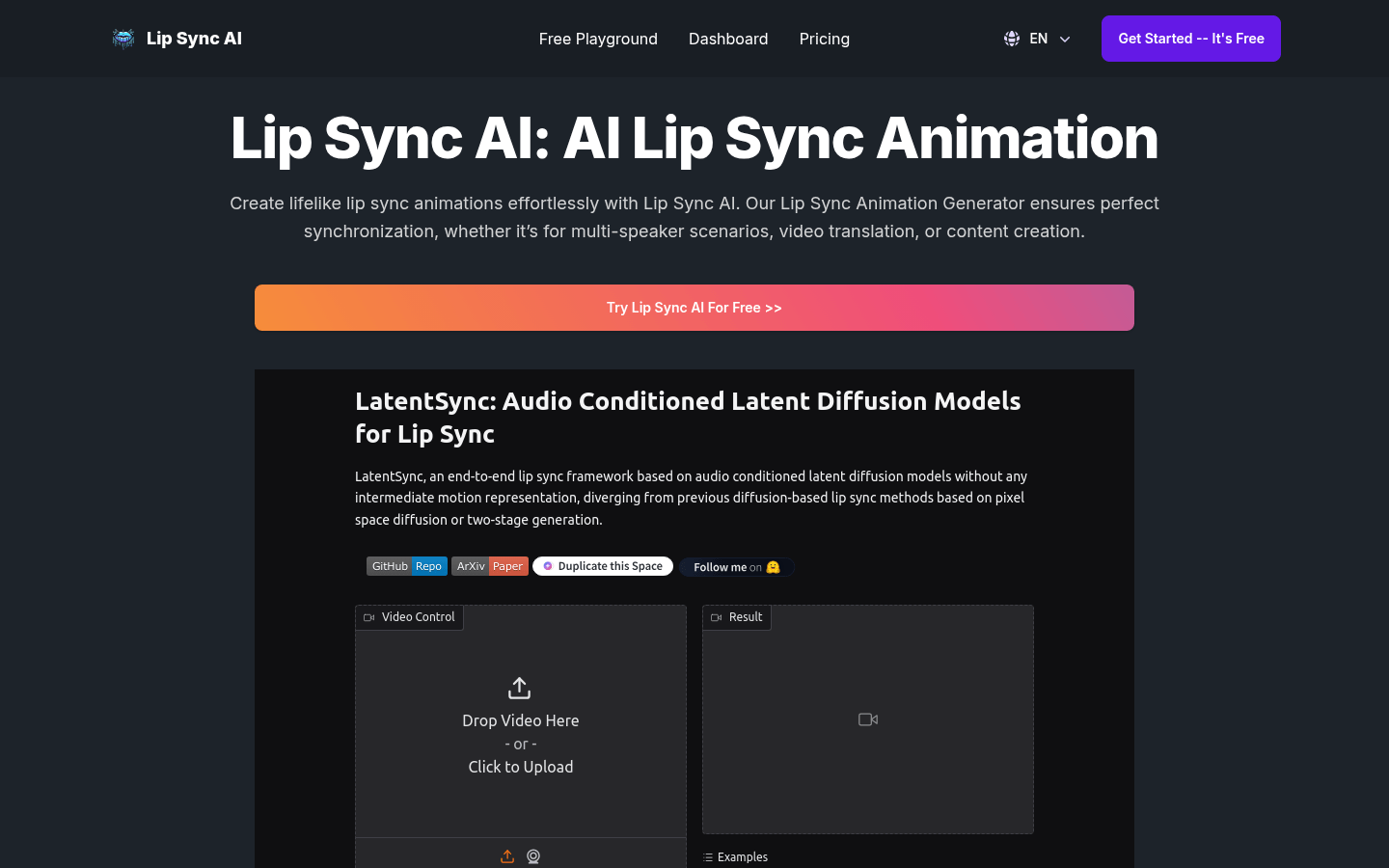
Screenshot archived from the listing page, for preview only.











