
LinkedIn TLDR
Chrome extension that summarizes postsShort, witty summaries of long posts
Highlights
What you can do with it
- Professionals scanning industry updates in limited time
- Recruiters sifting through many candidate posts
- Salespeople following customer updates without long reads
How to use it
- 1 Install the LinkedIn TLDR Chrome extension
- 2 Log in to LinkedIn and open a post
- 3 Click the extension icon to see the summary
- 4 Read the short version, or click through to the full post
Who it is for
Pros
- Free to use with no payment
- Saves time on long, padded posts
- Works inside the browser while you scroll
Limitations
- Summaries can miss nuance buried in the post
- Depends on LinkedIn's page structure, which can change
- A browser extension needs permissions you should review
What LinkedIn TLDR is
LinkedIn TLDR is a free Chrome extension that shortens long LinkedIn posts. Instead of scrolling through a lengthy post to find the point, you click the extension and get a concise, witty summary built with AI. The pitch is speed: you keep up with more people in less time, and only open the full post when the summary tells you it is worth it. The tool is free to use and needs no payment.
What you can do with it
- Summarize a LinkedIn post in one click while browsing
- Get the key point without reading the full text
- Scan more posts in the same amount of time
- Click through to the original only when you want the detail
Who it is for
- Busy professionals trying to keep up with industry updates
- Recruiters reviewing many candidate profiles and posts
- Salespeople tracking customer and prospect updates
What to watch out for
A summary is a compression, so nuance, caveats, and the actual argument in a post can be lost, and you should open the original before you quote or act on it. Because it is a browser extension that reads page content, review the permissions it asks for before installing. It depends on the structure of LinkedIn pages, so if the site changes its layout the extension may stop working until it is updated. Finally, summaries are a reading aid, not a substitute for engaging with the people whose posts matter to you. Run one full task end to end first, then expand once you are comfortable with the workflow and the result quality. Behavior may vary across browsers and devices, so test before production use and consult the help docs if errors appear.
FAQ
What does LinkedIn TLDR do?
It summarizes lengthy LinkedIn posts into concise, witty summaries using AI.
Is it free?
Yes, it is free to use and no payment is required.
How do I use it?
Install the Chrome extension, open a LinkedIn post, and click the extension icon to view the summary.
Why it is free
What the official page says: 免费
Free limits, trial length and features are decided by the official site and can change at any time.
Product preview
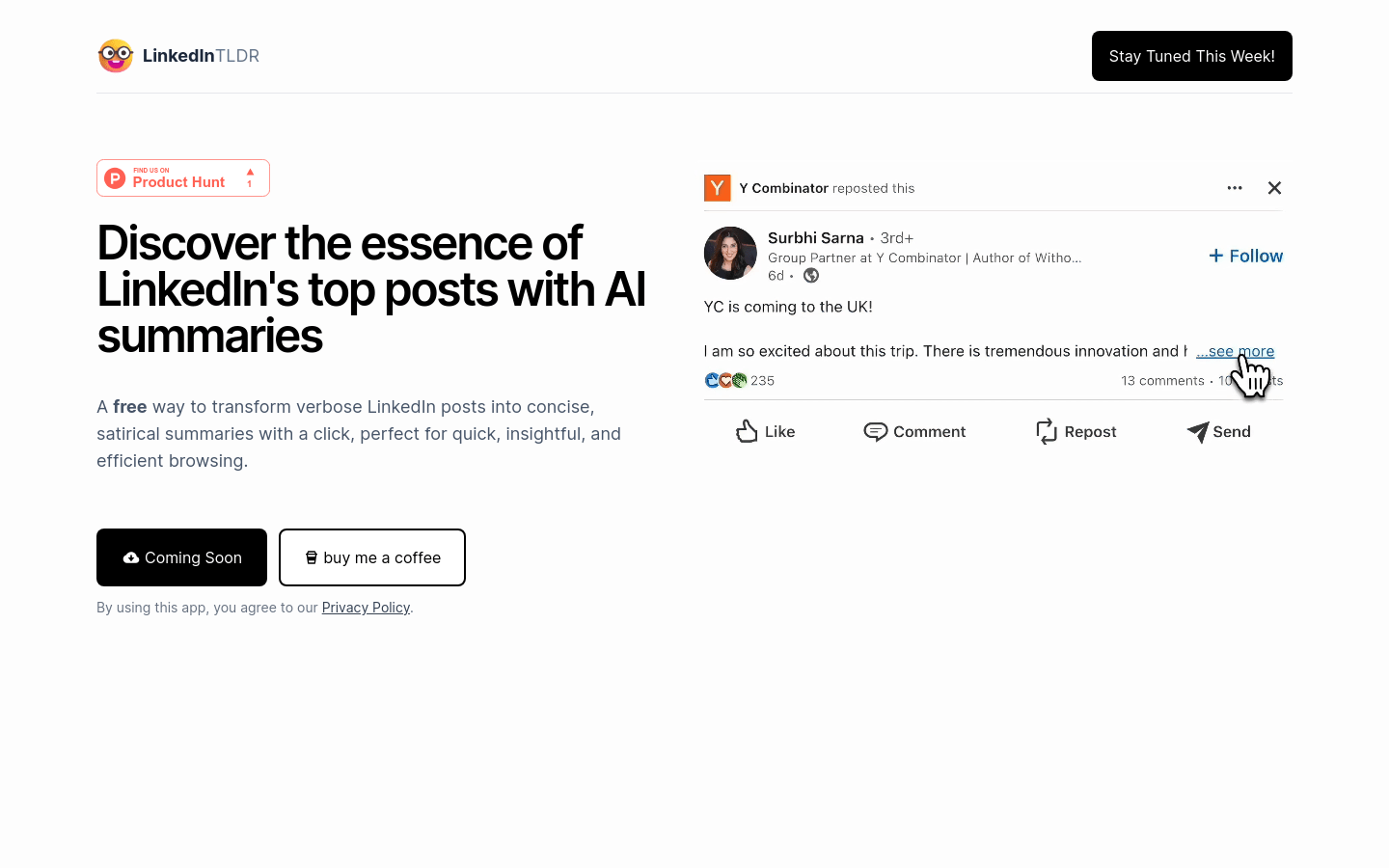
Screenshot archived from the listing page, for preview only.











