
Lingxi
AI office assistant by KingsoftOne sentence, finished office work
Highlights
What you can do with it
- Update a weekly business report from the latest data
- Produce a strategy report, analysis, and presentation together
- Save a monthly review workflow as a reusable skill
How to use it
- 1 Download the desktop client or open the web version
- 2 Log in and authorise connections to your office tools
- 3 Describe your task goal in one sentence
- 4 Watch Lingxi read data, analyse, and generate files
- 5 Preview or download the deliverables and save the workflow as a skill
Who it is for
Pros
- Delivers editable files, not just answers
- Cross-app execution saves manual steps
- Reusable skills cut repeat work
Limitations
- A free trial quota, then paid benefits
- Works best inside the Kingsoft and WPS ecosystem
- Needs access to your files and connected apps
- Output should be reviewed before you send it
What Lingxi is
Lingxi is an AI office assistant launched by Kingsoft Office and positioned as an assistant that gets real office work done. It is not only a chatbot: you describe your goal in one sentence, and Lingxi breaks the work into steps, connects to WPS, Kingsoft Docs, WeCom, the browser, and local files, then completes data reading, analysis, document generation, and presentation creation. It delivers editable docx, xlsx, and pptx files rather than text you have to rebuild. It also remembers project context, preferences, and common formats, and it can save a successful workflow as a reusable skill.
What you can do with it
- Turn one instruction into a report, an analysis, and a deck
- Connect enterprise chat, docs, spreadsheets, and local folders
- Aggregate sales data, spot anomalies, and run calculations
- Remember project context so you do not repeat yourself
- Save a working method as a skill and reuse it later
Who it is for
Office professionals and white-collar workers who handle reports, spreadsheets, and presentations, business and management roles that need quick data summaries and review materials, and project teams that share context across departments all benefit from Lingxi. Individual creators and light office users who do not want to install a full office suite can use the web or mobile version. Anyone already inside the WPS or Kingsoft ecosystem will get the most from it.
What to watch out for
Lingxi usually offers a free trial quota, with premium benefits on the official pricing page, so heavy use likely requires payment. It works best inside the Kingsoft and WPS ecosystem, and its cross-app execution needs access to your files, chat, and browser, which means trusting it with sensitive information. Because it acts on your behalf, review the deliverables before you send them, especially numbers and wording. Confirm current pricing and the exact connections available in your region before you rely on it daily.
FAQ
What is Lingxi?
It is an AI office assistant from Kingsoft Office that carries out real work tasks.
What can it produce?
Editable Word documents, Excel analysis, and PowerPoint presentations from one instruction.
Which apps does it connect to?
WeCom, Kingsoft Docs, WPS Writer and Spreadsheets, the browser, and local folders.
Is there a free trial?
Yes, a free trial quota is usually offered, with premium benefits on the pricing page.
Why it is free
What the official page says: free trial
Free limits, trial length and features are decided by the official site and can change at any time.
Product preview
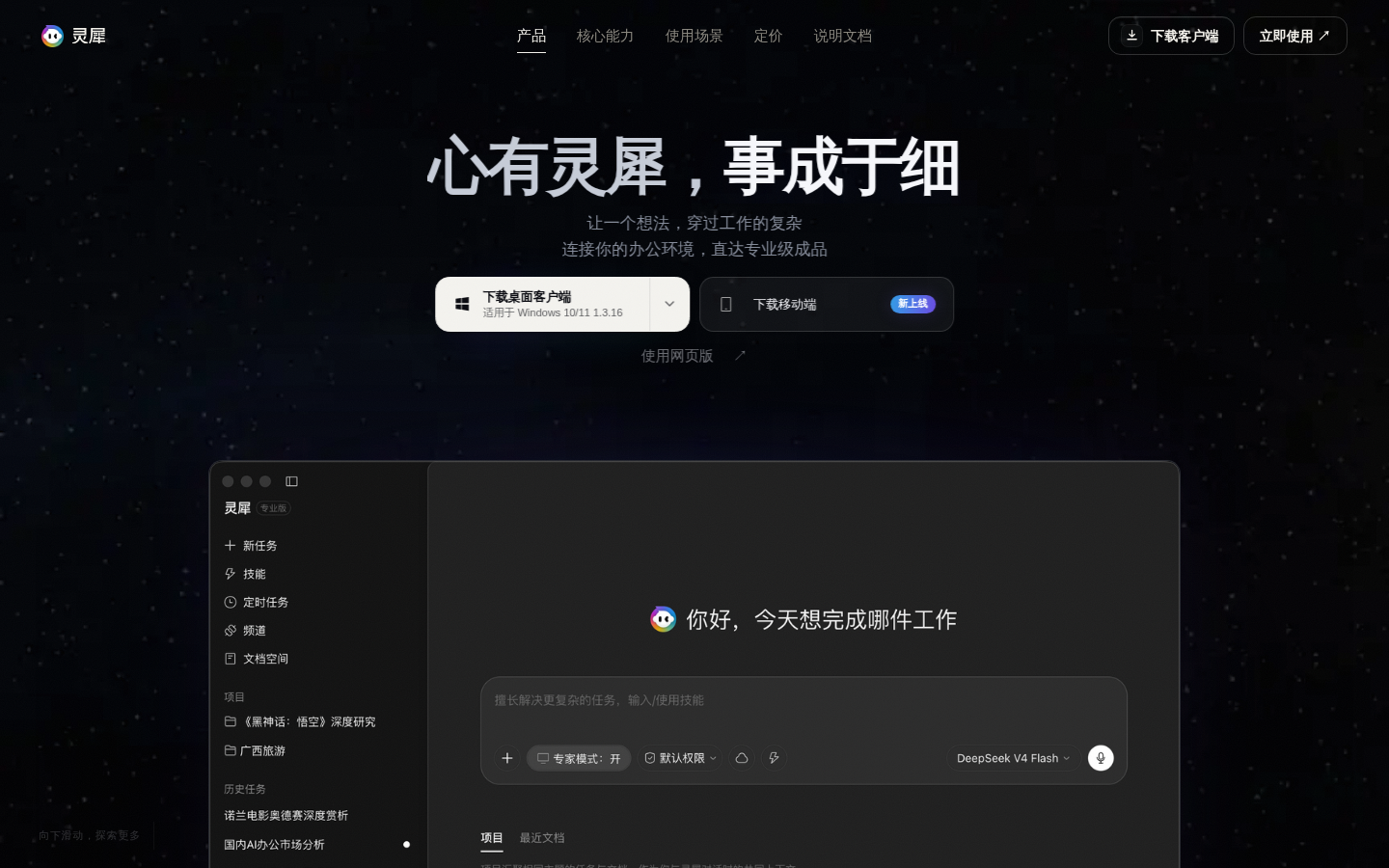
Screenshot archived from the listing page, for preview only.











