
Line Art Generator
Free line art generatorTurn text and photos into line art
Highlights
What you can do with it
- A designer drafts logo ideas from a short text description.
- An artist turns a plant photo into a line illustration.
- A casual user converts travel photos into sketches for printing.
How to use it
- 1 Open the Line Art Generator website.
- 2 Choose Text to Art or Image to Art.
- 3 Enter a description or upload your photo.
- 4 Select one of the eight line art styles.
- 5 Generate, then download the high resolution file.
Who it is for
Pros
- A free quota is available before you pay for anything.
- Several distinct styles from the same input.
- High resolution, watermark free downloads.
Limitations
- The free quota is limited, and the paid plans cost 4.9 or 9.9 dollars a month.
- Line art from a busy photo may need clean up before real use.
- Style results depend on the prompt or photo you start with.
What Line Art Generator is
Line Art Generator is an online line art tool. It takes text descriptions, images, or photos and converts them into line drawings using artificial intelligence. Eight artistic styles are available, covering single line art, graffiti illustration, plant line art, Scandinavian, engraving, and comic looks, so one input can be pushed in very different directions. The workflow is short: pick text to art or image to art, add a prompt or upload a file, choose a style, and generate. The site advertises fast generation and high resolution downloads without watermarks. There is a free usage quota, and paid plans are listed at 4.9 dollars per month for standard and 9.9 dollars per month for professional.
What you can do with it
- Turn a written description into a line drawing.
- Convert a photo or image into line art or a sketch.
- Switch between eight different artistic styles.
- Download the result in high resolution with no watermark.
Who it is for
- Designers who need quick line work for drafts and logos.
- Artists who want to test an idea without drawing it by hand.
- Everyday users who want photos turned into simple sketches.
What to watch out for
The free quota is limited and paid access is a monthly cost, so heavy use adds up. Line art is a stylised output, and results from a busy or low contrast photo can come out messy, which means clean up in an editor is sometimes needed. Style choice and prompt wording have a big effect on the result, so expect to try a few before you get the look you want. And because it is a hosted service, availability, model behaviour, and the free quota can change at any time.
FAQ
Is Line Art Generator free?
There is a free usage quota. Paid plans are listed at 4.9 dollars per month for standard and 9.9 dollars per month for professional.
How many styles are there?
Eight artistic styles, including single line art, graffiti illustration, plant line art, Scandinavian, engraving, and comic styles.
Can I use a photo instead of text?
Yes. Choose Image to Art, upload the photo, pick a style, and generate.
Why it is free
What the official page says: 免费使用免费
Free limits, trial length and features are decided by the official site and can change at any time.
Product preview
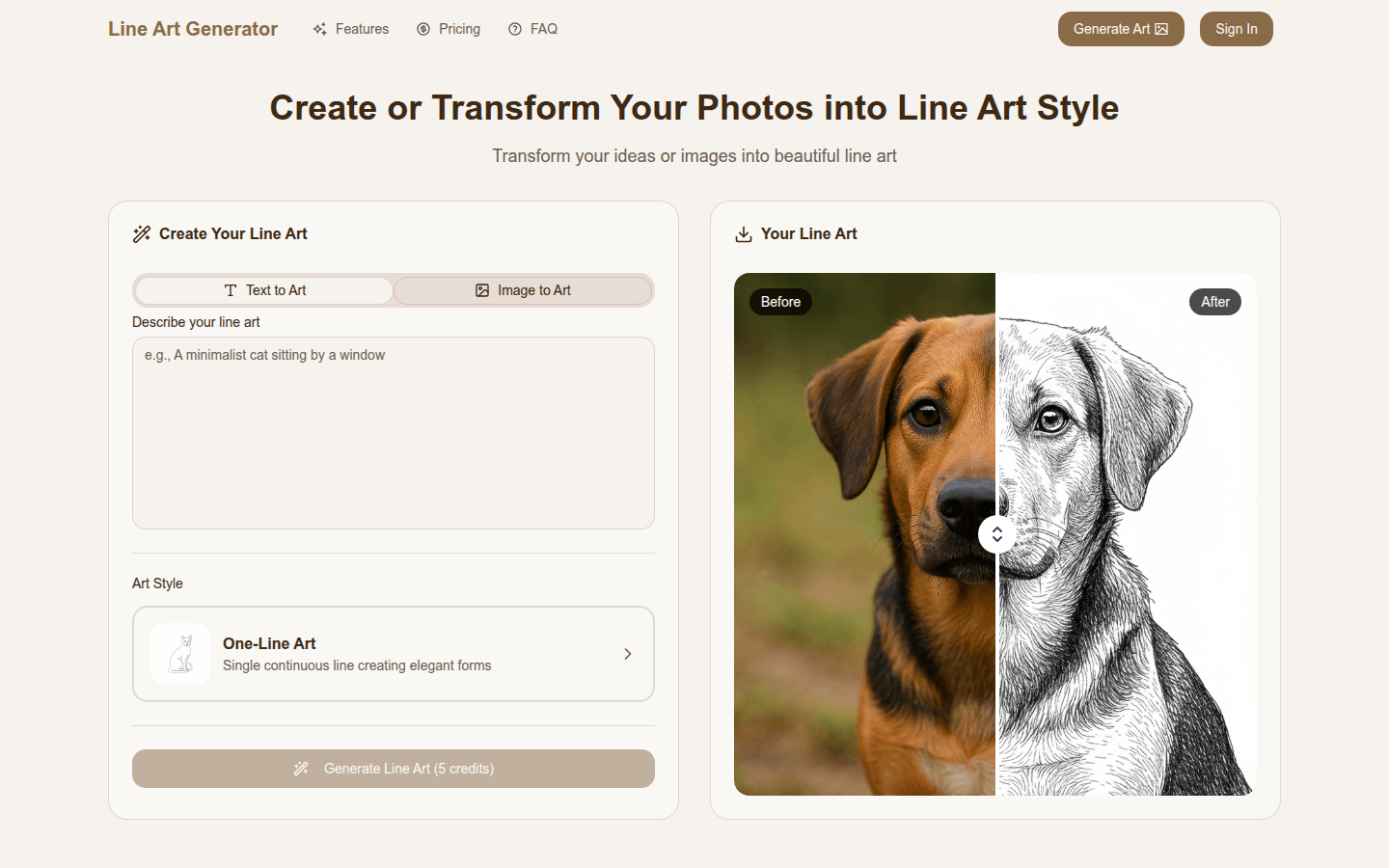
Screenshot archived from the listing page, for preview only.











