
Lily
No setup AI work assistantAgent style help without the terminal
Highlights
What you can do with it
- Researching apps and reading thousands of user reviews
- Drafting blog posts and reports without scripts
- Cleaning and analysing multiple CSV files for a summary
How to use it
- 1 Visit chatlily.ai and download the app
- 2 Install it and launch the application
- 3 Type the task you want done
- 4 Let Lily process it and return the result
- 5 Refine or act on the output
Who it is for
Pros
- No setup or terminal knowledge needed
- Handles research, writing, and data tasks
- Understands your files and context
Limitations
- Free trial limits and paid pricing are not published
- Desktop app, so it is not a browser only tool
- Complex tasks still need checking before you rely on them
What Lily is
Lily is a work assistant built for people who do not want to touch a terminal. You download the app, type the task you want done, and it works with your files and wider context instead of answering one question at a time. The pitch is agent style capability without the setup: no terminal, no configuration, no scripts. It handles market and app research, automatic writing such as blog posts and reports, and data work like merging and cleaning several CSV files and turning them into a summary for leadership. A free trial is offered, and the full pricing is not published on the page.
What you can do with it
- Research markets and apps, including reading large volumes of reviews
- Draft blogs, essays, and reports from a short instruction
- Merge, clean, and analyse multiple CSV files
- Work with your own files as context rather than pasting everything in
Who it is for
- Knowledge workers who want automation without writing code
- Operations analysts dealing with messy spreadsheet data
- Growth and marketing staff running market research
What to watch out for
The page offers a free trial but does not publish the limits or the subscription price, so confirm both before you depend on it for daily work. It is a desktop app rather than a browser tool, which may not suit a locked down work machine or a shared computer. Any output that goes to leadership, customers, or a live report should be checked: data summaries and research findings are only as good as the inputs you gave it. Treat the task results as a first draft and keep your own review step in place.
FAQ
Do I need technical skills?
No, the site says there is no terminal, setup, or configuration.
What can it do?
Market research, automatic writing, and data tasks such as merging and cleaning CSV files.
Is there a free trial?
Yes, a free trial is offered.
Why it is free
What the official page says: free trial
Free limits, trial length and features are decided by the official site and can change at any time.
Product preview
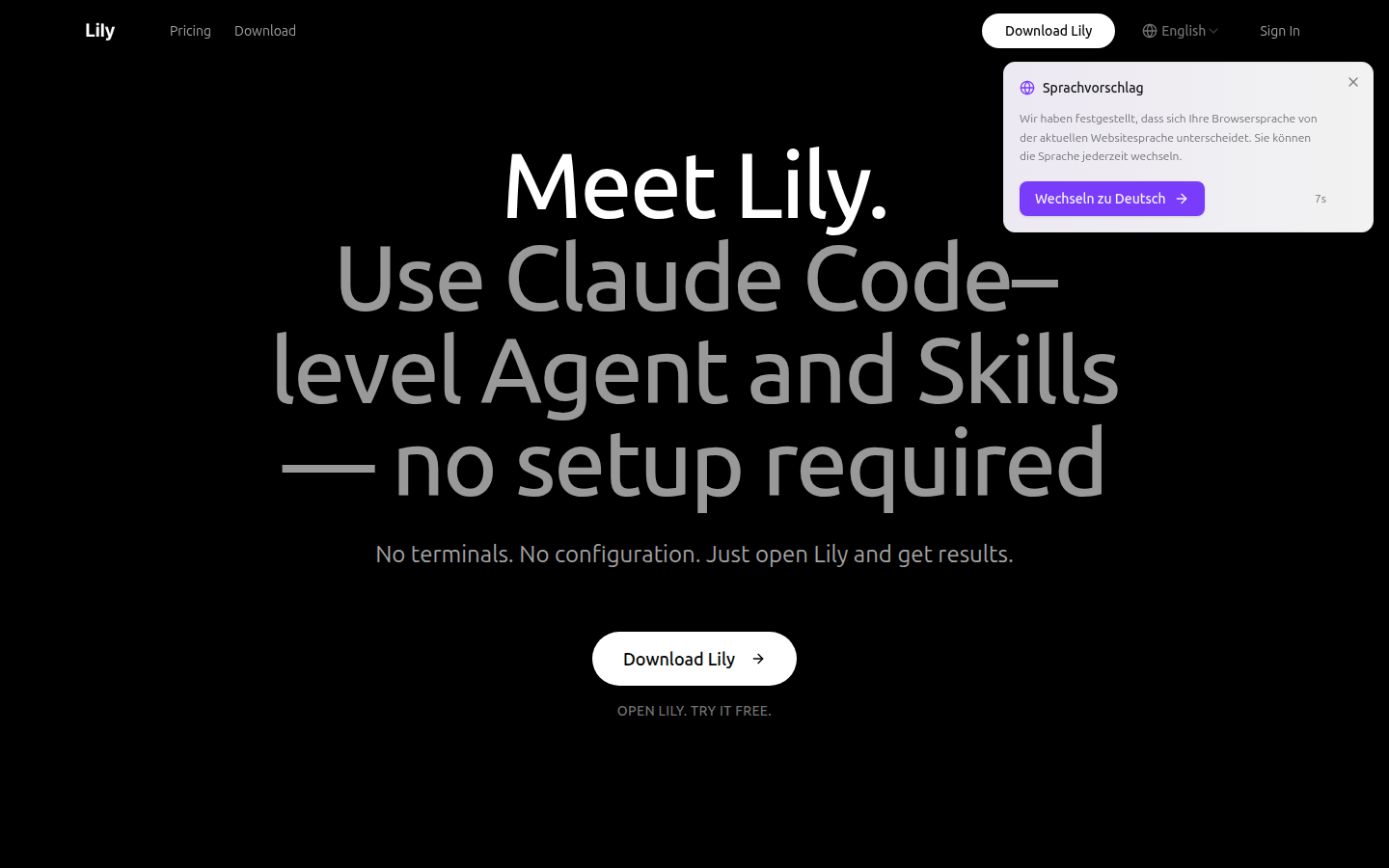
Screenshot archived from the listing page, for preview only.











