
LightVela
Cloud personal AI agent that connects to your chat apps and works 24/7.Your always-on AI partner in WhatsApp, Telegram, WeChat, and more.
Highlights
What you can do with it
- Sending meeting records to generate minutes and weekly reports
- Monitoring e-commerce orders, reviews, and competitor prices
- Organizing course materials and tracking learning progress
- Turning scattered notes into publishable web pages
How to use it
- 1 Register, name your assistant, and choose a language model until it shows Running
- 2 Connect chat platforms in Channels settings via QR code or authorization
- 3 Install needed skills and configure scheduled automated tasks
- 4 Message the assistant in your chat apps to assign tasks and check progress
Who it is for
Pros
- Works through chat apps you already use, so no new interface
- Cloud operation means automations survive device shutdowns
- Generous trial: a full month plus 4500 credits
Limitations
- Giving an agent access to your chat accounts requires careful permissioning
- Credit consumption during continuous monitoring adds up after the trial
- Cross-platform integrations may behave differently per messaging service
What LightVela is
LightVela is a cloud-based personal agent platform, built around the Hermes Agent and described as a long-term online AI partner that gets smarter with use. Its core idea is meeting you where you already are: it connects to mainstream chat platforms including WhatsApp, Telegram, Discord, Slack, WeChat, and Feishu, so you issue tasks through ordinary messages instead of learning a new app. Because it runs 7x24 in the cloud, scheduled tasks, monitoring, and automation keep running even when your computer is off or your network drops. A long-term memory engine accumulates project context, preferences, lessons learned, and communication habits, automatically updating a personalized profile. Skill extensions number in the hundreds, covering internet search, API connections, document reading, data analysis, and social content generation, and the platform can publish scattered ideas as web workspaces such as resume pages, thesis pages, and event pages. New users get one month free plus 4500 AI credits.
What you can do with it
- Manage tasks and ask questions from WhatsApp, Telegram, WeChat, Slack, and other chat apps
- Set scheduled automations such as daily market summaries, reminders, and continuous monitoring
- Generate meeting minutes, weekly reports, and organized project documentation
- Publish mini-webpages for resumes, events, and reports directly from your tasks
Who it is for
- Professionals who work inside chat apps and want an assistant embedded there
- Cross-border e-commerce operators monitoring orders, reviews, and competitor prices
- Students and developers tracking learning progress and daily summaries
- Anyone who needs automations that keep running with devices off
What to watch out for
Giving an AI agent access to your chat accounts is a real trust decision: it can read conversations and act on your behalf, so review permissions carefully, start with a dedicated workspace or limited channels, and avoid connecting accounts containing highly sensitive history until you understand its behavior. Continuous monitoring tasks consume AI credits, and after the generous one-month trial and 4500 credits, costs depend on how aggressively you automate, so model your usage. Behavior may differ across messaging platforms because of their APIs and policies, so test each channel you plan to rely on. As with any young agent platform, capabilities, pricing, and integration stability can change, and external actions initiated by the agent should stay under human approval for anything consequential.
FAQ
Is there a free trial?
Yes. New users receive one month of free trial plus 4500 AI credits.
Which chat platforms does it support?
WhatsApp, Telegram, Discord, Slack, WeChat, Feishu, and DingTalk, connected via QR scan or authorization.
Do I need to keep my computer on?
No. Tasks are processed in the cloud, so scheduled monitoring and automation continue even when your devices are offline.
Why it is free
What the official page says: free trial
Free limits, trial length and features are decided by the official site and can change at any time.
Product preview
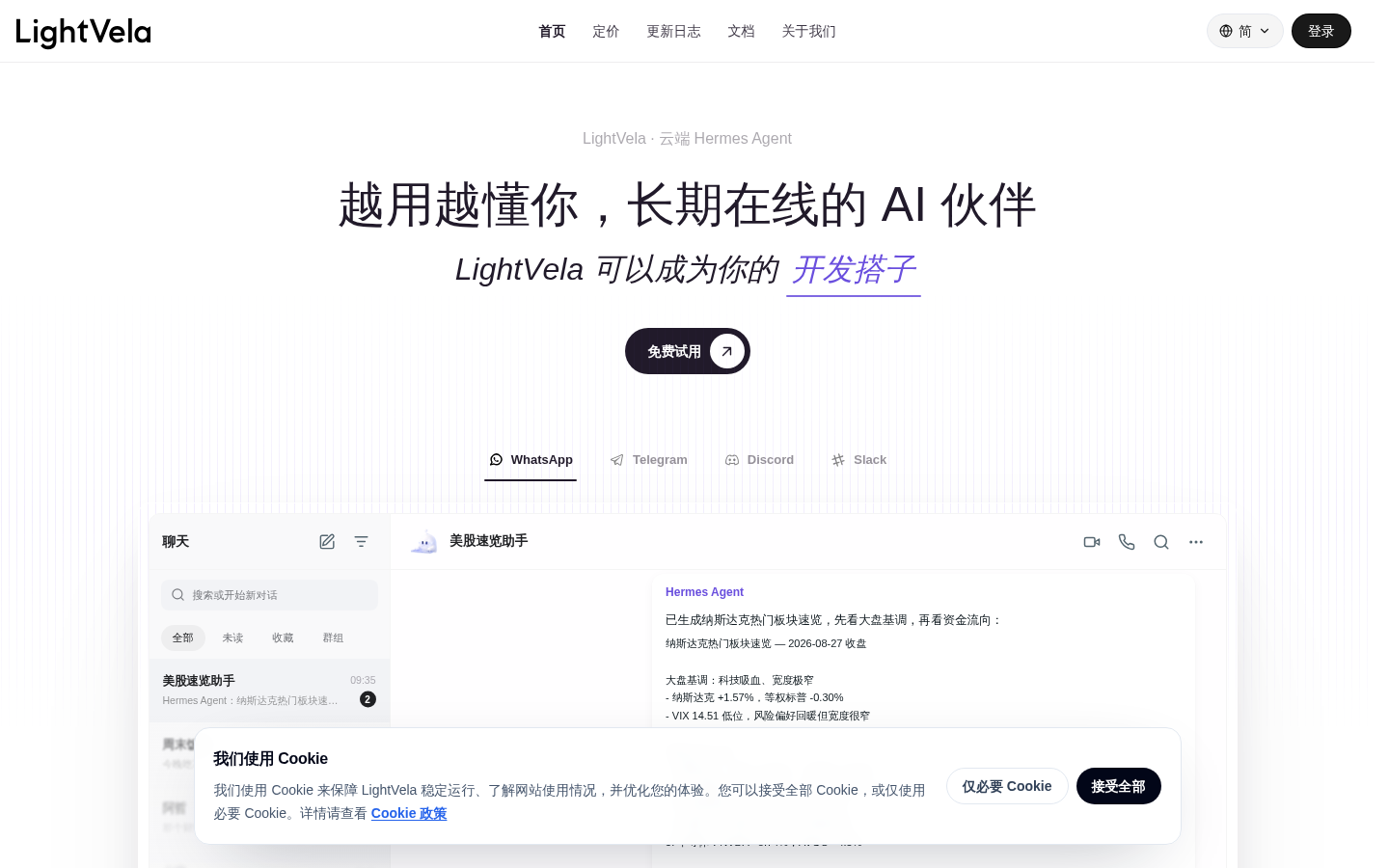
Screenshot archived from the listing page, for preview only.











