
Libra
AI agent platform for team workflowsConnect your tools and let agents run the work
Highlights
What you can do with it
- Handle inbound demo requests by drafting replies and offering times
- Route new job applicants to the right HR agent for screening
- Record user feedback in the product roadmap automatically
How to use it
- 1 Sign up free on the Libra site and create an account
- 2 Connect your team tools like Slack, Gmail, Notion, or HubSpot
- 3 Set access rights for each connected tool
- 4 Describe tasks in plain English and let agents run them
- 5 Use slide generation and keep tuning based on feedback
Who it is for
Pros
- Free registration and use to get started
- Connects a wide range of team tools
- Read-only by default gives safer defaults
Limitations
- Free use is offered, but enterprise pricing is not listed and terms can change
- Agents need clear tasks and review to avoid mistakes
- Value depends on how well your tools are connected
What Libra is
Libra is an AI agent platform built on your company's own workflows. It connects tools such as Slack, Gmail, and calendars, then turns every message, meeting, and ticket into a unified corporate memory. On top of that memory it runs intelligent agents that automate tasks, route information to the right owner, brief you before meetings, sort email, and even build slides. It supports up to 250 common team tools and runs in read-only mode by default so you stay in control. It offers free registration and use, with enterprise pricing not listed on the page.
What you can do with it
- Automate tasks by describing them in simple English
- Route messages and tickets to the right owner automatically
- Get meeting briefs and auto-sorted email with draft replies
- Build slides and connect a wide set of team tools
Who it is for
- Sales teams automating prospect follow-up
- HR departments routing and screening applicants
- Product and engineering teams triaging feedback and bugs
What to watch out for
It offers free registration and use, but enterprise pricing is not listed and terms can change, so confirm current details before rolling it out widely. Agents need clear, well-scoped tasks and human review, since vague instructions can produce mistakes, especially when they touch email or customer replies. The value depends on how many of your tools you actually connect and how cleanly your workflows are set up. Start with read-only access and expand permissions only as you build trust. Name and archive exported files consistently so you can find and reuse them, and keep a backup copy of key data. When quality matters, export a small draft first to confirm the result before producing the final file.
FAQ
Is Libra free?
It offers free registration and use; enterprise pricing is not mentioned on the page.
Which tools does it connect?
It supports up to 250 team tools, including Slack, Gmail, Notion, and HubSpot.
How do I create an agent?
Describe the task in simple English and Libra can automatically create an autonomous agent to run it.
Why it is free
What the official page says: 免费
Free limits, trial length and features are decided by the official site and can change at any time.
Product preview
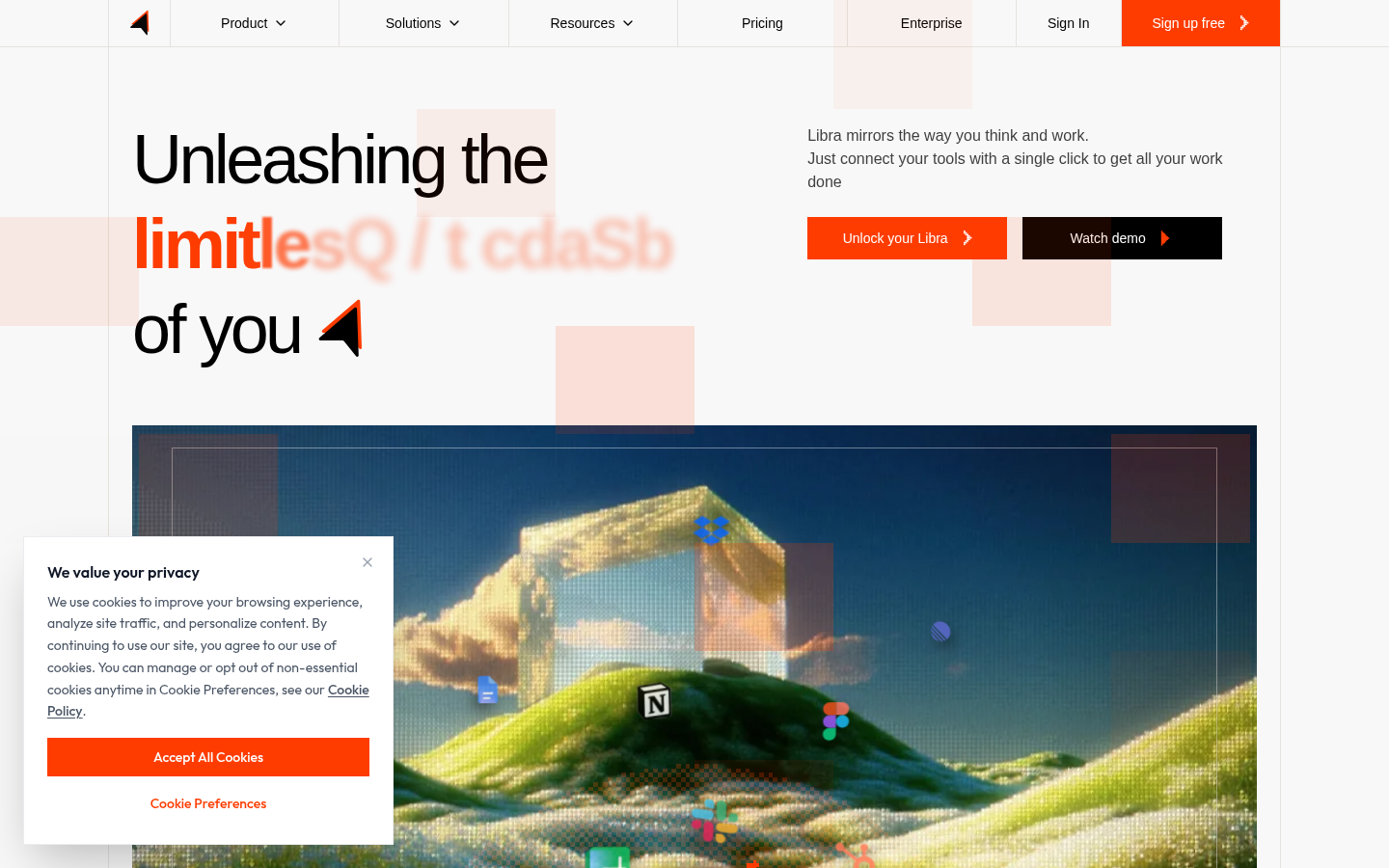
Screenshot archived from the listing page, for preview only.











