
Level AI
Real-time multilingual translation pluginReal-time translation, worry-free
Highlights
What you can do with it
- Translating text while browsing the web
- Translating office documents on the fly
- Getting quick translations across platforms
How to use it
- 1 Install the Level AI plugin for your browser or system.
- 2 Start the free trial to try the features.
- 3 Select the text or page you want translated.
- 4 Get real-time results and switch languages as needed.
Who it is for
Pros
- Real-time output without waiting
- Covers many major languages
- Available on multiple platforms
Limitations
- Only a free trial before paid versions
- Nuance and context can still be mistranslated
- Translation quality varies by language pair
What Level AI is
Level AI is a real-time translation plugin built to translate multiple languages quickly and accurately. It is designed so you do not have to wait: text is translated as you work, which helps during web browsing, office document editing, and similar tasks. It covers major languages used around the world, and it presents a simple, easy-to-use interface so you do not need technical skill to get going. The plugin runs across platforms, including browser and operating system extensions. A free trial is available, with paid versions for continued use.
What you can do with it
- Translate text in real time while you browse or work
- Switch between many major world languages
- Use it as a browser or system-level plugin
- Handle everyday translation without a separate app
Who it is for
- People who read content in other languages
- Professionals working with multilingual documents
- Anyone who wants quick translations while browsing
What to watch out for
The free trial is a way to test the tool, but continued use sits behind paid versions, so plan for a cost if it becomes part of your workflow. Machine translation can still miss nuance, idioms, or context, so important documents should be reviewed, especially for professional or legal use. Quality can also vary between language pairs. Trial terms and pricing can change, so confirm current details on the site. Behavior may vary across browsers and devices, so test before production use and consult the help docs if errors appear. Features and interface details may change between versions, so review the latest notes on the page before you start. Start with a small sample to confirm the output meets your expectations before processing the full batch.
FAQ
What is Level AI?
It is a real-time translation plugin that translates multiple languages quickly and accurately.
Is there a free trial?
Yes, it offers a free trial and paid versions.
Where can I use it?
It works as a browser or operating system plugin for tasks like web browsing and office documents.
Why it is free
What the official page says: free trial
Free limits, trial length and features are decided by the official site and can change at any time.
Product preview
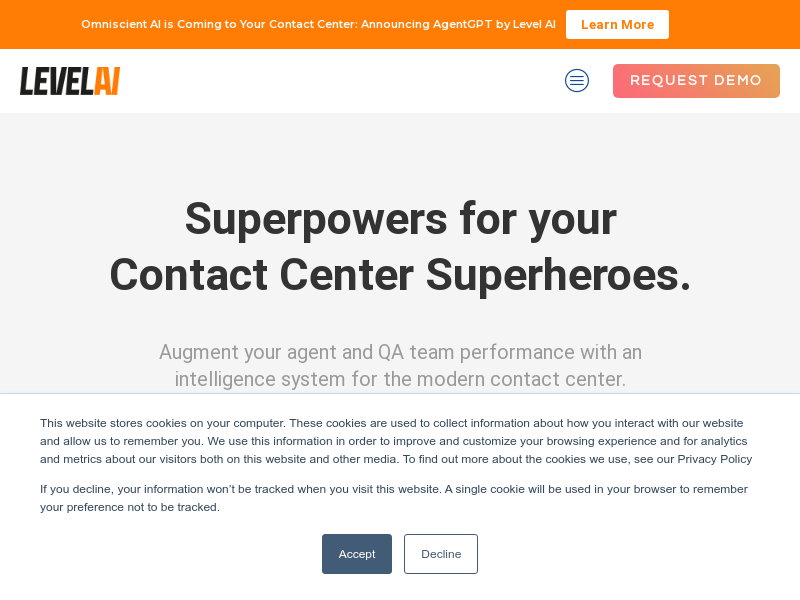
Screenshot archived from the listing page, for preview only.











