
LensGo
Free AI image and video creation toolCustom videos and images from templates
Highlights
What you can do with it
- Create a personal birthday video
- Businesses produce product promotional videos
- Designers create unique style images
How to use it
- 1 Open the LensGo website
- 2 Pick a style or scene template
- 3 Upload or describe your content
- 4 Generate and download the result
Who it is for
Pros
- Free to use
- Template-based creation
- No professional skills needed
- Covers both images and video
Limitations
- Free status can change
- Output depends on the templates offered
- Custom needs may be limited
- Site availability can vary
What LensGo is
LensGo is a free AI-powered image and video production tool, best suited for customized video creation. It helps users produce personalized AI videos by generating images and videos with AI. The tool provides a variety of style and scene templates, and it is easy to use, with no professional skills required. It is aimed at individuals, businesses, and designers who want custom visuals without a full editing program.
What you can do with it
- Generate images and videos using AI
- Create personalized videos from templates
- Choose from style and scene templates
- Produce promotional videos for business
Who it is for
- Individuals making personal videos such as birthday clips
- Businesses producing product promotional videos
- Designers creating unique style images
- Anyone who wants AI visuals without professional skills
What to watch out for
The free status can change, so check the current terms before you build a workflow around it. Output depends on the templates the tool currently offers, so a specific look may not be available. Custom needs may be limited compared with a full editor, and results often need review before you publish. Site availability can vary since it is accessed online. Name and archive exported files consistently so you can find and reuse them, and keep a backup copy of key data. When quality matters, export a small draft first to confirm the result before producing the final file. Save a backup of the original file before large batch jobs, and keep an exported copy of key results in case the page or service becomes temporarily unavailable. Save a backup of the original file before large batch jobs, and keep an exported copy of key results in case the page or service becomes temporarily unavailable.
FAQ
Is LensGo free?
Yes, it is described as a free AI image and video production tool.
What can I make?
Personalized videos and AI-generated images.
Do I need design skills?
No, it is easy to use with templates.
Who is it for?
Individuals, businesses, and designers.
Why it is free
What the official page says: 免费
Free limits, trial length and features are decided by the official site and can change at any time.
Product preview
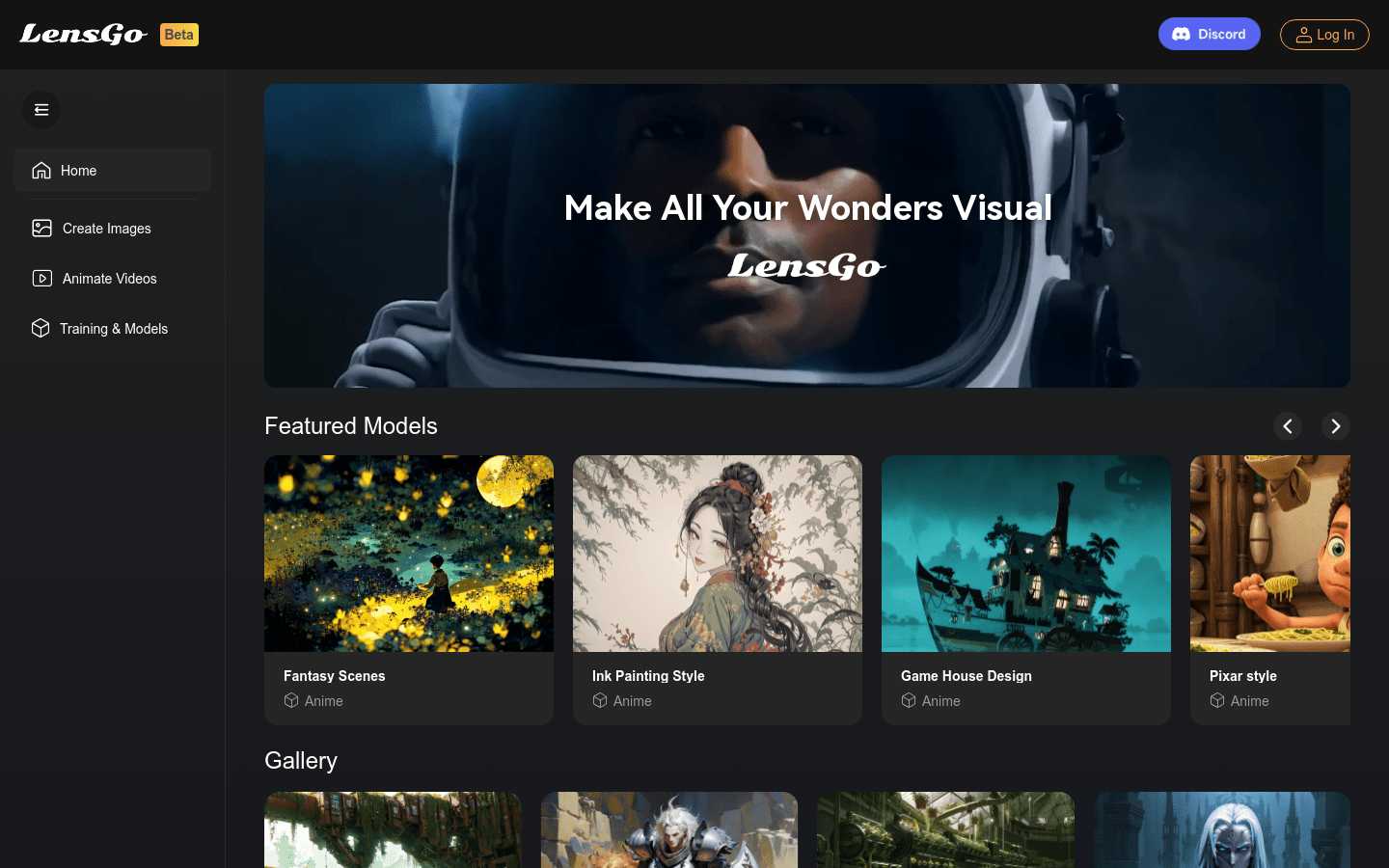
Screenshot archived from the listing page, for preview only.











