
Latext AI
GPT-4 LaTeX plugin for OverleafSmarter LaTeX editing inside Overleaf
Highlights
What you can do with it
- Editing LaTeX documents inside Overleaf
- Speeding up equation and formatting work
- Drafting academic and technical papers
How to use it
- 1 Register on the Latext AI website for the 7-day free trial.
- 2 Install the plugin or set it up through Chrome.
- 3 Open Overleaf and start editing.
- 4 Use the AI assistance while you work, then review the output.
Who it is for
Pros
- Works inside the familiar Overleaf editor
- GPT-4 assistance while editing
- 7-day free trial to test before paying
Limitations
- Costs $10 per month after the trial
- Requires Overleaf or a compatible Chrome setup
- AI suggestions still need human review, especially for equations
- Compatibility depends on Overleaf's current editor
What Latext AI is
Latext AI is a GPT-4 based plugin that provides LaTeX editing capabilities for users. Its main strength is smart editing: the plugin sits inside the Overleaf editor, so you get AI assistance while working on LaTeX documents instead of switching between tools. It can also be installed and used through the Chrome browser. The service offers a 7-day free trial, followed by a monthly fee of $10, and it is aimed at LaTeX editors who want a more efficient and intelligent editing experience.
What you can do with it
- Use AI assistance while editing LaTeX inside Overleaf.
- Install the plugin through Chrome as an alternative setup.
- Speed up routine formatting and editing work on documents.
- Test the features during the 7-day free trial before paying.
Who it is for
- Researchers and academics who write papers in LaTeX.
- Students working on theses or technical reports.
- Anyone who spends significant time editing LaTeX source.
- LaTeX users who want help without leaving their editor.
What to watch out for
After the 7-day trial, Latext AI costs $10 per month, so it is a paid tool beyond the trial period. The plugin depends on Overleaf or a compatible Chrome setup, and AI suggestions still need human review, especially for equations where a small error changes the meaning of a formula. Check that the current version still supports your Overleaf workflow before subscribing, and keep a backup of your documents while you test any editing assistant. Free tiers and usage limits can change, so check the current rules on the official page before relying on it long term. Processing speed depends on file size and network conditions, so retry later if a task stalls during peak hours.
FAQ
What is Latext AI?
It is a GPT-4 based plugin that provides smart LaTeX editing capabilities, designed to be used within the Overleaf editor.
How much does it cost?
The site says it offers a 7-day free trial followed by a monthly fee of $10.
Do I need Overleaf to use it?
The site describes using the plugin within the Overleaf editor, and also installing and using it through the Chrome browser.
Who is it for?
The site targets LaTeX editors looking for a more efficient and intelligent editing tool.
Why it is free
What the official page says: free trial
Free limits, trial length and features are decided by the official site and can change at any time.
Product preview
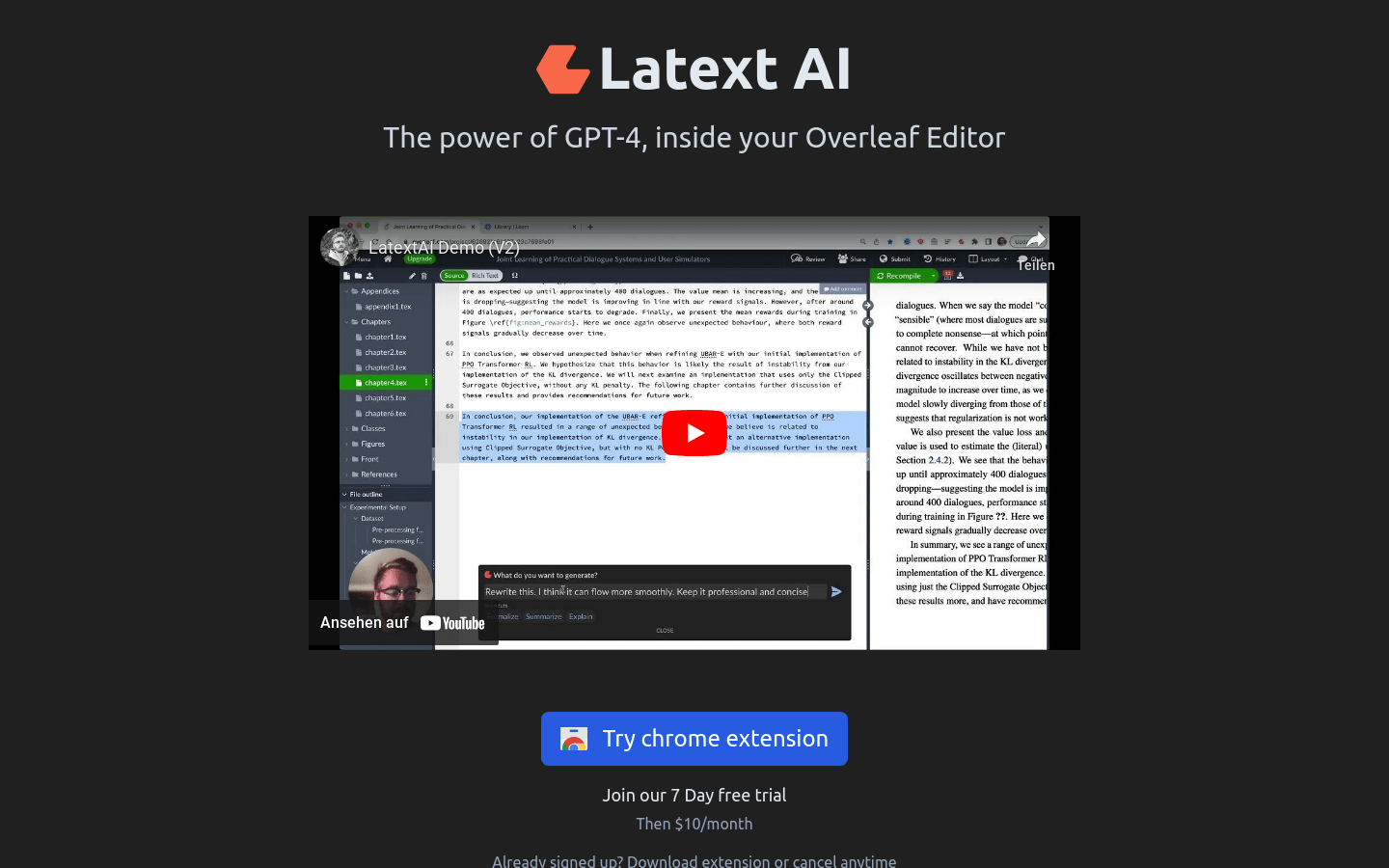
Screenshot archived from the listing page, for preview only.











