
Lanta AI
Text and image to video generationTurn a prompt into a short video
Highlights
What you can do with it
- Producing a short travel or lifestyle clip
- Creating a promotional video for a product
- Making an instructional video for a lesson
How to use it
- 1 Open the Lanta AI site
- 2 Choose the video generation feature
- 3 Enter text or upload an image
- 4 Pick the generation technology and settings
- 5 Generate, then download or share the video
Who it is for
Pros
- Prompt-to-video needs no editing experience
- More than one generation model to choose from
- Trial available before paying
Limitations
- Free trial limits length and volume of generation
- Output quality varies with prompt detail and chosen model
- Generation takes time and depends on service capacity
What Lanta AI is
Lanta AI is a text-to-video generation tool. The input is a text prompt or an uploaded image, and the output is a video clip. One thing that separates it from a single-model wrapper is that several generation technologies are available, including CogVideoX and Mochi 1, so you can pick the one that suits the material rather than being stuck with one engine. There is also a virtual makeup try-on feature for exploring different looks, and finished videos can be shared out to social platforms. The stated audiences are individual creators, business marketers and educators. A free trial is available, and after that plans depend on how much generation you need.
What you can do with it
- Convert a text prompt into a video clip
- Turn an uploaded image into a moving sequence
- Choose between generation technologies such as CogVideoX and Mochi 1
- Try different looks with the virtual makeup feature
- Share finished videos to social platforms
Who it is for
- Individual creators producing short video content
- Marketers who need promotional clips quickly
- Educators making visual material for a lesson
What to watch out for
Free trial limits apply to how long and how much you can generate, so a longer project will need a paid plan. Output quality varies with the prompt and the model you choose, and text-to-video is still imperfect: expect to generate several attempts and discard most of them. Generation is not instant, and during busy periods queues stretch, which matters if you are working to a deadline. Treat clips as raw material for further editing rather than finished video, and check what licence you get on the output before you use it anywhere commercial.
FAQ
What does Lanta AI generate?
It turns text or image prompts into videos using several generation technologies.
Which models can I choose?
Options include CogVideoX and Mochi 1, among others.
Is there a free trial?
Yes, you can try the platform before choosing a plan.
Why it is free
What the official page says: free trial
Free limits, trial length and features are decided by the official site and can change at any time.
Product preview
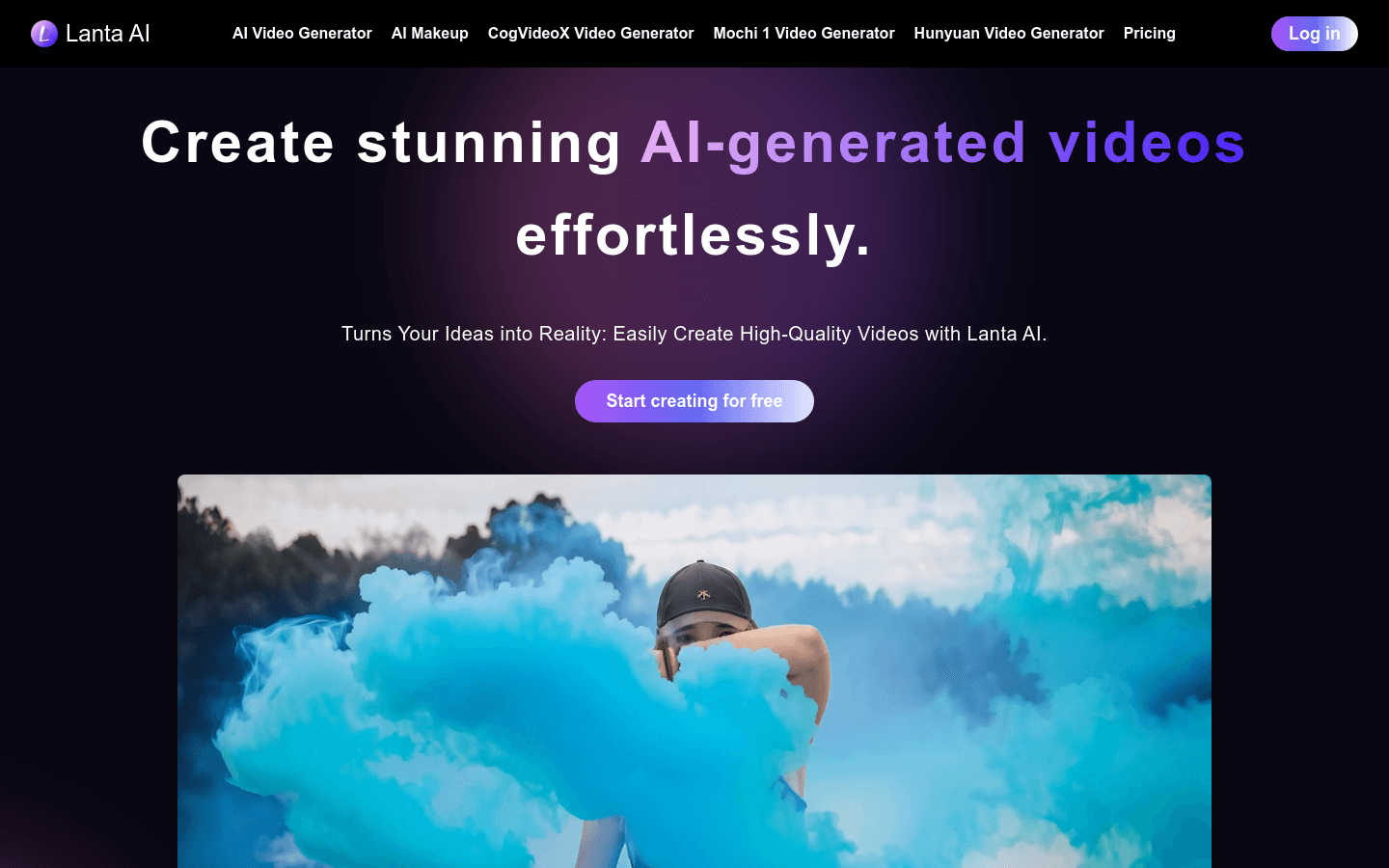
Screenshot archived from the listing page, for preview only.











