
Languine
AI app internationalization via CLITranslate your app into many languages fast
Highlights
What you can do with it
- A SaaS product translates its interface into Spanish and Portuguese
- An e commerce site translates product text into English
- A travel app ships its interface in several languages
How to use it
- 1 Download the Languine CLI from the official website.
- 2 Run the init command to set up your configuration.
- 3 Choose the source language and your target languages.
- 4 Set the file location and format, then pick the model.
- 5 Let Languine create the files and start translating.
Who it is for
Pros
- Free trial to test before paying
- Automates a slow, repetitive translation step
- Flexible file formats and locations
Limitations
- Free trial is limited and full use needs a paid plan
- Machine translation still needs human review
- Requires comfort with a command line workflow
What Languine is
Languine is a tool that uses artificial intelligence to help developers internationalize their apps. It offers a free trial, and pricing is listed on the official website. Working through a command line interface, it streamlines the multilingual translation process: you select a source language and your target languages, and it generates the language files for you. It integrates advanced models such as GPT-4, supports TypeScript and JSON file formats, and lets you choose where the language files are stored. The point is to replace a slow, costly manual translation step with something a developer can run from the terminal.
What you can do with it
- Translate your app into multiple languages through a CLI.
- Generate language files automatically from a source language.
- Store files in a custom location in TypeScript or JSON.
- Choose the underlying model, such as GPT-4, for translation.
Who it is for
- Developers internationalizing an app through a command line.
- Teams entering new language markets on a deadline.
- Products that need many UI languages kept up to date.
What to watch out for
The free trial is limited, and fuller use needs a paid plan. Machine translation is a strong starting point but not perfect, so UI strings should still be reviewed by a human, especially for tone and context. The tool is command line based, so it suits developers who are comfortable in a terminal rather than people who prefer a visual editor. Free tiers and usage limits can change, so check the current rules on the official page before relying on it long term. Processing speed depends on file size and network conditions, so retry later if a task stalls during peak hours.
FAQ
Is there a free trial?
Yes, Languine offers a free trial, with pricing on its website.
What formats does it support?
It supports TypeScript and JSON language files.
Which model does it use?
It integrates advanced models such as GPT-4.
Why it is free
What the official page says: free trial
Free limits, trial length and features are decided by the official site and can change at any time.
Product preview
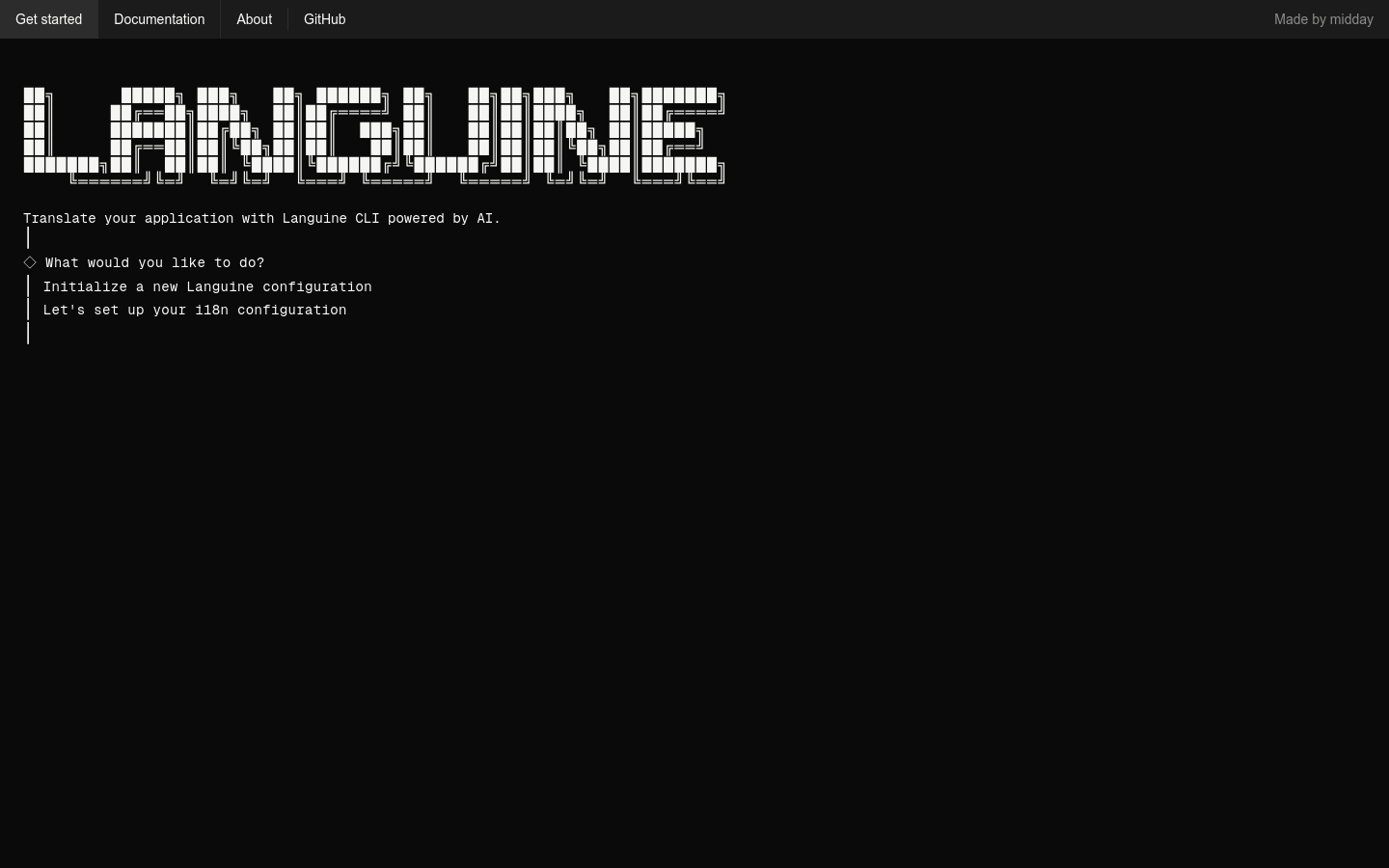
Screenshot archived from the listing page, for preview only.











