Langless
Real-time voice translation across dozens of languagesTalk across languages in real time, no human interpreter needed.
Highlights
What you can do with it
- Run an international meeting where attendees speak different languages
- Help a cross-border sales team understand customers live
- Follow a foreign-language webinar or podcast in real time
How to use it
- 1 Pick a mode: free guest room, free trial listening, or a paid plan
- 2 For hosting or meeting mode, connect your own provider key
- 3 For meeting mode, install the virtual audio cable when prompted
- 4 Set your language and the other party's language, then start talking
- 5 Turn on local recording only if you want a copy on your device
Who it is for
Pros
- Translates live, so conversations keep moving
- No human interpreter needed, which saves time and cost
- Free guest mode and trial to test before paying
- Your audio is not stored; you can use your own key
Limitations
- Meeting mode needs a paid plan plus a virtual audio cable install
- Paid use starts at $25 per month and adds per-minute AI fees
- Live translation still depends on audio quality and network speed
What Langless is
Langless is a real-time voice translation tool made for professionals and teams who work across languages. It translates speech as you talk, so meetings and calls can continue without a human interpreter. It supports dozens of languages and plugs into meeting software such as Zoom, Microsoft Teams, and Google Meet, and it also offers a browser chat room where each person speaks their own language. Beyond live calls, you can point it at audio from YouTube, TV, podcasts, and webinars and get a live translation with no install. A free guest mode and a free trial let you test it, while paid plans start at $25 per month plus AI minute fees, and you can bring your own provider key.
What you can do with it
- Hold a live meeting where everyone speaks a different language
- Join a browser chat room and talk in your own language
- Translate audio from videos, TV, and podcasts in real time
- Connect it to Zoom, Teams, Meet, and desktop call apps
- Keep an optional local recording saved only on your own device
Who it is for
- Professionals who need cross-language communication at work
- Remote and international teams whose members speak different languages
- Sales and support staff who talk to customers in other languages
- People who follow foreign-language audio and video content
What to watch out for
The free guest room and trial are limited; the meeting mode and team use need a paid plan. Paid use starts at $25 per month and adds AI minute fees of about $0.03 per minute, so heavy use can add up over time. Meeting mode also asks you to install a virtual audio cable driver to route sound, which is an extra setup step and may need admin rights on a work laptop. Live translation still depends on clear audio and a steady network, and accuracy can vary with accents, jargon, and background noise.
FAQ
Is there a free way to try it?
Yes. There is a free guest chat room and a free trial listening function.
What apps does it work with?
It supports Zoom, Microsoft Teams, Google Meet, WhatsApp, and desktop call apps via a virtual cable, and the chat room runs in the browser.
How is my voice handled?
Your voice is translated by the AI provider on your own account using your own key, and the platform says it never stores your audio.
What does it cost?
Plans start at $25 per month plus AI minute fees, about $0.03 per minute, with no markup when you use your own key.
Why it is free
What the official page says: free trial
Free limits, trial length and features are decided by the official site and can change at any time.
Product preview
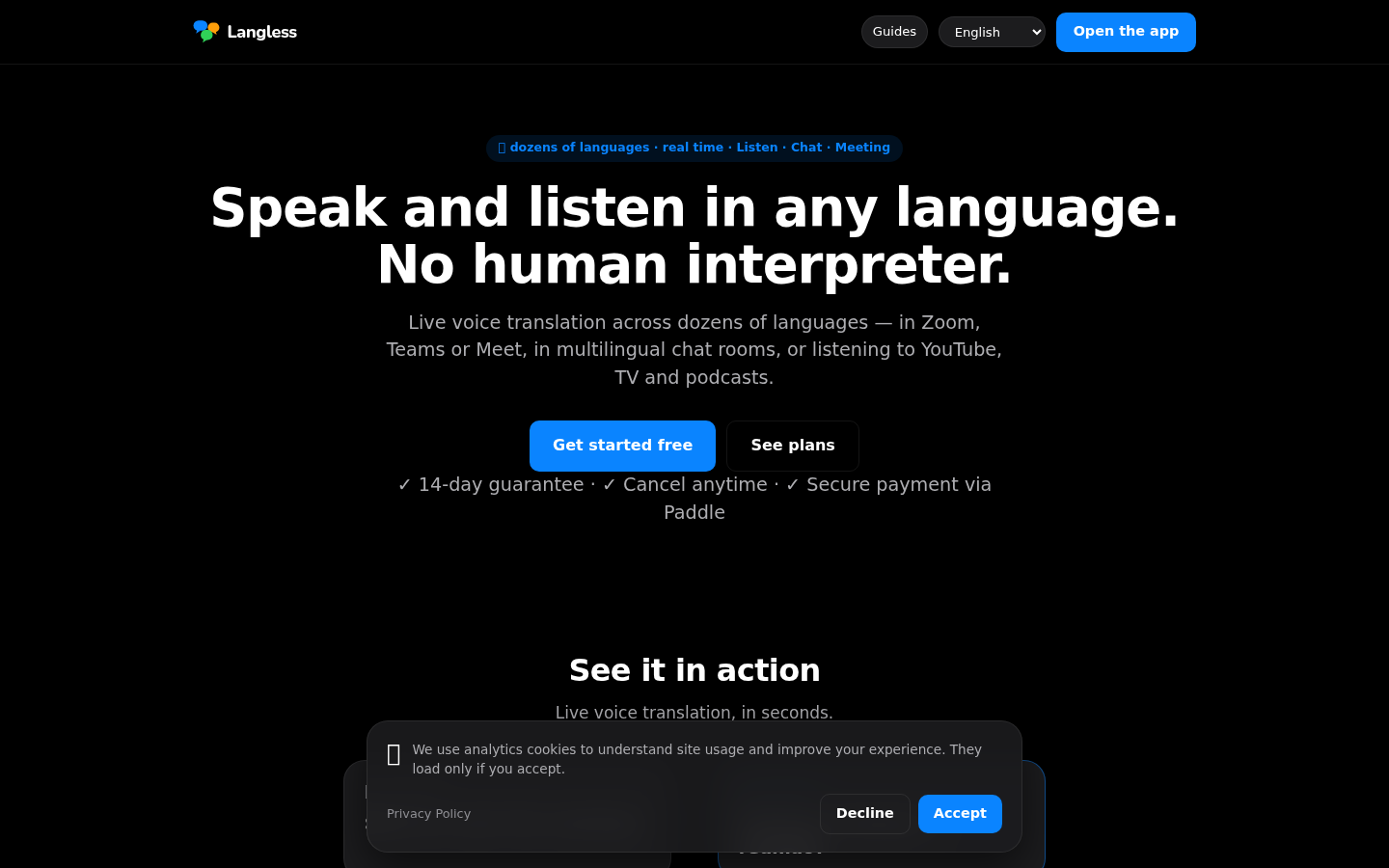
Screenshot archived from the listing page, for preview only.