
Langflow
Low-code builder for AI agents and workflowsDrag, connect, and deploy AI agents without heavy coding
Highlights
What you can do with it
- A startup building an OpenAI-based customer service chatbot
- A fintech team joining several built-in informations into a risk assessment flow
- A development team automating document processing end to end
How to use it
- 1 Register an account on the Langflow site
- 2 Create a new workflow project
- 3 Pick the components and models you need
- 4 Drag them onto the canvas and connect the logic
- 5 Set parameters such as API keys and model settings
- 6 Test the flow before you ship it
- 7 Deploy to the cloud and keep tuning
Who it is for
Pros
- Visual building removes much of the boilerplate code
- Model and API choice stays flexible
- Component reuse shortens later projects
- Free trial and cloud deployment lower the entry barrier
Limitations
- Free trial access is time or feature limited and can change
- Complex logic still needs debugging and parameter tuning
- Depends on third-party model APIs, so upstream rate limits and costs apply
- Team, seat, and deployment limits are not spelled out in the listing
What Langflow is
Langflow is a low-code workbench for building AI agents and workflows. You assemble components on a visual canvas instead of writing the whole pipeline by hand, which shortens the distance between an idea and something you can show a colleague. Pre-built components cover common model and API patterns, so the first version of a flow is mostly wiring rather than coding. The listing records a free trial and a production-ready cloud platform, so getting started does not require an upfront payment, while heavier or longer use follows the vendor's paid plans. It is aimed at developers: you still reason about components, data, and parameters, but the scaffolding is done for you.
What you can do with it
- Wire chatbots, document pipelines, and multi-step agents from pre-built components
- Plug in mainstream models, with OpenAI and Hugging Face named in the listing
- Connect external APIs and databases so your flow can read and write real data
- Test the flow, then deploy it to the cloud and keep tuning it
Who it is for
- Independent developers who want a prototype in an afternoon
- Startups that need a working demo before a full engineering build
- Teams that want to reuse components across several projects
What to watch out for
Free trial access is limited in time or features and can change, so check the current pricing page before you build a roadmap around it. Complex flows still need real debugging: component settings, API keys, and model parameters are part of the job, not an afterthought. Since the tool calls third-party models and APIs, upstream rate limits, outages, and costs directly affect what you can run and what it costs. The listing also does not spell out team, seat, or deployment limits, so confirm those with the vendor if they matter to you.
FAQ
Is Langflow free?
The listing records a free trial. Longer or production use runs through the cloud platform and its own terms, so check current pricing before committing.
Do I need to code?
Most building happens on a visual canvas, but you still configure components, API keys, and parameters.
Which models can I use?
The description names OpenAI and Hugging Face among the supported mainstream models.
Can I deploy what I build?
Yes, the tool advertises a production-ready cloud platform for deploying finished workflows.
Why it is free
What the official page says: free trial
Free limits, trial length and features are decided by the official site and can change at any time.
Product preview
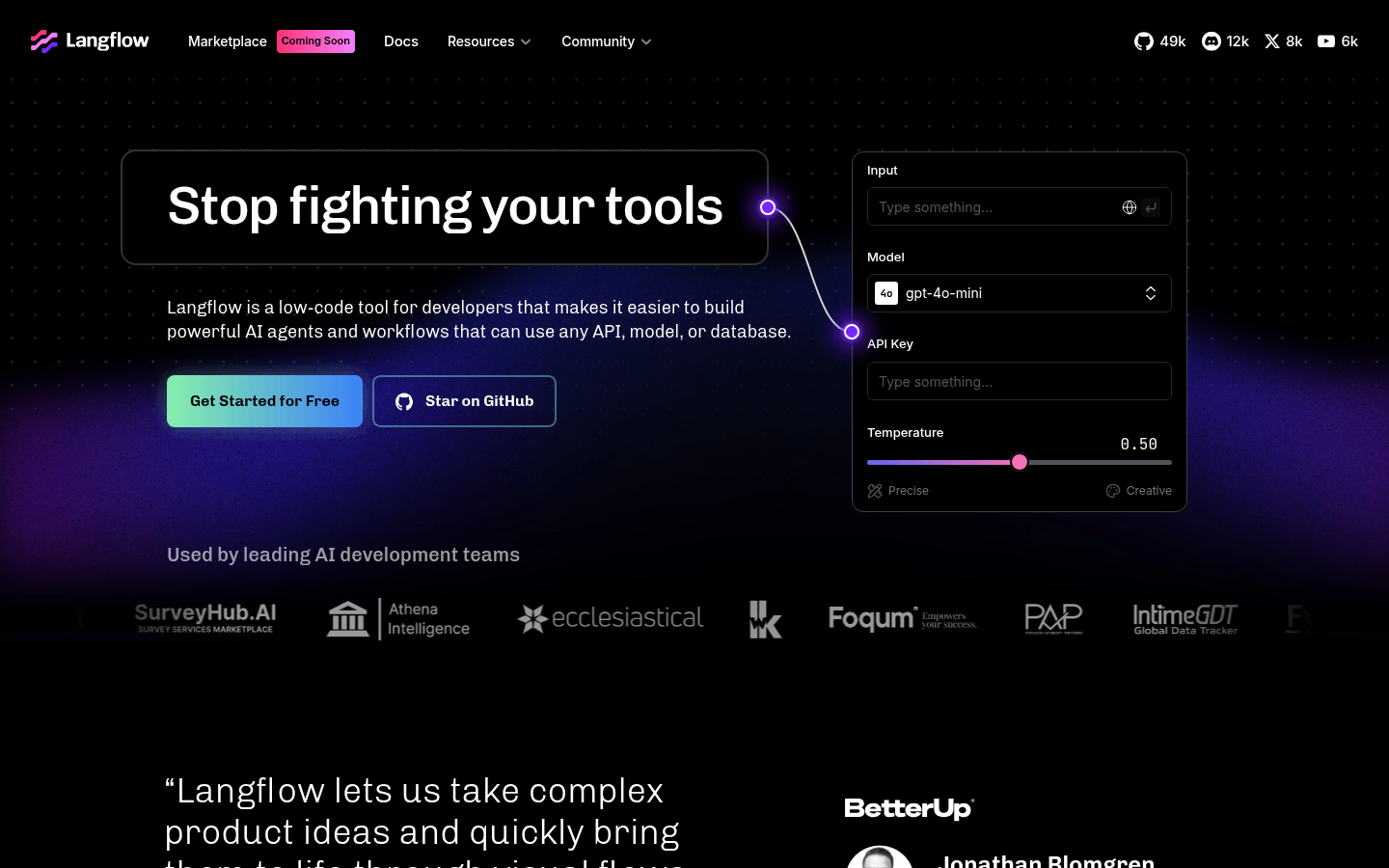
Screenshot archived from the listing page, for preview only.











