
Langcss
Chat-based design assistantDesign by chatting, see it live
Highlights
What you can do with it
- Designers collaborating live on forms and buttons.
- Web designers building landing pages with instant preview.
- Teams co-designing elements and seeing results as they chat.
How to use it
- 1 Join the free waitlist to reach the beta.
- 2 Open the chat and describe the design you want.
- 3 Watch the element render in real time.
- 4 Edit the HTML or swap in premium components.
- 5 Save your work with the built-in code editor.
Who it is for
Pros
- Real-time preview as you design by chat.
- Bundles premium component libraries.
- Free beta access through the waitlist.
Limitations
- It is early access, so features can change or break.
- Beta access depends on the waitlist.
- Currently leans on OpenAI, with other engines only planned.
What Langcss is
Langcss is an early-access product that helps you design through conversation. Instead of building by hand, you chat with it and it generates design elements such as forms, buttons, and landing pages, which appear in real time as you work. You can edit the HTML right inside the chat, pull in premium components like Tailwind UI, shadcn, Flowbite, and daisyUI, and design SVGs. A Monaco code editor gives you undo, redo, and save, and the AI streams its output as it goes so you can watch the design take shape. You can join the waitlist for free to reach the beta and try the workflow yourself before it is fully released.
What you can do with it
- Generate forms, buttons, and landing pages by chatting.
- Edit the HTML of your design inside the same chat.
- Use premium components from popular UI libraries.
- Design SVGs and see changes render in real time.
- Undo, redo, and save your work with the built-in editor.
Who it is for
- Designers who want fast visual iteration without heavy setup.
- Web designers building UI elements and full pages.
- Teams co-designing and previewing results together.
What to watch out for
Langcss is still in early access, so features can change, break, or be removed before launch, and you should not depend on it for production work yet. Getting in depends on the waitlist, so access is not instant and may take time to arrive. It currently works with OpenAI, and support for other AI engines is only planned, which means the experience is tied to that one provider for now and could shift if that changes. Treat it as a preview of an idea, not a finished design tool.
FAQ
How do I get access?
You can join the waitlist for free to gain access to the beta version.
What can I design?
You can generate forms, buttons, landing pages, and SVGs, and edit HTML in the chat.
Which components does it support?
It can use premium components like Tailwind UI, shadcn, Flowbite, and daisyUI.
Why it is free
What the official page says: for free
Free limits, trial length and features are decided by the official site and can change at any time.
Product preview
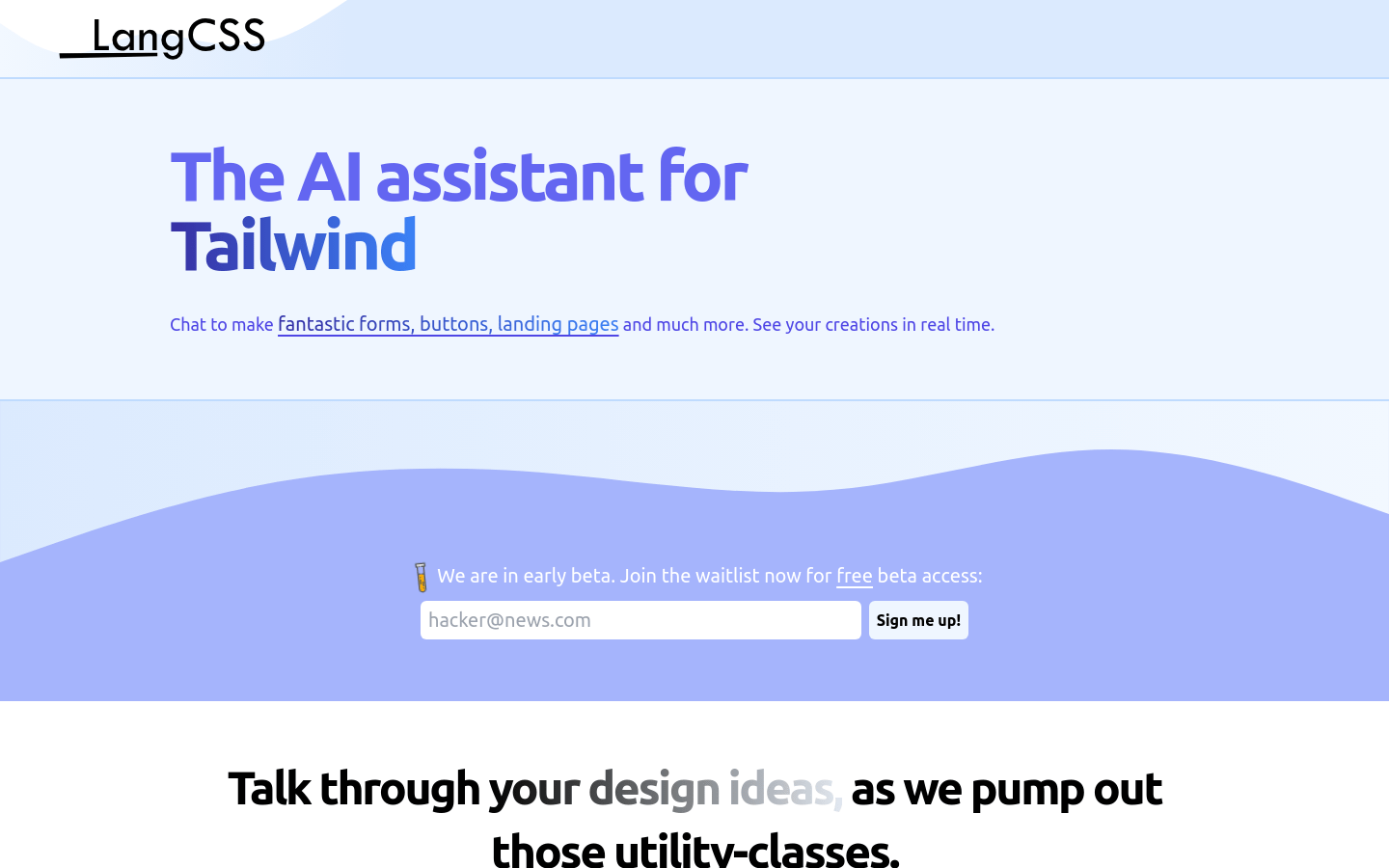
Screenshot archived from the listing page, for preview only.











