Lacuna
AI music generator from textTurn lyrics into a finished song
Highlights
What you can do with it
- Create light background music for a travel video
- Get creative inspiration for a new song's melody and lyrics
- Generate tense music for a game scene quickly
How to use it
- 1 Open lacuna.fm in your browser
- 2 Pick a function such as music or lyric creation
- 3 Enter lyrics or describe the style, mood, and rhythm
- 4 Generate and wait for the AI to process
- 5 Preview, adjust in the MIDI editor, then save or download
Who it is for
Pros
- No music theory knowledge required
- Fast generation from idea to audio
- MIDI and lyric tools support real editing
Limitations
- A free trial, with paid plans for more features
- Commercial use rights likely need a paid plan
- Generated music may still need editing to fit
- Style range depends on the model
What Lacuna is
Lacuna is an AI music generator that can create a complete original song from a text description or lyrics you provide. It builds the melody, harmony, instrument arrangement, and AI vocals, which lets people without professional music knowledge make music. The site says the process from description to finished product can take about 30 seconds. Beyond full songs, Lacuna generates playable MIDI files from prompts, converts sheet music photos and PDFs into MIDI, offers a browser-based MIDI editor, and includes a lyric editor with real-time syllable counting and rhyme analysis.
What you can do with it
- Generate a full song with vocals from text or your own lyrics
- Create playable MIDI from a written prompt
- Turn sheet music photos or PDFs into editable MIDI
- Edit MIDI and preview changes in the browser
- Write lyrics with syllable counting and rhyme support
Who it is for
Professional musicians and amateur creators who want fast ideas, content creators such as video makers and podcast producers who need background music, and music lovers with no formal training all fit Lacuna. It is positioned as a personal AI music creation companion for anyone who wants to hear their ideas become audio. Game and media creators who need quick, specific moods also benefit from the speed of generation.
What to watch out for
Lacuna offers a free trial, and paid users get more features and commercial use rights, so check the plans before you use output in a commercial project. Generated music may still need editing to fit your exact vision, because the AI interprets your description rather than following a brief. The range of styles depends on what the model supports, so unusual genres may be harder to produce. Treat the first result as a draft you refine rather than a final master.
FAQ
Can I try Lacuna for free?
Yes, new users can try it for free, with paid plans for more features and commercial rights.
What can it generate?
Complete songs with vocals, MIDI files, and lyrics.
Can I use my sheet music?
Yes, you can photograph or upload sheet music and convert it to MIDI.
How fast is generation?
The site says about 30 seconds from description to finished product.
Why it is free
What the official page says: for free
Free limits, trial length and features are decided by the official site and can change at any time.
Product preview
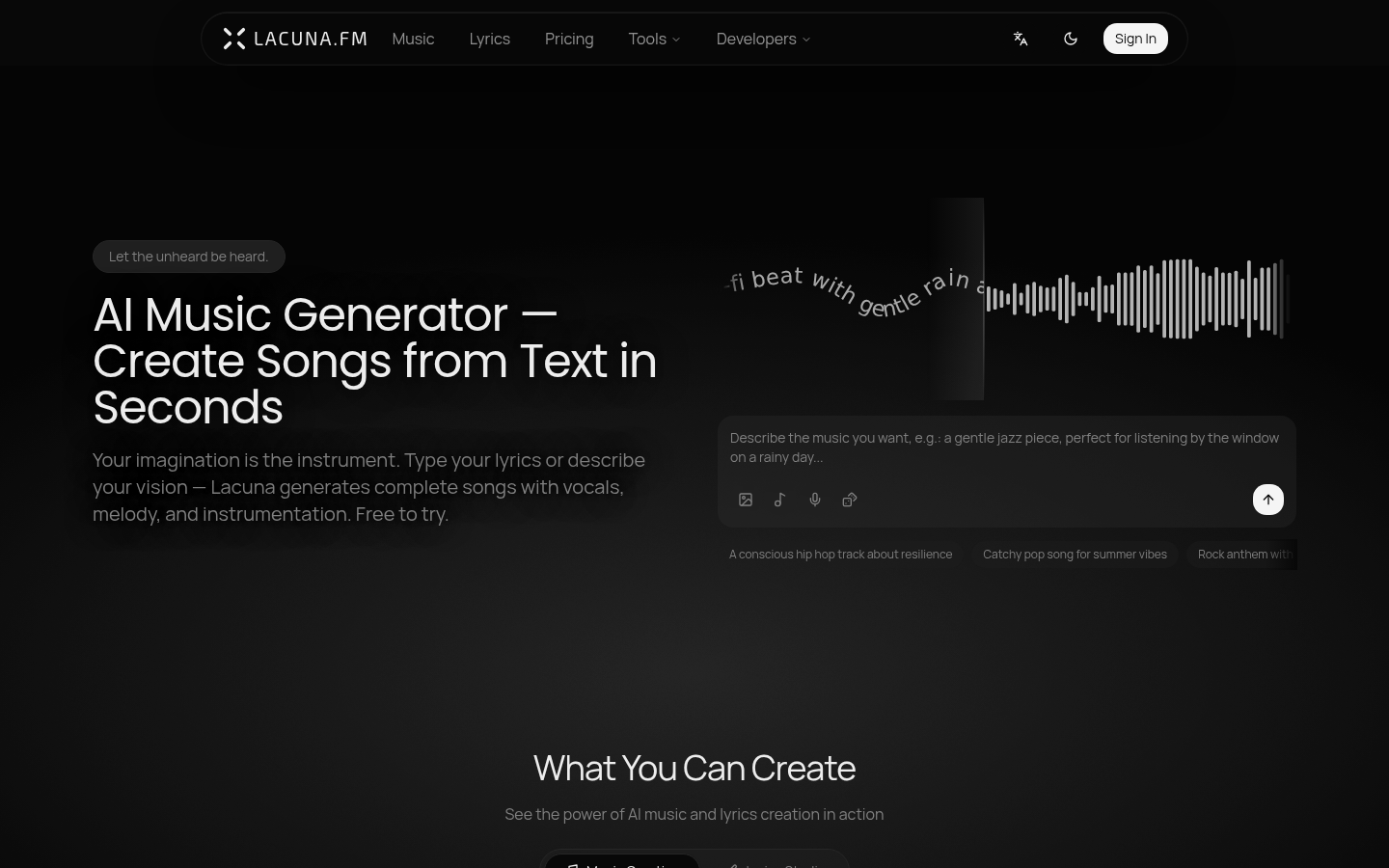
Screenshot archived from the listing page, for preview only.










