Lab Laps
Lab tracker with timers and calculatorsProtocols, timers, and counting in one app
Highlights
What you can do with it
- Microbiology researchers track colony growth and experiment timing with counters and timers
- Cell culture staff calculate solution concentration and volume with the built-in calculators
- Students complete experiment reports and plate preparation using templates and marking
How to use it
- 1 Download the web, mobile, or desktop app from the Lab Laps website
- 2 Register and log in, choosing the free version or the professional upgrade
- 3 Create or reuse a protocol template and set steps and timings
- 4 Run multiple timers to follow experiment progress
- 5 Use the calculators and upload plate or smear photos for counting
- 6 Record results and generate a report from the template
Who it is for
Pros
- A free version is available with no charge
- Many common lab tools gathered in one app
- AI counting that you can review and correct
- Export to PNG or PDF for use at the bench
Limitations
- The free version limits the number of projects
- AI counting still needs human verification
- Professional features require payment
- App availability differs between web, mobile, and desktop
What Lab Laps is
Lab Laps is a laboratory application and experiment tracker made for scientists. It gathers the small tools that normally sit in different places into one app: step-by-step protocols with time and reminders for each step, several labeled timers running at once, and built-in calculators for dilutions, buffers, and similar routine work. It also handles counting. You upload a photo of an agar plate or a stained smear, and AI detects colonies, red blood cells, white blood cells, and platelets on a full-size canvas where you adjust and confirm the result. Plate marking covers 6 to 384 well plates with titles, descriptions, and colors, and exports as PNG or PDF for the bench. Protocol and report templates help with routine experiments. A free version is available at no charge with limited projects, and a professional version unlocks more features.
What you can do with it
- Build and follow step-by-step protocols with timers and reminders
- Run several labeled timers during parallel experiments
- Count colonies and blood cells from photos with AI help you can correct
- Calculate dilutions and buffers, and mark plates for printing
Who it is for
- Researchers running multi-step experiments that need tracking
- Laboratory staff who count plates and prepare solutions daily
- Students who need templates for protocols and reports
- Labs that want shared, repeatable procedure records
What to watch out for
The free version limits the number of projects, so a busy lab will likely need the professional upgrade, and its pricing should be checked on the site. AI counting is a helper, not a referee: results must be reviewed and corrected by hand before they go into a record, especially for anything that affects a downstream decision. Availability differs across web, mobile, and desktop, so check that your device is covered. Feature lists and free limits can change, so confirm current terms rather than relying on an old description.
FAQ
Is there a free version?
Yes. The free version is available at no charge and includes some functions and a limited number of projects, while the professional version unlocks more.
What can the counters do?
You can upload photos of agar plates or stained smears, and AI detects colonies, red and white blood cells, and platelets, with a full-size canvas where you adjust and confirm the results.
Which platforms are supported?
The site lists a web application, a mobile application, and a desktop application.
Can I print plate maps?
Yes. You can mark 6 to 384 well plates online, add titles, descriptions, and colors, and export as PNG or PDF for use on the bench.
Why it is free
What the official page says: 免费版免费
Free limits, trial length and features are decided by the official site and can change at any time.
Product preview
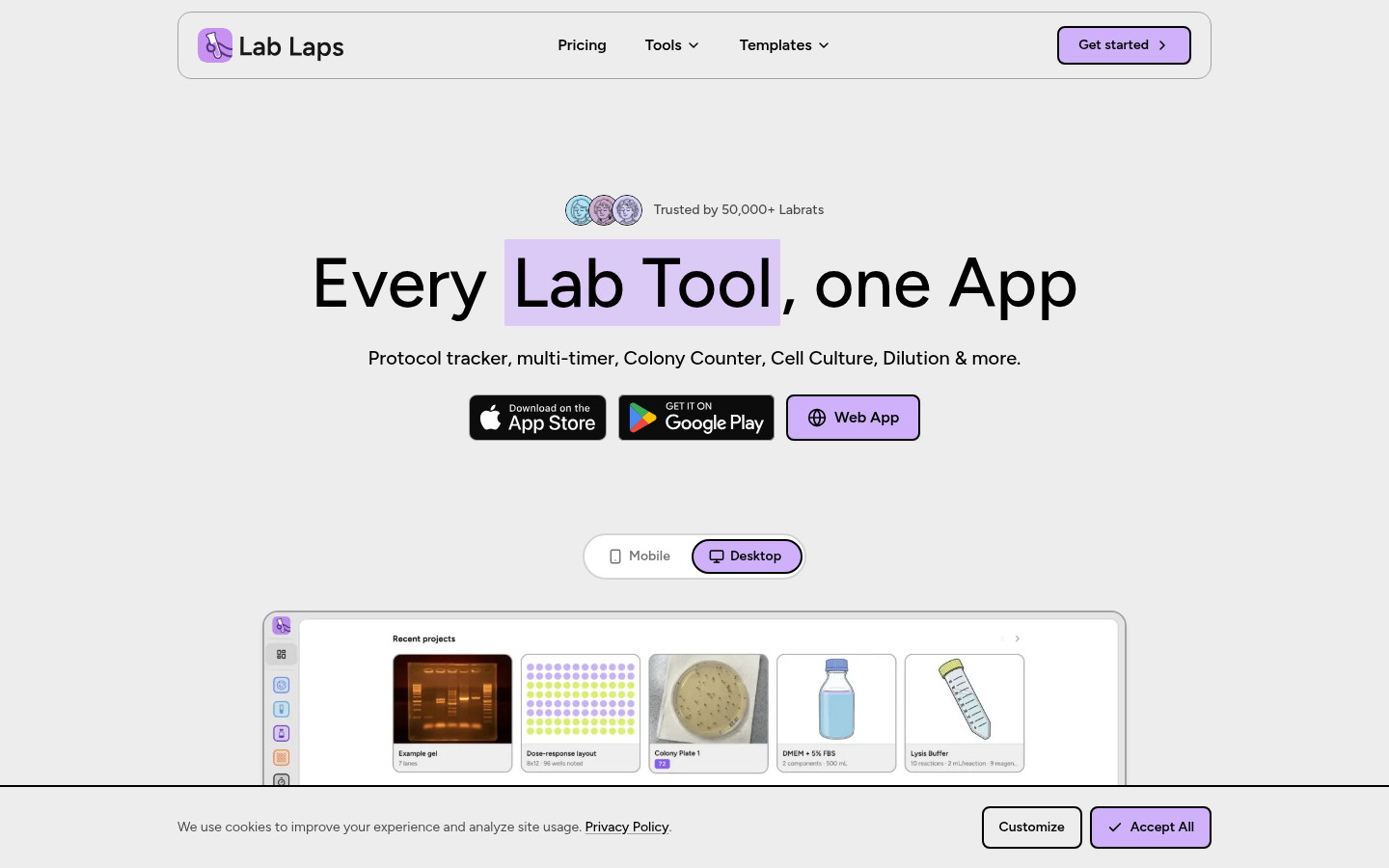
Screenshot archived from the listing page, for preview only.











